

Forms 2026 Rank: #961
FormHug ✓
AI Form Builder for Humans and Agents
Verdict
A quick read before you dig into the full page.
- Best if
- AI Form Builder for Humans and Agents
- Skip if
- No self-hosted or on-premises option
- Pick this when
- Free up to 3,000 submissions/month — no credit card required
Considering Weavely.ai instead? Compare side by side
Overview




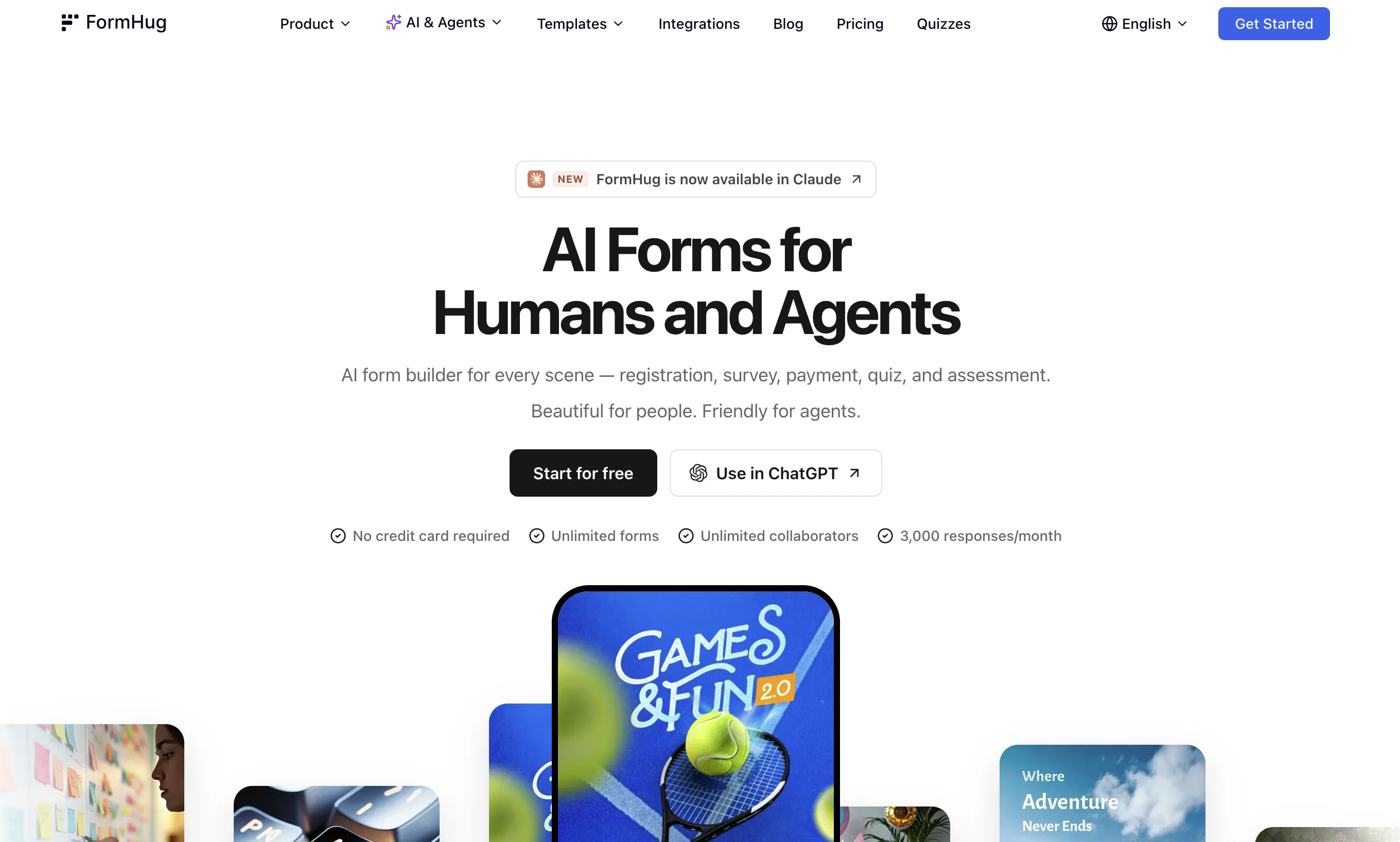
FormHug is a next-generation AI form builder designed for creators, educators, event organizers, startups, and AI-driven teams — and for the AI agents acting on their behalf.
Unlike traditional form builders that require manual setup and design adjustments, FormHug lets you describe your form in plain language. Evan, the built-in AI assistant, instantly generates a fully structured form with field labels, helper text, and a matching header image — eliminating blank-page frustration.
FormHug goes beyond generic form templates by offering six purpose-built Scenes, each optimized for real-world workflows. From event registrations and surveys to quizzes, booking forms, and skill assessments, every Scene is designed for clarity and completion speed.
Forms use a clean multi-field layout that feels familiar and fast. No forced one-question-per-page slides. Less clicking, more finishing.
The AI in FormHug works in two directions: AI helps you build forms (through Evan), and AI agents can use forms (through MCP). An agent can schedule a meeting, trigger a registration, or submit a request through the same structured interface your human submitters use — no special integration required.
- Ai Form Builder For Registration, Survey, Quiz, Booking, Assessment.
- Form Builder Mcp For Ai Agents
- Ai Quiz Generator
- Ai Form Builder
- Survey Builder
- Quiz Generation
Access & connections
Where you can use FormHug, and what it plugs into.
Platforms
Capabilities
What this tool accepts, produces, and is strongest at.
Input
- Tabular
- Image
- Text
Output
- Tabular
- API
- Text
- Image
Highlights
- API
- MCP
Supported features
- API
- MCP
Pros & cons
Pros
- Free up to 3,000 submissions/month — no credit card required
- AI builds complete forms in seconds (just describe what you need)
- Beautiful multi-field layout — no forced one-question-per-page slides
- Six purpose-built Scenes: Registration, Survey, Booking, Quiz, Assessment, Public Query
- Public Query: self-service result lookup, no login needed
- Built-in booking system with capacity management and live slot counts
- Assessment with radar chart reports and per-dimension feedback
- Public Query: self-service result lookup — no login, no manual sharing
Show 34 more
- Rich post-submit experience: save progress, review answers, download certificates
- AI generates quizzes and assessments from a single description or uploaded file
- Templates for various use cases
- Registration and booking tools
- In-built calendar scheduling
- Instant confirmation
- Satisfaction scores tracking
- Visualize ratings
- Instant scoring in quizzes
- Structured assessments
- Automatic results display
- Public query page creation
- Secure data handling
- QR code poster
- All-in-one form management
- No manual data sharing
- Self-service data checking
- Customizable header image
- Instant form sharing
- Free plan available
- Encrypted data storage
- Uniqueness from similar tools
- No credit card required for start
- No coding skills required
- Designed cover image
- Startups & small business friendly
- Advance to Pro or Business anytime
- Provides GDPR compliant consent forms
- Event, survey, booking, quiz, assessment forms
- Consultant and influencers tools
- HR & Recruiting solutions
- Finance & Legal sector usage
- Ecommerce & Retail solutions
- Healthcare and Real Estate solutions
Cons
- No self-hosted or on-premises option
- Newer product — smaller ecosystem than Typeform or Jotform
- Fewer native integrations (no built-in Zapier/Make triggers)
- MCP setup requires technical familiarity
- No team collaboration or multi-user roles yet
- Smaller template library compared to established players
Compare alternatives
Similar tools in the catalog — with a clear reason to open each one.



Forms.app ✓
FreemiumCreate online forms and surveys easily
Why look Typically cheaper
Full comparison


Releases 1
Imported reviews 3
The interface is pretty good. MCP is quite friendly to Agent. I'm really surprised to find that the interface design itself is also a piece of cake. I'm gonna replace it with typeform and give it a shot.
Say goodbye to tedious form building—this is the most intuitive and user-centric AI form tool I’ve ever used!
Interesting idea — a form builder for agents, not just humans.
Also noticed the free plan allows 3000 responses/month, which is pretty generous and honestly more than enough for most small projects. More generous than Fillout.
FAQ 12
How does FormHug generate forms?
What industries can use FormHug?
What are some of the uses for FormHug?
Can FormHug be used to create quizzes?
Can you track satisfaction scores and visualize ratings with FormHug?
Can participants check their results on FormHug?
What professions would find FormHug useful?
What is the MCP AI agent feature in FormHug?
How fast can you generate a form with FormHug?
Can FormHug build visually appealing forms?
What is the purpose of the email confirmation feature in FormHug?
What are public query pages in FormHug?
Related tools
Recommended

Notis ✓
Free TrialThe first WhatsApp assistant that runs on your ChatGPT and Claude subscriptions

remio: Your Personal ChatGPT ✓
FreemiumGet Tailored Answer with Your Personal ChatGPT

leania.ai ✓
Free TrialMRI scan for Businesses: Find What to Cut, Replace, Automate with AI

docAnalyzer ✓
FreemiumTurn document overload into work worth putting your name on

Supernormal App ✓
FreemiumThe AI assistant app that turns meetings into completed work

X-Pilot AI ✓
FreemiumTurn Documents into Accurate Video Course Series