FluxProWeb | AI Talking Baby Generator ✓
Turn baby photos into talking podcast videos.
Free + from $7.99/mo
Verdict
A quick read before you dig into the full page.
- Best if
- Turn baby photos into talking podcast videos
- Skip if
- Saves history for limited duration
- Pick this when
- Generates talking baby videos
Considering VlogMe AI instead? Compare side by side
Overview
FluxProWeb's AI Talking Baby Generator is a unique tool that allows users to create talking baby videos using artificial intelligence. This generator works by combining uploaded baby photos with user-inputted voice content.
The sophisticated AI technology then processes the combined inputs to generate a video where the baby appears to talk with synchronized lip movements, a natural-sounding voice, and expressively vivid facial animations.
This makes the AI generator a practical and fun tool for various applications, including creating entertaining content, sharing family memories or novel, AI-powered advertising.
One of the key features is its ability to transform wild ideas into realistic baby talking videos. Using the AI Talking Baby Generator, a user merely needs to upload a photo, type the desired voice content or prompt, and the AI will handle the rest, creating a unique talking baby video.
The user-friendly nature of this generator allows users, regardless of their technical know-how or graphic design capabilities, to create unique and engaging talking baby videos.
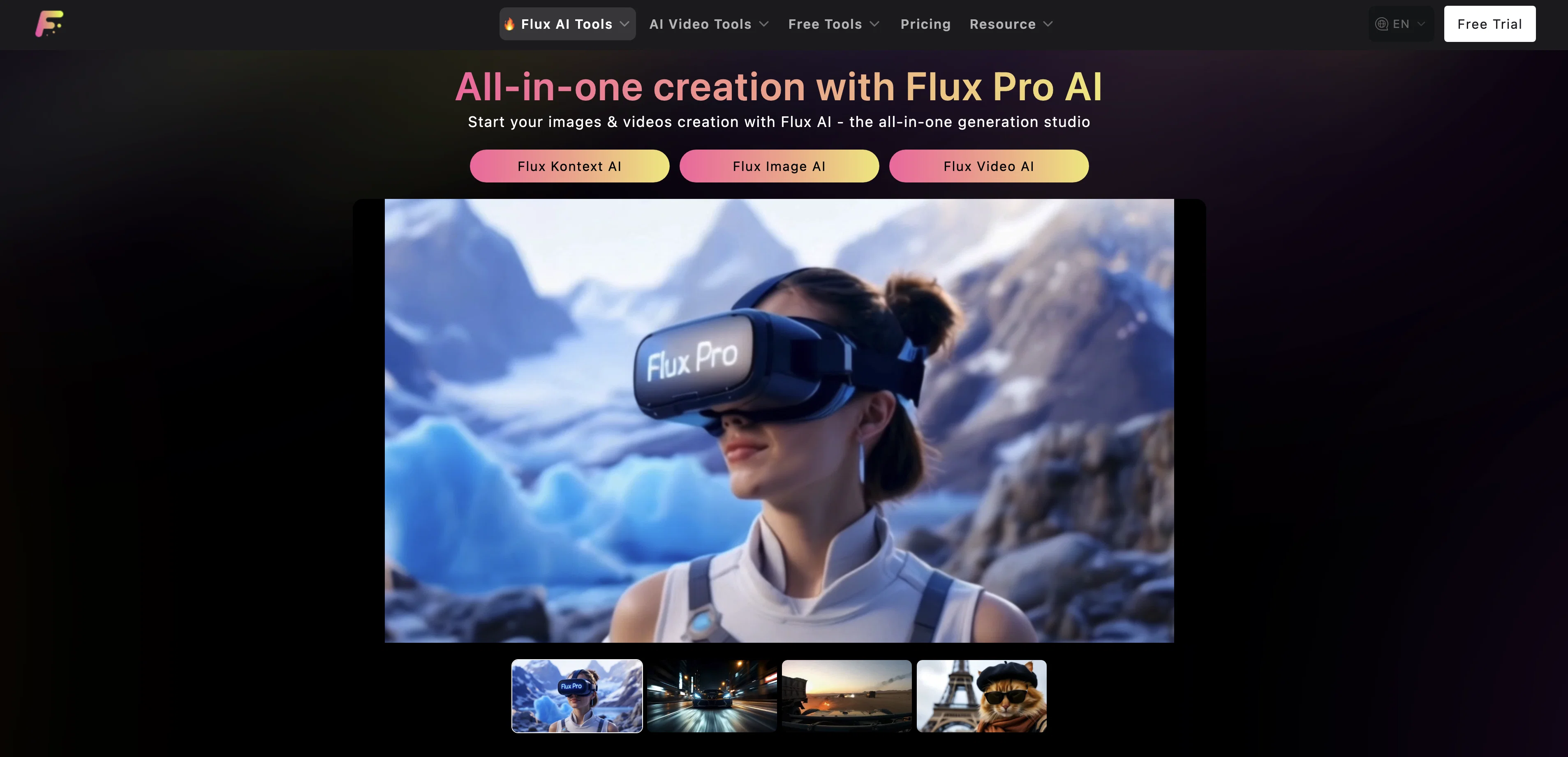
Access & connections
Where you can use FluxProWeb | AI Talking Baby Generator, and what it plugs into.
Platforms
Integrations
Capabilities
What this tool accepts, produces, and is strongest at.
Input
- Image
- Text
Output
- Video
Supported features
- Image to prompt
- Podcast
Pros & cons
Pros
- Generates talking baby videos
- Synchronized lip movements
- Natural voice synthesis
- Vivid, expressive animations
- Easy user interface
- No technical know-how needed
- Photo to video functionality
- Useful for various applications
Show 41 more
- Good for entertainment purposes
- Facilitates sharing family memories
- Suitable for advertising
- Turns wild ideas into realism
- Automated editing
- Multimedia content creation
- Multi-language support
- Transforms still photos to animation
- One-click video export
- Enables sharing on social platforms
- Retains baby's original facial features
- Cute & realistic visual style
- Low usage barrier
- No complex software installation
- Highly synchronized voice & lips
- Appropriate for brand communication
- Useful for social media content
- Enables educational content packaging
- Generates automatic facial expressions
- Voice-driven lip sync
- Enhances family interaction
- Supports English and Chinese languages
- Creates 'talking baby' brand ambassadors
- Useful for early education videos
- Video resolution choice
- Generates videos in seconds
- Image upload support including jpg, webp, png
- Support for audio media format: mp3
- Generates and store videos
- Flexible credit-based payment plans
- Tailored for free and paid users
- Storage duration varies with subscription
- Simple 3-step process for usage
- Can be used for mini-dramas
- Ideal for fun videos on Tiktok, Instagram
- Tool versatility to handle action figures, posters, kissing scenes
- No messy tools required
- No art degree needed
- Automatic expression generation
- Potential for creating IP Communication
- Free trial availability
Cons
- Only supports jpg, webp, png
- Doesn't have offline capability
- Limited video resolution options
- Paid users' storage only 365 days
- Video generation costs credits
- Expert editing features lacking
- Limited language support
- No batch processing
Show 2 more
- Saves history for limited duration
- No advanced photo editing options
Compare alternatives
Similar tools in the catalog — with a clear reason to open each one.

VlogMe AI ✓
FreemiumTurn any portrait into a realistic talking avatar video.
Why look Typically cheaper
Full comparison


Releases 1
Imported reviews 1
Wow, The AI tool is so interesting for the AI talking baby podcast. I like it. Thank you for the AI
FAQ 12
What is the FluxProWeb AI Talking Baby Generator?
How does FluxProWeb AI Talking Baby generate videos?
What makes the videos generated by FluxProWeb AI Talking Baby realistic?
How does the AI technology in FluxProWeb AI Talking Baby work?
How user-friendly is the FluxProWeb AI Talking Baby generator?
What kind of content can I create with FluxProWeb AI Talking Baby?
Do I need to be tech-savvy to use FluxProWeb AI Talking Baby?
What file formats are supported in FluxProWeb AI Talking Baby for upload?
How does FluxProWeb AI Talking Baby synchronize lip movements with voice content?
Can FluxProWeb AI Talking Baby support different languages?
How can FluxProWeb AI Talking Baby be used for advertising purposes?
How can I share the videos created through FluxProWeb AI Talking Baby?
Related tools
Recommended

VideoWeb AI | Video to Video ✓
FreemiumTransform videos with AI-powered video generation.

TheLibrarian.io ✓
Free TrialYour WhatsApp AI assistant for instant productivity.

Claude ✓
FreemiumBuilding reliable, interpretable AI systems

Hedy AI ✓
FreemiumDominate every meeting with Hedy as your brilliant AI ally

Ormind ✓
FreemiumBuild and refine reports with AI until you fully stand behind them

Promtist AI ✓
FreeGenerate optimized prompts for better AI results.