

Flair ✓
AI design tool for branded content
Free + from $10/mo
Verdict
A quick read before you dig into the full page.
- Best if
- You are e-commerce businesses and need: Generate product photos for e-commerce listings
- Skip if
- Limited to product design
- Pick this when
- Visually stunning content
Considering SellerPic instead? Compare side by side
Overview
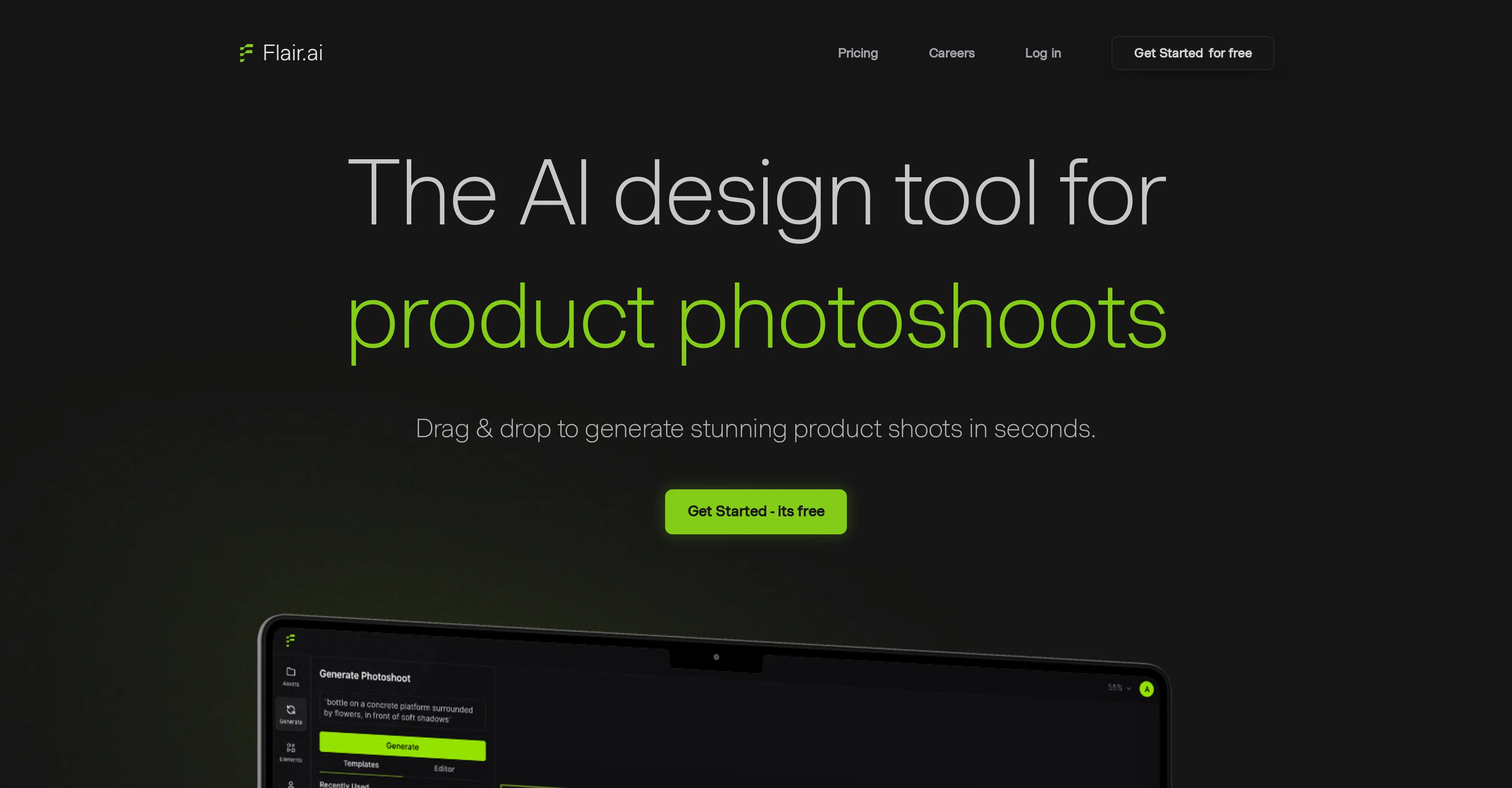
Flair is an AI-powered design tool for branded content. It enables users to create visually stunning content with just a few clicks. With a drag and drop interface, users can upload their own branded assets onto a flexible canvas and build a scene around their product with the help of accessories.
Flair also features smart prompt recommendations and an autocomplete feature to help users communicate with the AI. Tutorials are also available to help users learn how to make the most of the tool.
Furthermore, users can explore examples of user-generated content and watch a demo video to quickly get started. Flair is currently in private beta and offers a free trial.
Best for
Short scenarios where Flair tends to shine.
-
Generate product photos for e-commerce listings
Best for E-commerce businesses
-
Create marketing and advertising materials
Best for Marketing professionals
-
Design on-model photography for fashion and jewelry
Best for Advertising agencies
-
Build custom AI human models for brand representation
Best for Product photographers
Example outputs 1
Sample generations and before/after results for Flair.
Access & connections
Where you can use Flair, and what it plugs into.
Platforms
Integrations
Capabilities
What this tool accepts, produces, and is strongest at.
Input
- Image
Output
- Image
Supported features
- Outpainting
- Background Removal
- Image Edit
- Image Generation
- Image Understanding
- E-Commerce
Pros & cons
Pros
- Visually stunning content
- Drag and drop interface
- Upload branded assets
- Flexible canvas
- Scene building with accessories
- Smart prompt recommendations
- Autocomplete feature
- Tutorials available
Show 12 more
- User-generated content examples
- Demonstration videos
- Private beta access
- Free trial offer
- Easy scene description
- Quick editing and sharing
- Fill the blank spaces feature
- Prompt image examples
- Affordable branded content
- Time-efficient creation process
- Image prompting tips
- Rapid ad creation feature
Cons
- In private beta
- Requires self-upload of assets
- No API mentioned
- Manual scene construction
- Limited to product design
- No collaborative features indicated
- Dependent on prompt recommendations
- No print-friendly features indicated
Compare alternatives
Similar tools in the catalog — with a clear reason to open each one.

SellerPic ✓
FreemiumSupercharge photos with AI, boost sales in minutes.
Free + from $29/mo
Full comparison
SellShots ✓
Free TrialTurn one photo into high-converting product images
Why look Stronger for image work
Full comparison
Merchant Floor | Product Images ✓
Free TrialCreate product listings 10x faster with AI.
Free + from $20
Full comparison
Zawa AI | Brand Kit Generator & Editor ✓
FreemiumCreate logos, videos, and brand assets instantly.
Free + from $4.17 / month
Full comparison
ProductViews ✓
PaidGenerate product images from different angles with one upload.
Why look Higher community rating
Full comparisonPeople also view
Tools that often show up alongside Flair in collections and comparisons.
Zawa AI | Brand Kit Generator & Editor ✓
FreemiumCreate logos, videos, and brand assets instantly.
SellShots ✓
Free TrialTurn one photo into high-converting product images
SellerPic ✓
FreemiumSupercharge photos with AI, boost sales in minutes.
ProductViews ✓
PaidGenerate product images from different angles with one upload.

ProductAI ✓
PaidAccurate on-brand AI Product Photos
Merchant Floor | Product Images ✓
Free TrialCreate product listings 10x faster with AI.

PixelListing ✓
Free TrialTurn one product photo into ecommerce-ready listing image sets

PhotoGPT's AI Product Photography ✓
Free TrialStudio-quality product photos, instantly.
Releases 1
Imported reviews 1
they are very bad in customer service, they won't reply to even one email if you email them 10 times in a month.
FAQ 12
What is Flair?
What are the main features of Flair?
How does the drag and drop interface work in Flair?
How can I use accessories in Flair to build a scene around my product?
What are the smart prompt recommendations on Flair?
How does the autocomplete feature work in Flair?
Are there any tutorials available on Flair?
Can I see examples of user-generated content on Flair?
How can I get started with Flair?
Is Flair free to use?
What is the private beta of Flair?
How can I apply for the Flair Beta?
Related tools
Recommended

LearningStudioAI ✓
Free TrialAI-powered authoring tool for effortless online course creation.

VenturusAI ✓
FreemiumBusiness idea analysis and reporting.

Business Idea Generator AI ✓
FreeGenerate innovative business ideas with AI

Kaiber Superstudio ✓
Free TrialAI Video Generation

PostPerfect ✓
FreemiumAutomated social media posts.

Midjourney ✓
PaidExpand human imagination through AI-powered visuals.