
FinalFrame ✓
Turn text into AI-generated videos effortlessly.
Verdict
A quick read before you dig into the full page.
- Best if
- Turn text into AI-generated videos effortlessly
- Skip if
- Limited imported image formats
- Pick this when
- Text to video generation
Considering freebeat AI instead? Compare side by side
Overview
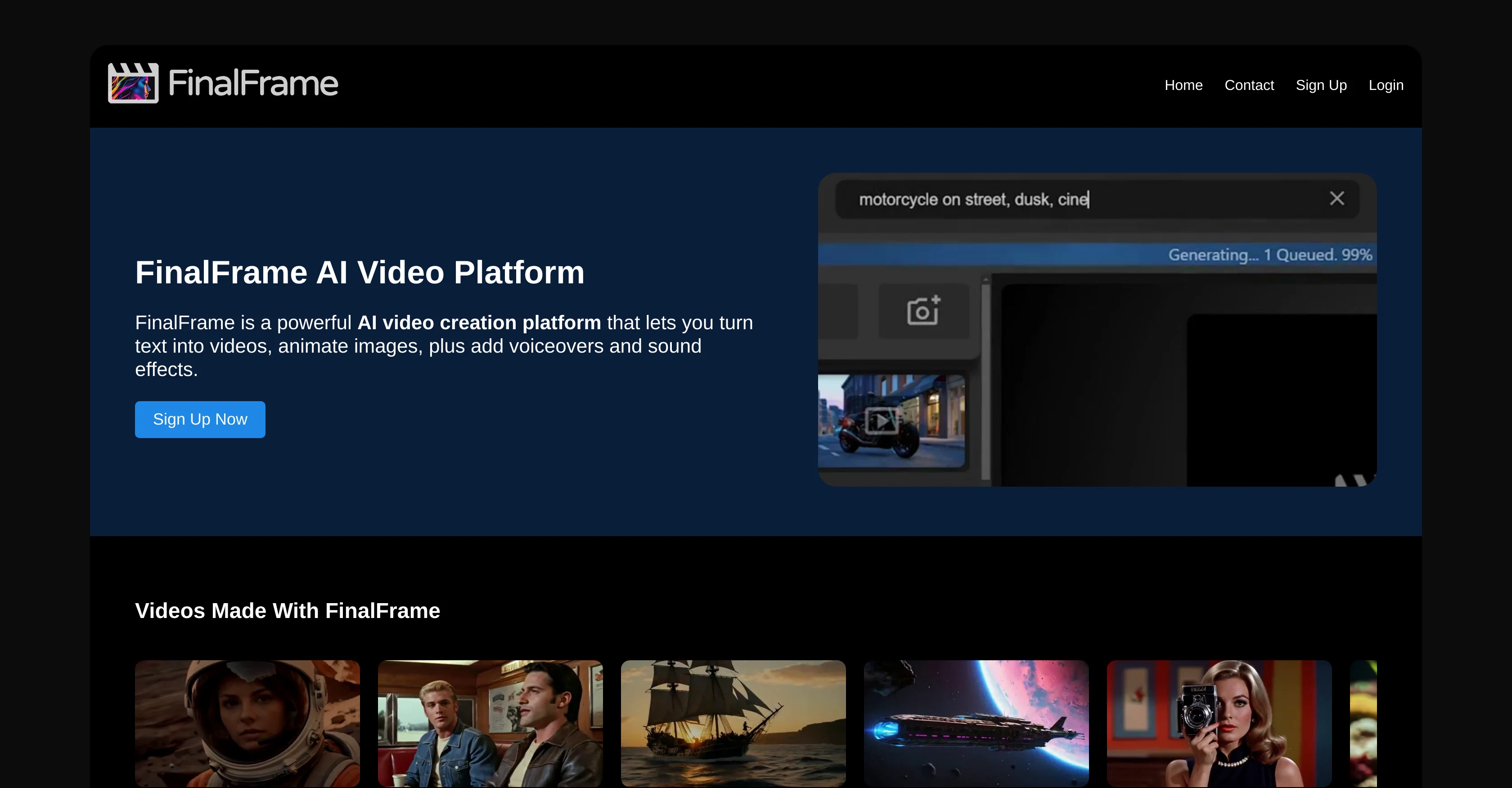
FinalFrame is an AI-powered platform designed to automate the process of video creation and editing. It consists of an array of tools that make video content production easier and more efficient.
Key functionalities include text to video generation, image to video animation, a voiceover, and lipsync feature and a way to add sound effects and music.
Users can transform written ideas into smooth videos by simply using text prompts. They can select from a variety of styles such as 3D, anime, and film for their video.
Additionally, users can animate any selected images using the AI Image to Video Animation feature and even bulk import images for efficiency.One of the unique features of FinalFrame is the Advanced Text to Speech function which allows for character dialogues complete with AI-generated lipsync that synchronizes mouth movements with the voiceover.
Furthermore, users can also utilize text-to-audio to create sound effects and music for their projects with an upcoming feature that will allow AI to scan footage and automatically add appropriate audio.Editing video content is made effective with a timeline area where users can assemble a rough cut of clips.
This feature allows multiple videos to be created simultaneously in the background while editing. Catering to the demand for creating faster and effective content, FinalFrame offers a useful set of tools for feature-rich and convenient video production.
Access & connections
Where you can use FinalFrame, and what it plugs into.
Platforms
Integrations
Capabilities
What this tool accepts, produces, and is strongest at.
Input
- Image
- Text
Output
- Video
Pros & cons
Pros
- Text to video generation
- Image to video animation
- Lipsync feature
- Sound effects creation
- Automated music addition
- Advanced Text to Speech function
- Lipsync for character dialogues
- Text-to-audio for sound creation
Show 16 more
- Automatic audio addition
- Timeline Editing
- Efficient content creation
- Multiple video creation simultaneously
- Varied animation styles
- 3D video production
- Anime style video creation
- Film style video production
- Bulk image import
- Automated Video Production
- Turn ideas into smooth videos
- Create sound effects from text
- Create music with text-to-audio
- Upcoming magic sound addition
- Quick and efficient editing
- Videos generation in background
Cons
- Limited animation styles
- No direct customer support
- No mobile application
- Lacks collaborative editing
- Upcoming features not yet available
- No offline version
- Timeline editing limitations
- Limited imported image formats
Show 1 more
- No real-time editing tool
Compare alternatives
Similar tools in the catalog — with a clear reason to open each one.

freebeat AI ✓
FreemiumTurn Music & Ideas into Viral Videos In One Click
Why look Offers a public API
Full comparison
MagicLight ✓
FreemiumTransform text into captivating videos instantly.
Free + from $8.4/mo
Full comparison



Seedance ✓
FreemiumMulti-shot video generation from text and image.
Why look Stronger for image work
Full comparison