
FaviCraft ✓
Create stunning website favicons with AI
from $1
Verdict
A quick read before you dig into the full page.
- Best if
- Create stunning website favicons with AI
- Skip if
- Limited customization options
- Pick this when
- Creates unique favicons
Considering Square Face Icon Generator instead? Compare side by side
Overview
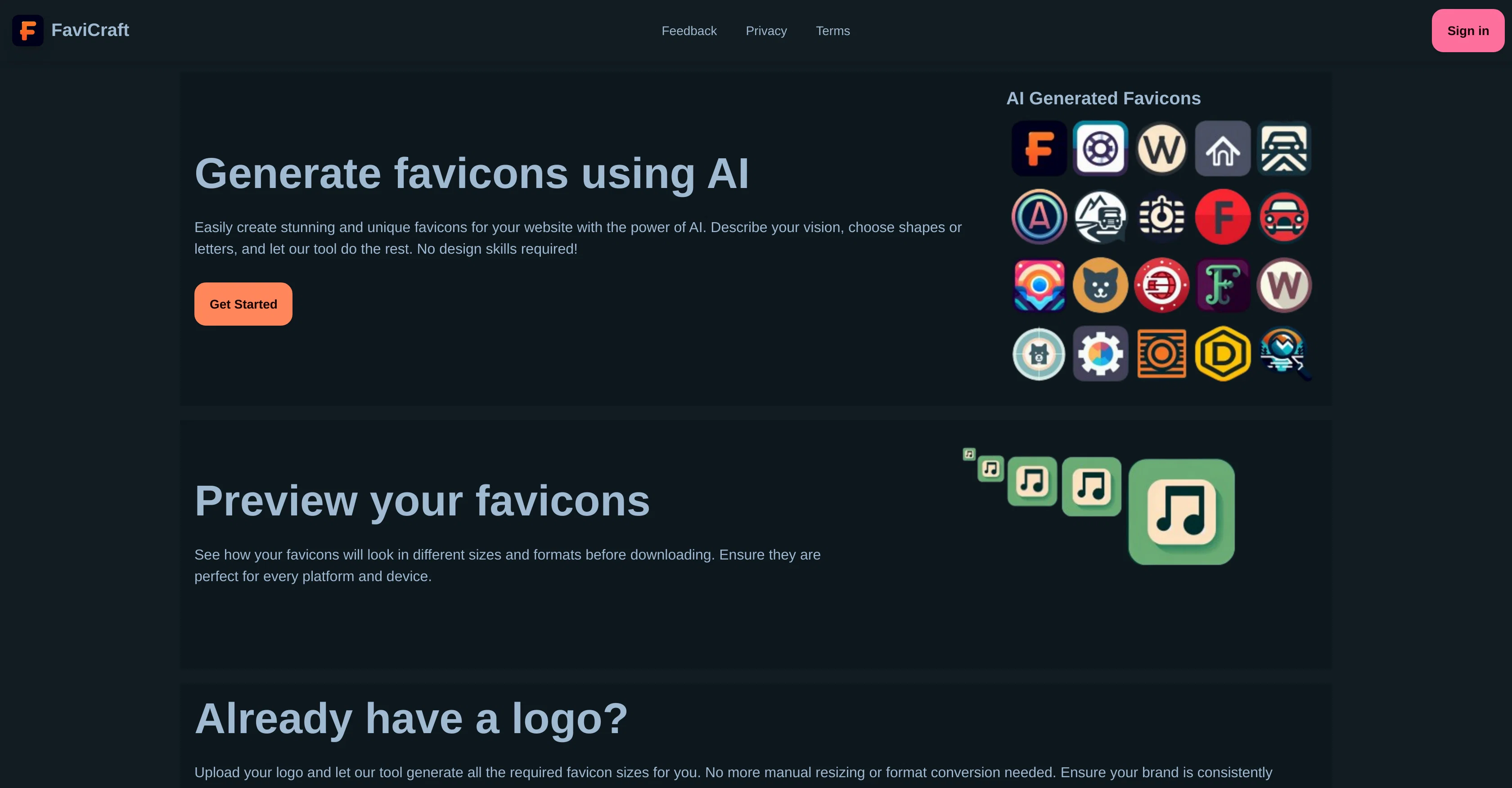
FaviCraft is an AI-powered tool designed for creating and converting favicons, which are small icons that represent your website in browser tabs, bookmarks, and other areas.
FaviCraft creates unique favicons based on user input about their vision, desired shapes or letters. Users do not need any design skills to use the tool, making it accessible for a wide audience.FaviCraft also allows users to preview their favicons in different sizes and formats before downloading, to ensure they are perfectly suited for every platform and device.
This feature eliminates guesswork and allows users to fine-tune their favicon for optimal display.In addition to its creation capabilities, FaviCraft also offers favicon conversion.
Users can upload their existing logo and the tool will generate all required favicon sizes, removing the need for manual resizing or format conversion.
This provides consistent brand representation across all platforms.FaviCraft supports PNG, JPG/JPEG, and WEBP formats for favicon conversion, offering a measure of flexibility.
The tool is geared towards web developers, designers, and website owners who need to quickly and efficiently create or convert favicons.While generating favicons with FaviCraft requires purchasing credits, converting logos to favicons is free of charge.
User insights into how the final favicon will look across different platforms can be previewed on FaviCraft's website before any downloading.
Access & connections
Where you can use FaviCraft.
Platforms
Capabilities
What this tool accepts, produces, and is strongest at.
Input
- Image
- Text
Output
- Image
Pros & cons
Pros
- Creates unique favicons
- Requires no design skills
- Preview favicons before download
- Optimize favicon display
- Favicon conversion capability
- Automatic size generation
- Ensures brand consistency
- Supports PNG, JPG/JPEG, WEBP
Show 13 more
- Geared towards web developers
- Free logo-to-favicon conversion
- Browser cross-platform preview
- Customization based on vision
- More than just creation
- No manual resizing needed
- Removes format conversion hassle
- Multiple file formats supported
- Ability to fine-tune favicons
- Accessible for wide audience
- Ideal for designers, owners
- No more guesswork on display
- Credits for extra features
Cons
- Generates favicons, Requires purchasing credits
- Doesn't support all image formats
- No API access
- Limited customization options
- No vector format support
Compare alternatives
Similar tools in the catalog — with a clear reason to open each one.


Releases 1
FAQ 12
What is FaviCraft?
How does FaviCraft create favicons?
Who can use FaviCraft?
Can I preview my favicons in FaviCraft?
What does FaviCraft's favicon conversion feature do?
What file formats are supported by FaviCraft for favicon conversion?
Who is the ideal user for FaviCraft?
Is generating favicons with FaviCraft free?
What steps do I need to take to convert my logo to a favicon?
Can FaviCraft help me create favicons without any design skills?
Can I adjust the size and format of my favicon with FaviCraft?
Is it necessary to manually resize the images in FaviCraft?
Related tools
Recommended

Looka ✓
PaidAI-powered logo and brand identity design
Donotpay ✓
PaidAI consumer champion fighting for you.

Namecheap Free Logo Maker ✓
FreeCreate custom logos for free in minutes
Ebsynth
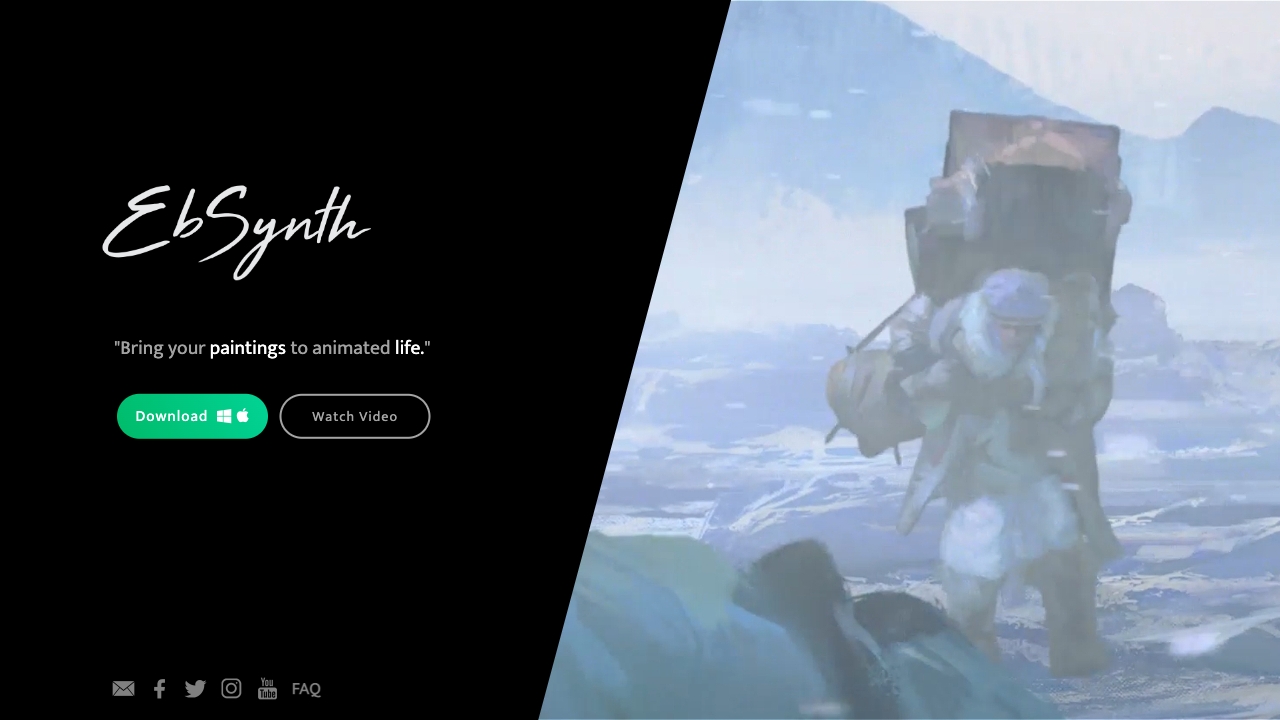
UnknownEbSynth animates footage using styled keyframes, ideal for hand-drawn animations.

APOB ✓
FreemiumEarn money by creating your own personalized AI influencer.

Runway ✓
Free TrialAI-powered creative tools for content generation and editing