

ExcelBot ✓
Turn text into Excel formulas and VBA code
from $5
Verdict
A quick read before you dig into the full page.
- Best if
- Turn text into Excel formulas and VBA code
- Skip if
- No learning resources
- Pick this when
- Generates Excel formulas
Considering GPTExcel instead? Compare side by side
Overview
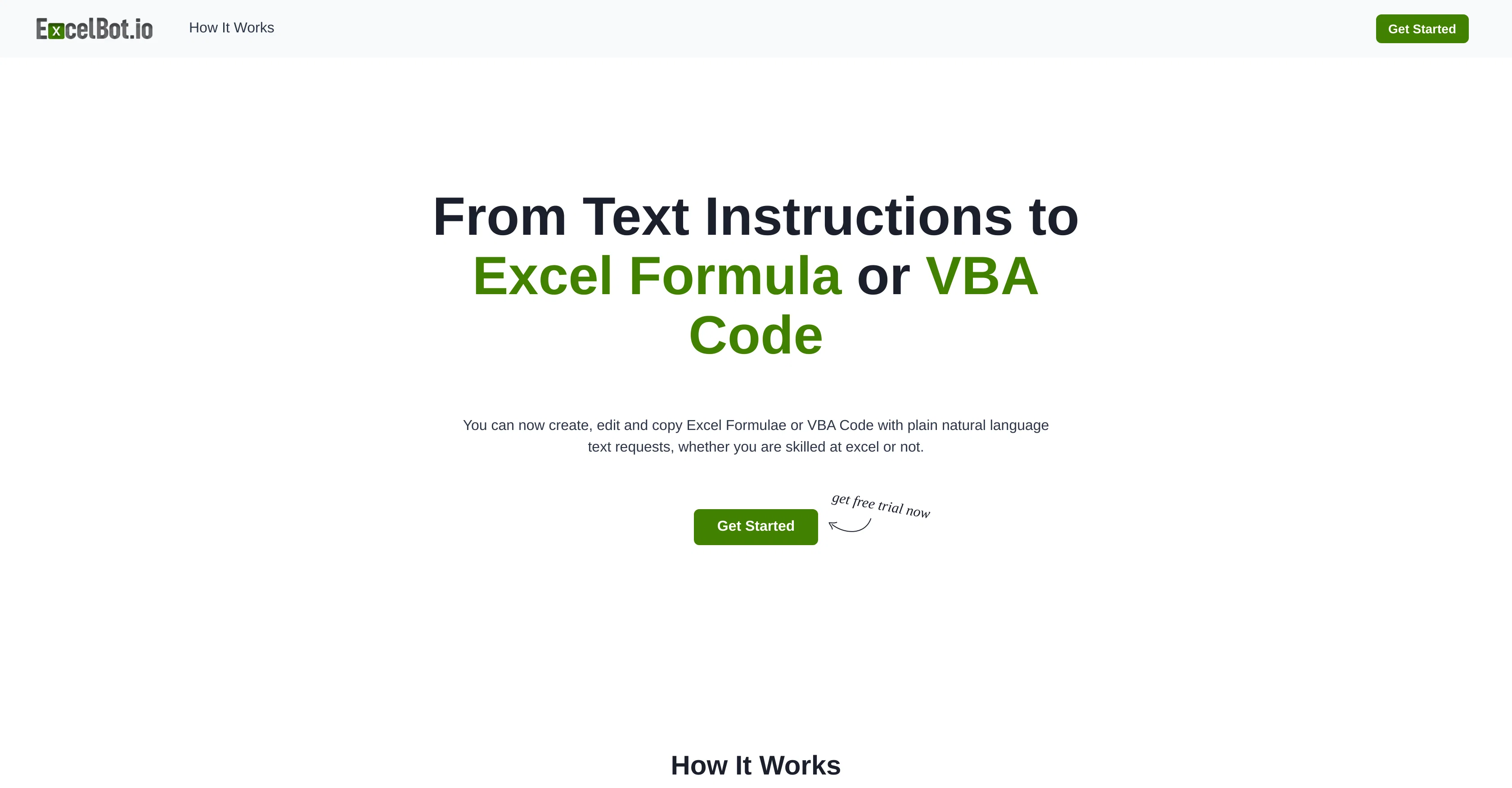
ExcelBot is an AI-powered tool designed to generate Excel formulas and VBA code based on simple instruction in natural language. This allows both beginners with no prior experience, as well as professionals, to create or automate complex Excel tasks with greater convenience and efficiency.
The tool operates in four straightforward steps. First, users begin by starting a free trial using only their email address. Then, a command or request is shared with ExcelBot in natural language.
Users may use common languages such as English, Spanish, French, and German. Following this step, ExcelBot provides the result in the form either of a VBA code or an Excel formula, complete with an explanation.
Users can then copy these results and apply them directly in Excel. ExcelBot leverages the technology offered by OpenAI to enable a user-friendly environment where natural language can be easily transformed into VBA code or Excel formulas.
Access & connections
Where you can use ExcelBot, and what it plugs into.
Platforms
Integrations
Capabilities
What this tool accepts, produces, and is strongest at.
Input
- Text
Output
- Code
Pros & cons
Pros
- Generates Excel formulas
- Generates VBA code
- Understands natural language instructions
- No prior experience needed
- Useful for professional coders
- Automates Excel tasks
- Free trial available
- Supports multiple languages
Show 7 more
- Provides explanations for generated code
- Generated code directly usable
- Enables spreadsheet management
- Advances productivity
- Facilitates data management
- Enables task automation
- Coding made easy for beginners
Cons
- Free trial requires email
- Limited language support
- No offline mode
- No explicit data privacy
- No learning resources
- Doesn't support other spreadsheet tools
- No mobile version
- No collaboration feature
Show 2 more
- Copy-paste results manually
- No error handling guidance
Compare alternatives
Similar tools in the catalog — with a clear reason to open each one.

GPTExcel ✓
FreemiumGenerate spreadsheet formulas with AI
Why look Freemium alternative
Full comparison
SheetGod ✓
FreemiumTurn English into Excel formulas instantly.
Why look Freemium alternative
Full comparison
Formulas HQ ✓
FreemiumSupercharge your spreadsheets with AI-powered formulas and scripts.
Why look Freemium alternative
Full comparison

Ajelix ✓
FreemiumAI-powered Excel & Sheets tools for boosted productivity.
Why look Freemium alternative
Full comparison
AI Excel Bot ✓
FreemiumGenerate Excel formulas instantly with AI
Why look Freemium alternative
Full comparisonReleases 1
Related tools
Recommended

Cellie ✓
FreemiumAI-powered formula generation for Excel and data analysis

LearningStudioAI ✓
Free TrialAI-powered authoring tool for effortless online course creation.

Transcript LOL ✓
FreemiumUnlimited transcripts, summaries, 99.8% accuracy, speaker recognition, superfast

AI Course Creator ✓
FreemiumAI-powered course creation in minutes.

Ask Your PDF ✓
FreemiumChat with your PDFs and extract valuable insights

Scite ✓
Free TrialAI research partner with insight and control