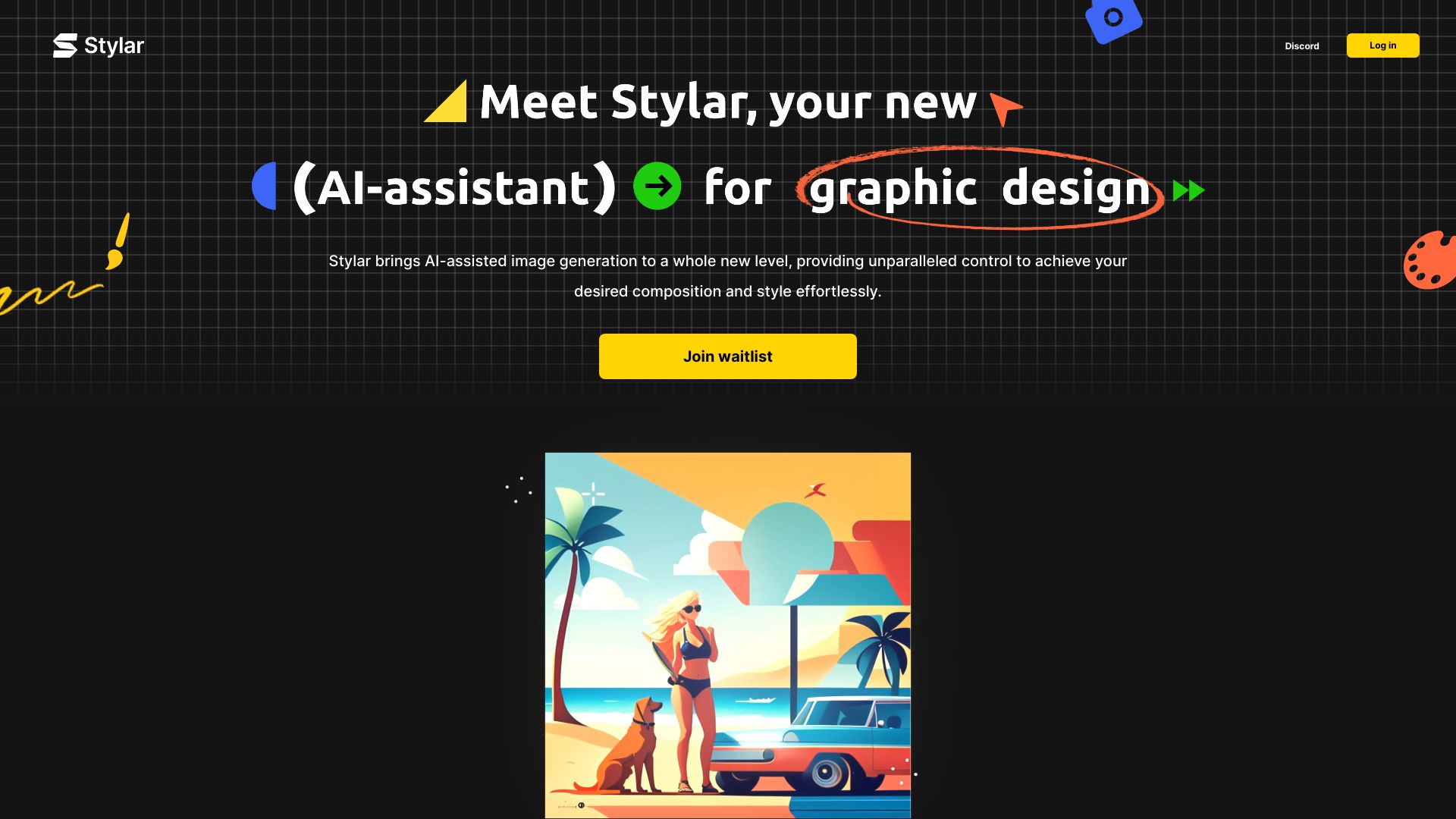
What is Dzine AI?
Dzine (formerly Stylar.ai) is an AI image and design tool that offers users unparalleled control over image composition and style. It provides predefined styles for design customization without complex prompts, layering, positioning, and sketching tools for accurate control, and a user-friendly interface for all skill levels. Dzine also includes features like auto-selection, one-click enhancement, and high-resolution export.
How to use Dzine AI?
Users can sign up for free access, receiving 100 free credits upon registration and 30 free credits daily. The platform supports text-to-image and image-to-image generation, allowing users to select styles, input prompts, adjust structure match and style intensity, and utilize generative fill and other editing features.
Is this AI image generator suitable for beginners?
Yes, Dzine (formerly Stylar AI) has a user-friendly interface that requires no coding skills or high-end GPUs - just click to create. Choose between text-to-image or image-to-image, easily picking from various styles. No need for advanced prompt skills; if you have an idea, our built-in GPT crafts the full prompt for you. With the canvas system, you can directly tweak details.
How do I create a unique AI-generated image?
Dzine (formerly Stylar AI) streamlines your creative process. Start by selecting 'image-to-image' or 'text-to-image', then pick a style from our vast library and input your prompt. For precise control, adjust 'structure match' and 'style intensity', and click 'Generate'. Place your images on the canvas, utilize 'Generative Fill' among other features to enhance your designs. Once satisfied, hit 'export' to obtain your final image.
Where can I generate AI images for free?
Dzine (formerly Stylar AI) gives you 100 free credits during registration, and 30 free credits will be refreshed daily. For professional users with high-volume image creation demands, we offer a premium subscription. This plan offers extra credits and lets you skip waiting times, enabling you to turn your ideas into reality more efficiently.
What sets Dzine (formerly Stylar AI) apart in the AI Design landscape?
Dzine (formerly Stylar AI) distinguishes itself in the AI design landscape as a user-friendly, controllable AI image editor and graphic design assistant. Dzine (formerly Stylar AI) features a versatile range of styles for easy selection and integrates built-in GPT technology to assist in generating prompts. It excels with its groundbreaking image-to-image and generative fill functions, allowing for precise control over visual details. With its intuitive layer system and a comprehensive suite of features, Dzine (formerly Stylar AI) enables designers to concentrate more on creativity and less on software complexities, making it approachable for both beginners and professionals.
Which AI tool can remove the background from a photo?
Dzine (formerly Stylar AI) simplifies background removal to a single click and makes changing the background a breeze with just a few additional steps. First, simply click 'remove background'. If you want to switch to a more appealing background, just place an imported or generated background layer beneath the main subject.
How do I get involved with the Dzine (formerly Stylar AI) community?
Dive into Dzine (formerly Stylar AI) community to discover a supportive and creative network on platforms like Discord, Instagram, Reddit, and YouTube. Share your work, get tips, and find new ideas. It's a place for joining creative contests and making stuff together. By joining, you play a role in guiding Dzine (formerly Stylar AI)'s evolution, merging technology with artistry. Let's make cool things happen with our ideas, backed by friends from all over the world.