

Docs to WP Pro ✓
Publish SEO-optimized WordPress posts from Google Docs
from $39/yr
Verdict
A quick read before you dig into the full page.
- Best if
- Publish SEO-optimized WordPress posts from Google Docs
- Skip if
- Limited formatting options
- Pick this when
- Google Docs to WordPress
Considering SEO Writing AI instead? Compare side by side
Overview
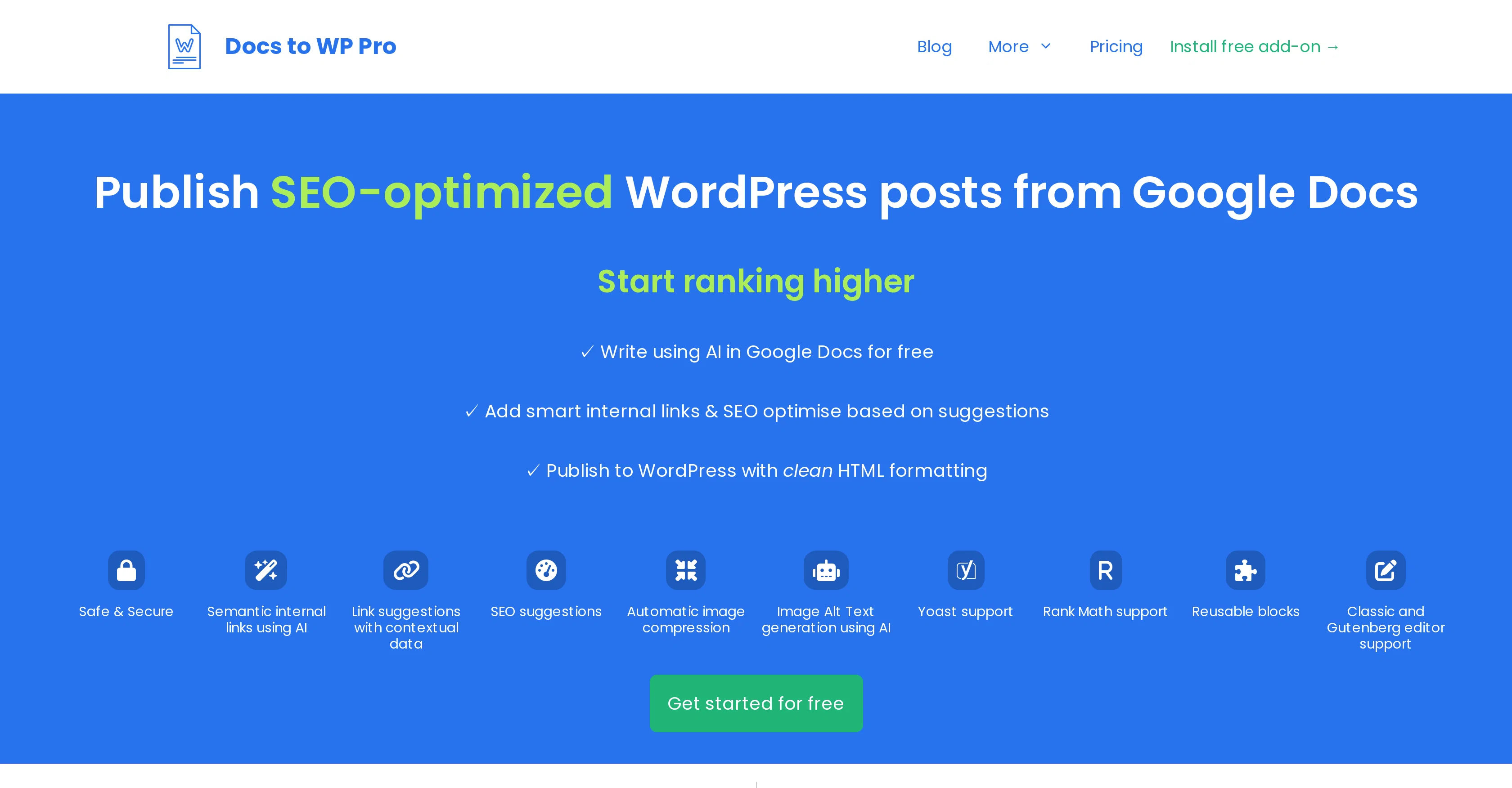
Docs to WP Pro is a tool designed to transform content from Google Docs to WordPress effortlessly. The tool enables users to craft and format their content using Google Docs, which then gets seamlessly published to WordPress with clean HTML formatting.
It significantly simplifies traditionally manual tasks such as adding internal links, selecting categories and tags, setting meta descriptions and title, and uploading featured images.
SEO optimization is a fundamental feature, offering users valuable suggestions on improving their content based on SEO best practices. A unique aspect of Docs to WP Pro lies in its ability to create semantic internal links using Artificial Intelligence.
It recognizes potential keywords within the text and forms internal links judiciously to enhance SEO performance. Users also benefit from contextual data for link suggestions, enabling the inclusion of relevant posts with a high relevance score.
The tool comprises features for automatic image compression for quicker site loading, and image Alt text generation facilitated by AI. It affords compatibility with both Yoast and Rank Math for setting focus keywords and meta descriptions.
It also supports reusable blocks to insert recurring elements like text or images into documents with a single click, fostering productivity and consistency across posts.
Docs to WP Pro is compatible with Classic and Gutenberg WordPress editors, offering a tailored publishing experience based on the editor being used.
Access & connections
Where you can use Docs to WP Pro, and what it plugs into.
Platforms
Integrations
Capabilities
What this tool accepts, produces, and is strongest at.
Input
- Text
Output
- Text
Pros & cons
Pros
- Google Docs to WordPress
- Clean HTML formatting
- Automatic internal linking
- SEO suggestions
- Semantic internal links
- Contextual link suggestions
- Automatic image compression
- Yoast compatibility
Show 9 more
- Rank Math compatibility
- Reusable blocks support
- Classic editor compatibility
- Gutenberg editor compatibility
- Metadata setting
- One-click publishing
- Focus keyword setting
- Image uploading
- Category and tag selection
Cons
- Limited to WordPress platform
- Requires Google Docs connection
- Dependent on Yoast/Rank Math
- Automated link creation bias
- No multi-language support
- No offline usage
- Limited formatting options
- No alternative content input
Show 2 more
- Only compatible with Classic, Gutenberg editors
- Selective SEO suggestions
Compare alternatives
Similar tools in the catalog — with a clear reason to open each one.

SEO Writing AI ✓
Freemium1-click SEO-optimized articles generation
Why look Freemium alternative
Full comparison
Yahini ✓
FreemiumContent strategy and operations built on your brand
Why look Freemium alternative
Full comparison
SmartlyQ ✓
FreemiumAutomate SEO content creation with AI
Why look Freemium alternative
Full comparison
BlogBuster ✓
Free TrialPublish daily SEO articles that rank on autopilot.
Why look Typically cheaper
Full comparison
Easy MCP AI - Wordpress Connector for Claude ChatGPT ✓
FreeThe Most Complete End-to-End MCP for WordPress
Why look Fully free option
Full comparison
Skribra ✓
Free TrialDaily SEO content that compounds traffic.
Free + from $74.99/mo
Full comparisonReleases 1
FAQ 12
What is Docs to WP Pro?
How does Docs to WP Pro convert content from Google Docs to WordPress?
What are the SEO optimization features of Docs to WP Pro?
How does Docs to WP Pro use AI to create semantic internal links?
What is the relevance of link suggestions in Docs to WP Pro?
How does Docs to WP Pro compress images for quicker site loading?
How does Docs to WP Pro generate Alt text for images using AI?
Does Docs to WP Pro support Yoast and Rank Math for setting focus keywords and meta descriptions?
What are reusable blocks in Docs to WP Pro?
Can I use Docs to WP Pro with both Classic and Gutenberg WordPress editors?
What is the importance of HTML formatting in Docs to WP Pro?
Can Docs to WP Pro help in selecting categories and tags for my WordPress post?
Related tools
Recommended

B12 AI Website Builder ✓
FreemiumAI-powered website builder

AI Course Creator ✓
FreemiumAI-powered course creation in minutes.

Hints ✓
Free TrialEfficient and automated business task assistant.

RankMath ✓
PaidAI SEO tools to supercharge your content game.

LearningStudioAI ✓
Free TrialAI-powered authoring tool for effortless online course creation.

GPTExcel ✓
FreemiumGenerate spreadsheet formulas with AI