

Parchment ✓
Transform documents into actionable data in seconds.
Trial; then from $26
Verdict
A quick read before you dig into the full page.
- Best if
- Transform documents into actionable data in seconds
- Skip if
- Limited custom field options
- Pick this when
- Effortless data extraction
Considering Lido Document Processing instead? Compare side by side
Overview
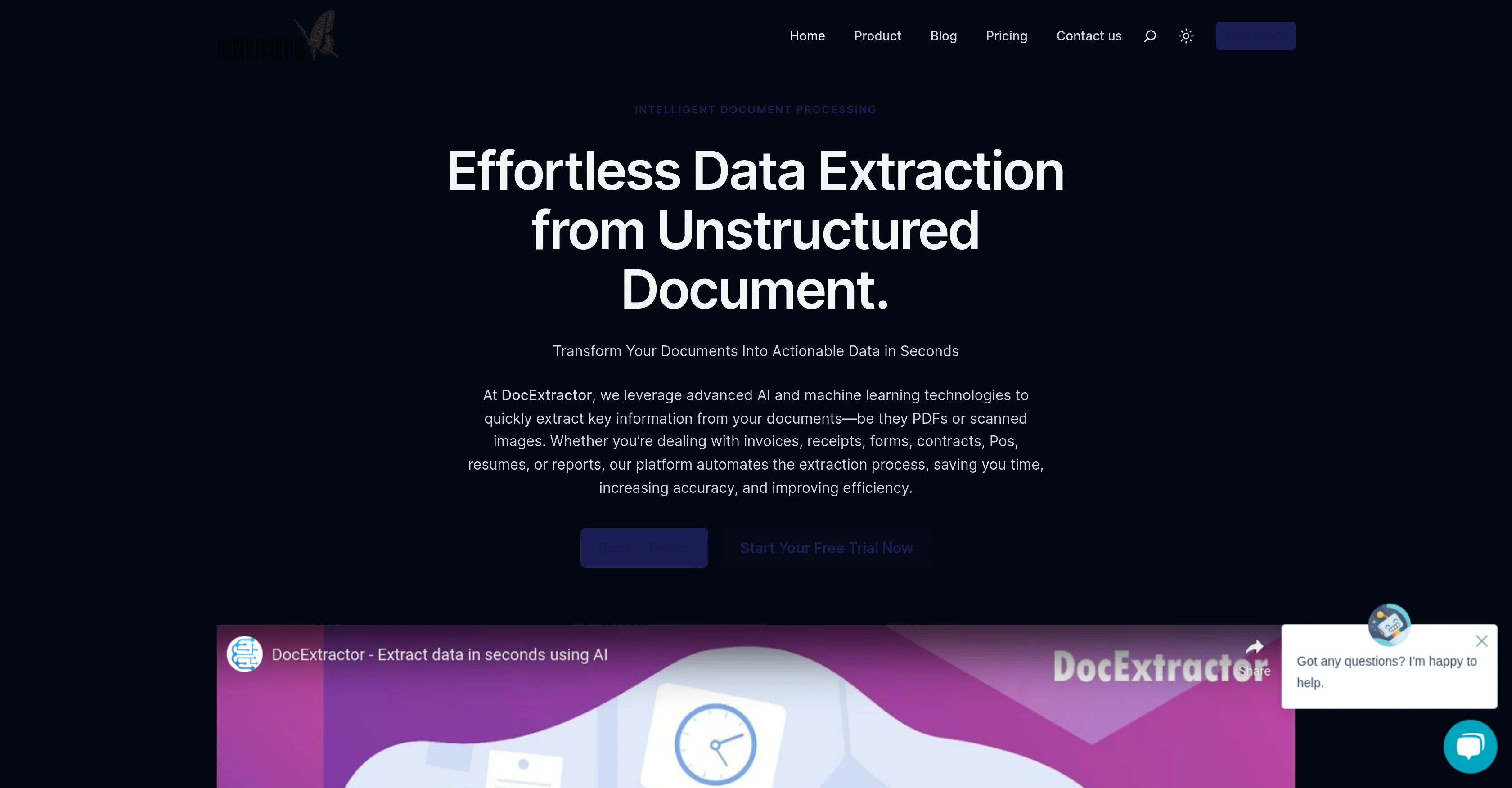
Parchment is an AI and machine learning-based tool designed for intelligent document processing. It facilitates effortless data extraction from unstructured documents such as PDFs, scanned images, invoices, receipts, forms, contracts, reports, and more.
The platform has an easy, self-serve interface that automatically extracts important data from documents, eliminating the need for manual data entry and thus increasing data accuracy.
It can integrate the data, available in structured formats like Excel, CSV, or JSON, with other systems or automate your workflows. Parchment also offers support for a range of file formats and includes bulk-processing capability.
The tool can be seamlessly integrated with other systems such as CRM and ERP solutions and comes with a customizable extraction feature for defining specific fields to extract or letting the AI do the work automatically.
The tool uses end-to-end encryption to ensure security of the data processed. DocExtractor also includes OCR technology to convert scanned documents and images into editable text, and facilitates seamless integration with robotic process automation (RPA) tools to further enhance productivity.
Access & connections
Where you can use Parchment, and what it plugs into.
Platforms
Integrations
Capabilities
What this tool accepts, produces, and is strongest at.
Input
- API
- Image
- Text
Output
- Tabular
- API
- Text
Supported features
- Crawling & Scrapping
Pros & cons
Pros
- Effortless data extraction
- Supports range of file formats
- Self-serve Interface
- Automated workflows
- Bulk-processing capability
- Easy system integration
- Customizable extraction feature
- End-to-End encryption for security
Show 23 more
- OCR technology
- Robotic Process Automation integration
- Eliminates manual data entry
- Increases data accuracy
- Supports PDF, scanned images, invoices
- Structured output formats (Excel, CSV, JSON)
- Can process different document types
- PDF, PNG, JPG, Excel, TIFF, TXT, Emails support
- Review and enrich data using custom fields
- Downloadable extracted data in structured formats
- User-friendly interface
- Fast & efficient bulk processing
- Supports multiple formats
- Precise extraction of structured and unstructured data
- Supports integration with CRM, ERP systems
- Advance OCR for scanned documents, images
- High accuracy in data extraction
- Private and secure data processing
- Customizable data fields for extraction
- Robust API integration
- Delete files after processing
- Live chat customer support
- Help center for troubleshooting
Cons
- No multilingual support
- Limited OCR technology
- Doesn't categorize extracted data
- Lack of specific task optimization
- No offline capabilities
- Limited file format support
- Slow bulk processing
- Limited custom field options
Show 2 more
- Single extraction technology
- No role-based access control
Compare alternatives
Similar tools in the catalog — with a clear reason to open each one.

Lido Document Processing ✓
FreemiumAutomate PDF data extraction with AI
Why look Typically cheaper
Full comparison
Molku ✓
Free TrialAutofill PDFs & Sheets instantly from any document.
Why look Typically cheaper
Full comparison
TextMine ✓
UnknownAI-powered knowledge base for critical business documents.
No pricing
Full comparison


Releases 1
FAQ 12
What kind of documents can Parchment process?
Does Parchment offer bulk processing capabilities?
How does Parchment ensure the security of the data processed?
Can we tell Parchment to extract specific fields from our documents?
Can Parchment integrate with other systems, like CRMs?
Does Parchment use OCR technology?
Can Parchment be integrated with Robotic Process Automation (RPA) tools?
How does Parchment handle unstructured data like scanned images or PDFs?
Will Parchment improve data accuracy by eliminating manual data entry?
Can the data extracted by Parchment be made available in structured formats like Excel, CSV, or JSON?
Is the interface of Parchment user-friendly and easy to use?
Can Parchment automatically extract important data from documents?
Related tools
Recommended

AI Lawyer ✓
Free TrialInstant legal advice and document creation at your fingertips

Free Music Demixer ✓
FreemiumMusic separation for audio remixing.

Mubert
FreeAI music ecosystem for royalty-free music generation.

MusicLM ✓
UnknownExperience and shape Google's latest AI innovations

SongR ✓
Free TrialAI-powered song creation from prompts

Beat Shaper ✓
UnknownAI-powered music production, at your fingertips.