

Document data extraction 2026 Rank: #1883
docbatch.ai ✓
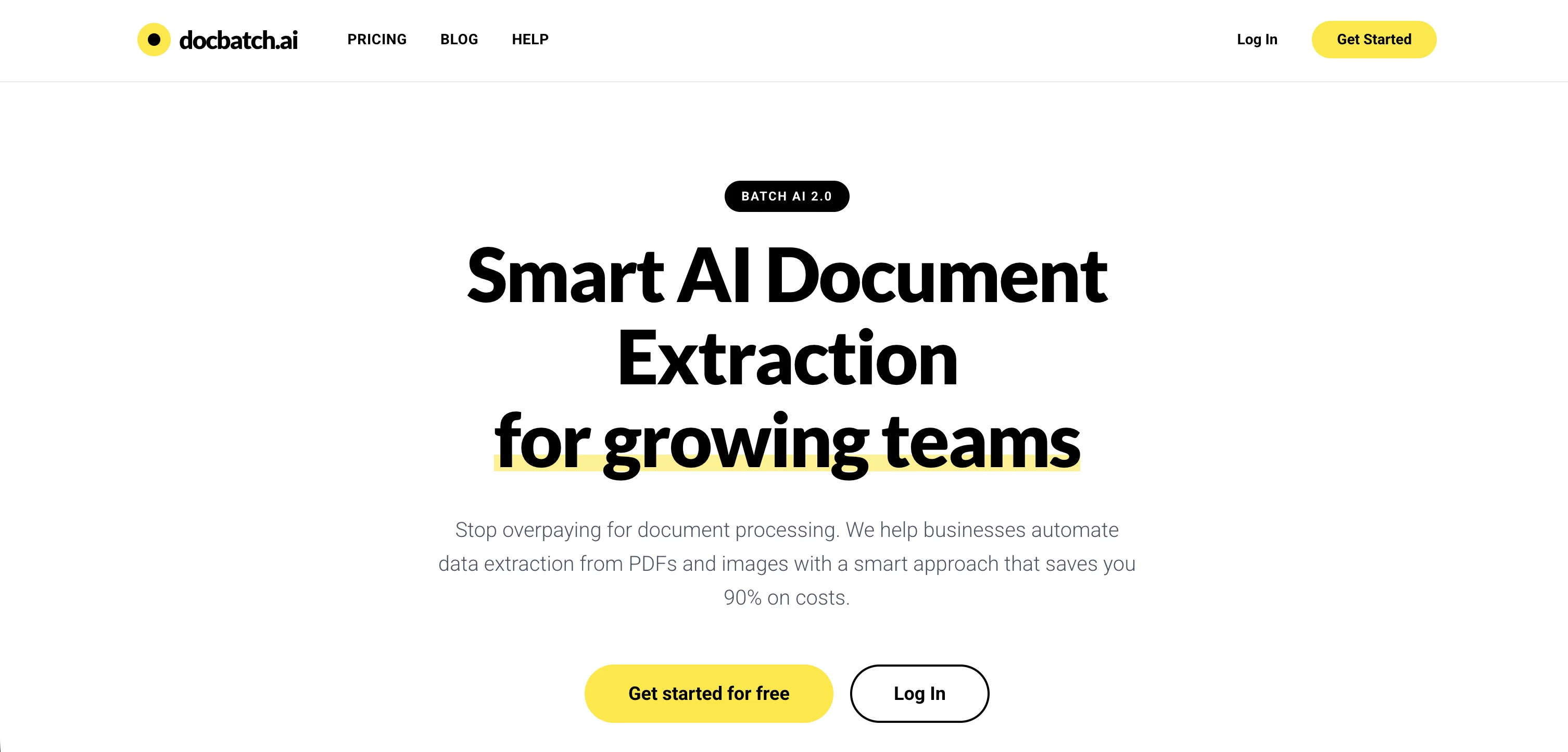
Smart AI document extraction for growing teams.
Free + from $24.90
Verdict
A quick read before you dig into the full page.
- Best if
- Smart AI document extraction for growing teams
- Skip if
- Limited document type support
- Pick this when
- High-volume document processing
Considering Lido Document Processing instead? Compare side by side
Overview
docbatch.ai is an AI-powered batch document processing platform designed to extract structured data from PDFs and images. The platform enables businesses to automate data extraction with a smart approach that has the potential to significantly reduce costs.
Users can upload a sample document such as a PDF or image, and the AI will detect fields automatically. Users can then define their extraction schema, outlining the specific data they require from the document.
Once the files are uploaded, the platform handles the extraction automatically and on a large scale. The tool works best with consistent document types that can be batched together.
The platform also emphasizes data privacy and security - all documents are encrypted during upload and storage and are processed in isolated environments.
Furthermore, the users data is never shared with other users or used to train AI models. Part of their service is a smart batch processing approach, incorporating a deferred processing model that enables them to offer competitive rates and faster processing for high-volume document extraction.
Access & connections
Where you can use docbatch.ai.
Platforms
Capabilities
What this tool accepts, produces, and is strongest at.
Input
- API
- Image
- Text
Output
- Tabular
- API
- Text
Supported features
- Docs
- Image Understanding
- Automation
- Spreadsheets
- Finance & Accounting
Pros & cons
Pros
- High-volume document processing
- Automated document extraction
- PDF processing
- Data automation services
- Processes variety of documents
- Batch processing capabilities
- Processed data in JSON
- Processed data in CSV
Show 38 more
- Processed data in Excel
- Data privacy priority
- Data security priority
- Processing in isolated environments
- Partnership with tech giants
- Smart pricing options
- Privacy-first policies
- Handles document types consistency
- Deferred processing model
- Encrypted upload and storage
- Compatible with common formats
- 90-98% extraction accuracy
- Document data auto-deletion
- Significantly lower prices
- Visual schema builder
- Supports off-peak processing
- Output in flexible formats
- Processed data never shared
- Structured data extraction
- Auto field detection
- Can automate entire workflow
- Scalable platform
- Designed for efficiency
- Suitable for large scale
- Reduced operational costs
- Technology partners for capability
- Not dependent on document type
- Natural language or visual selection
- Reduced document processing costs
- Extraction schema defining
- Automatic extraction
- Reduced high-volume extraction cost
- Scalability promises
- Customizable extraction schema
- Automatic document type recognition
- Instant job completion notification
- Free first-time usage credits
- Joined by many companies
Cons
- Only supports English
- Lacks real-time processing
- Limited output formats
- Inconsistent results with diverse document types
- No API integration
- Favors structured data
- Dependent on cloud services
- Processing time variable
Show 2 more
- Limited document type support
- Max 24 hours processing time
Compare alternatives
Similar tools in the catalog — with a clear reason to open each one.

Lido Document Processing ✓
FreemiumAutomate PDF data extraction with AI
Why look Typically cheaper
Full comparison
Molku ✓
Free TrialAutofill PDFs & Sheets instantly from any document.
Why look Typically cheaper
Full comparison
TextMine ✓
UnknownAI-powered knowledge base for critical business documents.
No pricing
Full comparison


Releases 1
FAQ 12
What types of documents can Docbatch.ai process?
How is data extracted from the documents using Docbatch.ai?
What are the output formats for processed data in Docbatch.ai?
Can Docbatch.ai handle high-volume document extraction?
Can the extraction schema be defined in Docbatch.ai? How?
What level of accuracy can one expect from Docbatch.ai?
Does Docbatch.ai offer batch processing features?
How does Docbatch.ai ensure the privacy and security of my data?
What partners is Docbatch.ai working with to enhance its data processing capabilities?
Can Docbatch.ai be used for processing medical records?
How is the smart pricing option in Docbatch.ai beneficial for businesses?
Is the data processed by Docbatch.ai used to train AI models?
Related tools
Recommended

remio: Your Personal ChatGPT ✓
FreemiumGet Tailored Answer with Your Personal ChatGPT

Automateed ✓
Free TrialCreate eBooks effortlessly with Automateed, the AI-powered writing tool.

Notis ✓
Free TrialThe first WhatsApp assistant that runs on your ChatGPT and Claude subscriptions

DeepSeek ✓
FreeUnravel the mystery of AGI with curiosity

Younet ✓
Free TrialAI Agent Orchestration and Automation. Build your agentic business.

leania.ai ✓
Free TrialMRI scan for Businesses: Find What to Cut, Replace, Automate with AI