

Dia ✓
Chat with your tabs in an AI-powered browser.
Verdict
A quick read before you dig into the full page.
- Best if
- Chat with your tabs in an AI-powered browser
- Skip if
- Limited source-finding capability
- Pick this when
- Chat-like browser tab interaction
Considering Chrome Sidekick instead? Compare side by side
Overview
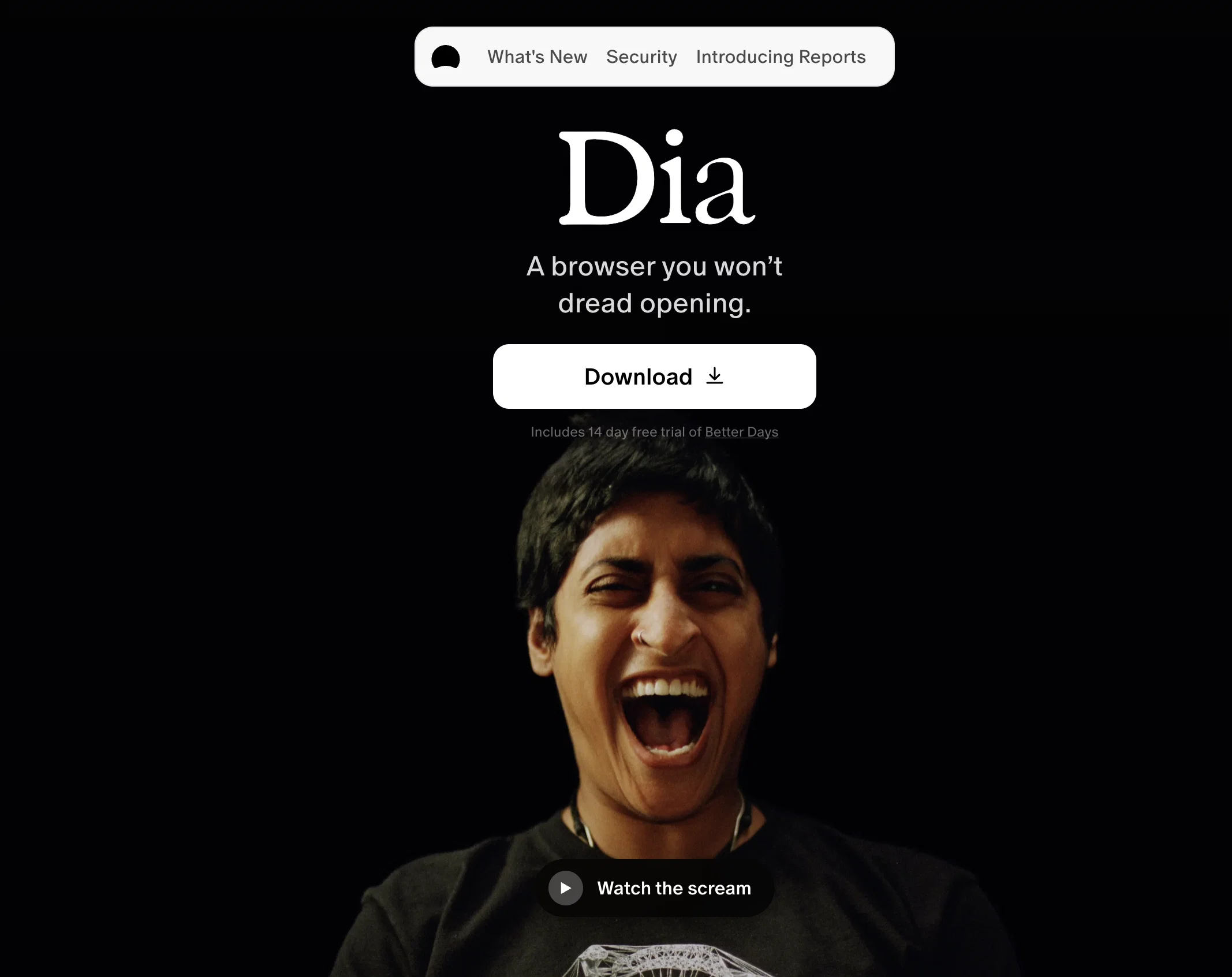
Dia is an AI-driven browser developed by The Browser Company that is designed to enhance user productivity and interaction with online content. It allows users to interact with browser tabs in a chat-like format, essentially allowing them to 'chat' with their tabs.
One of the useful features is the writing assistance function where Dia acts like a writing partner, providing in-line editing and suggestions for improved writing quality.
For people seeking knowledge online, Dia serves as a learning aid providing summaries of complex concepts, making information easily digestible and efficient to understand.
Dia also offers planning features by acting as a personal assistant, generating immediate to-do lists and assisting in information translation. In the context of shopping, Dia supports decision-making by offering a review of products and helping identify items that align with personal preference and budget.
Dia also offers personalized assistance based on the users' specific needs, helping them with tasks such as content localization, problem-solving, and source-finding.
Users have autonomy over what they share and view with Dia, with an emphasis on user-controlled privacy. The browser is currently in a beta stage and available on macOS 14+ with M1 chips or later.
Access & connections
Where you can use Dia.
Platforms
Capabilities
What this tool accepts, produces, and is strongest at.
Input
- Text
Output
- Text
Supported features
- Voice Cloning
- TTS
Pros & cons
Pros
- Chat-like browser tab interaction
- Writing assistance function
- In-line editing and suggestions
- Summarises complex concepts
- Generates immediate to-do lists
- Translates information
- Supports shopping decision-making
- Product review feature
Show 40 more
- Personalized assistance
- Aids in content localization
- Problem-solving assistance
- Helps with source-finding
- User-controlled privacy
- Compatible with macOS 14+
- Supports M1 chips or later
- Beta stage access
- User autonomy over sharing
- User autonomy over viewing
- Simplifies digestible information
- Acts as learning aid
- Provides personal assistant services
- Optimized for user productivity
- Improves online content interaction
- Community early access download
- Information in preferred format
- Tutor in every tab
- Breaks down complex concepts
- Provides instant summaries
- Translates on demand
- Retail concierge for Shopping
- Quickly sifts through reviews
- Helps find right products
- Localizes content for specific audiences
- Answers questions in-line
- Compares options for decision making
- Supports in building apps
- Privacy focused
- Customizable user experience
- Boosts Internet navigation speed
- Enhances user creativity
- Improves writing speed and quality
- Educational tool for students
- Facilitates strategizing for digital experts
- Agency director's secret weapon
- Problem-solving for product engineers
- Student journalist's time saver
- Helps Graphic Designer and Fullstack Web Developer
- Assists in meeting takeaways
Cons
- Only available on macOS 14+
- Requires M1 chip or later
- Still in beta stage
- Chat-based tab interaction
- Dependent on user shared data
- Doesn't assure data monetization prevention
- Lack of dedicate mobile app
- Undefined performance in extreme multitasking
Show 2 more
- Limited source-finding capability
- No selective privacy option
Compare alternatives
Similar tools in the catalog — with a clear reason to open each one.

Chrome Sidekick ✓
FreemiumYour AI browser assistant for Chrome superpowers.
Free + from $4/mo
Full comparison



SurfMind ✓
FreemiumAI browser extension that understands any webpage's context.
Why look Offers a public API
Full comparison
Releases 1
FAQ 12
What is Dia developed by The Browser Company?
How does Dia enhance user productivity?
What is the unique interaction that Dia offers with browser tabs?
How does Dia assist in writing and editing?
How does Dia serve as a learning aid online?
How can Dia act as my personal assistant?
What features of Dia are particularly useful for shopping?
How does Dia offer personalized assistance?
What tasks can Dia assist with?
What kind of control do users have over their privacy with Dia?
What are the system requirements for using Dia?
How can Dia help with content localization?
Related tools
Recommended

Perplexity Comet ✓
UnknownBrowse at the speed of thought

Kin - Personal AI Advisors ✓
FreePrivacy-first & designed your for mind, and life at work

Perplexity ✓
FreemiumAI-powered answers to any question, instantly.

NotebookLM ✓
FreemiumAI-powered note-taking and research assistant

DeepSeek ✓
FreeUnravel the mystery of AGI with curiosity

Gemini ✓
FreemiumGemini: Google's most capable AI model yet