
Voice coding 2026 Rank: #836
DashVox ✓
Voice-control AI coding agents from anywhere.
Verdict
A quick read before you dig into the full page.
- Best if
- Voice-control AI coding agents from anywhere
- Skip if
- Potentially high learning curve
- Pick this when
- Voice-control coding agents
Considering YappJam instead? Compare side by side
Overview
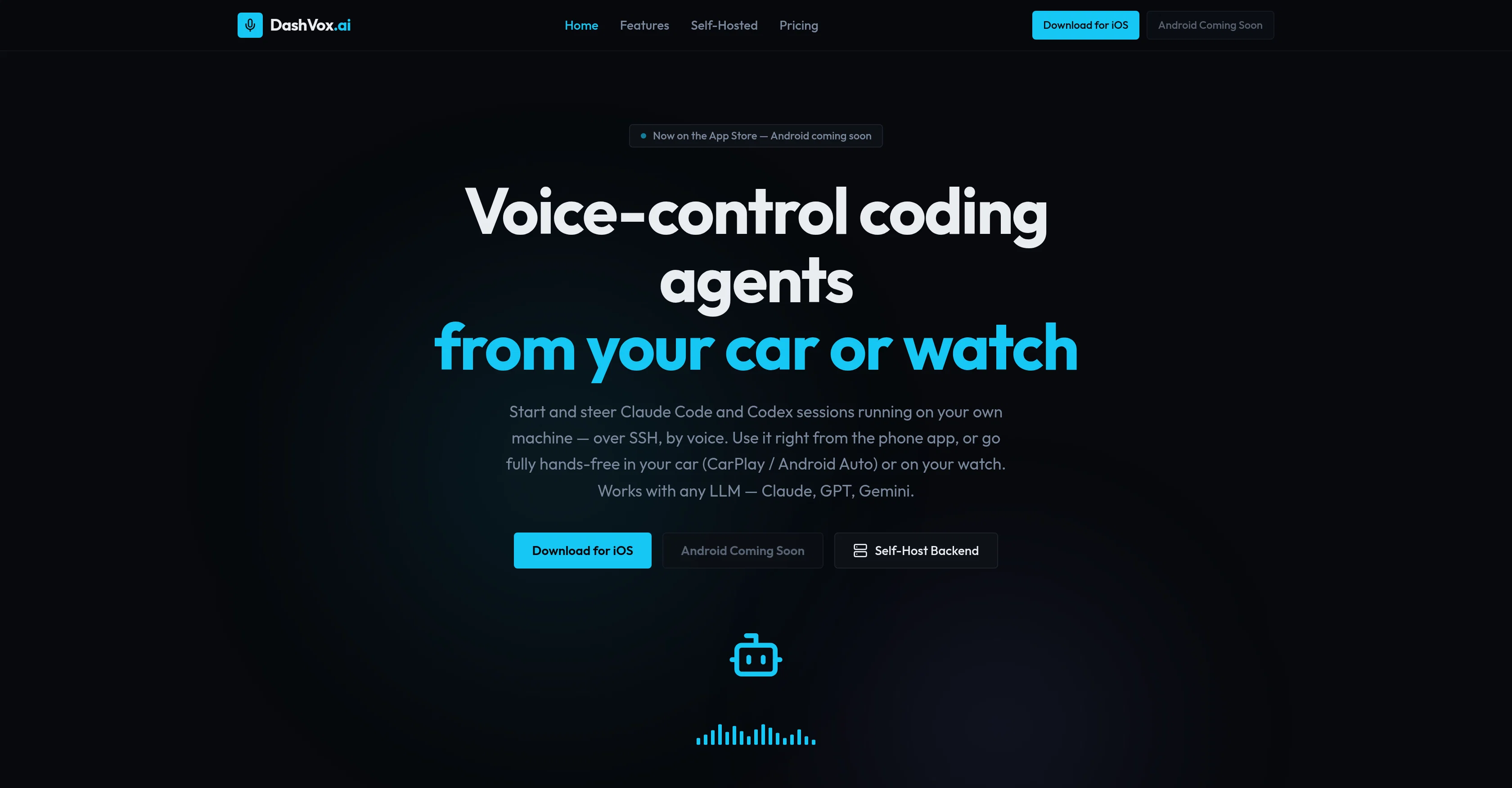
DashVox is a voice-first AI tool that facilitates control of AI coding agents such as Claude Code and Codex using your phone, car, watch, or even glasses.
The tool enables you to start and steer coding sessions running on your own machine via SSH, by voice. It is designed with versatility in mind, allowing usage right from a phone app or fully hands-free through CarPlay or Android Auto in your car or on your watch.
DashVox is compatible with any language learning model like Claude, GPT, or Gemini. The tool encompasses several key features such as the ability to remotely manage coding sessions, wherein the user can start, stop, and switch AI coding sessions, as well as check output and approve prompts via voice.
DashVox's 'Agent Mode' enables your AI to autonomously manage multiple coding sessions.Unique to DashVox is its web search integration, where the AI can search the web on behalf of the user and summarize results, allowing the user to stay informed without the need of a screen.
Smart connectivity features prevent duplicate messages after dead zones, while stringent security measures such as encryption at rest are implemented for SSH keys.
The tool can either be self-hosted with no account needed, or utilized via the cloud.The software supports both iOS and Android platforms, and is built with Java 21, Spring Boot, H2 for self-hosting, PostgreSQL for the cloud, and Swift for iOS, among other technologies.
Future enhancements include support for additional platforms such as Meta wearables.
Access & connections
Where you can use DashVox, and what it plugs into.
Integrations
Capabilities
What this tool accepts, produces, and is strongest at.
Input
- API
- Audio
Output
- Audio
- API
Highlights
- Agents
Supported features
- TTS
- STT
- Code Assistant
- Agents
- Mobile Companion
Pros & cons
Pros
- Voice-control coding agents
- Remote control capability
- Cross-platform functionality
- Hands-free coding
- CarPlay compatibility
- Android Auto compatibility
- Supports any language model
- Self-hosting option
Show 35 more
- Cloud-based option
- Agent Mode for multitasking
- Integrated web search engine
- Smart connectivity features
- Security-focused design
- No account required for self-hosting
- iOS and Android support
- Future Meta wearables compatibility
- Voice commands over SSH
- Can autonomously manage coding sessions
- SSH keys encrypted at rest
- Database self-hosting with H2
- Cloud hosting with PostgreSQL
- Built with Java 21 and Spring Boot
- Swift used for iOS development
- Versatile usage options
- Coding session monitoring and management
- Voiced prompt approval
- No duplicate messages after dead zones
- Seamlessly recoverable sessions (auto-resume)
- Exponential backoff for smart connectivity
- Background ping to stay connected
- Real-time voice transcription
- Summarizes web search results
- Adaptable to evolving platforms
- Phone application availability
- SSH into dev machine remotely
- Maintains multiple autonomous coding sessions
- Mirrored notifications on Apple Watch
- Support for Wear OS
- Support for Android Auto
- Voice-first, safety-first
- Detailed documentation available
- Integrated with Firebase Auth (cloud)
- Native SwiftUI app for iOS
Cons
- No offline functionality
- Limited platform integration
- Lacks detailed error reporting
- Potential voice command limitations
- Lacks multi-user support
- No localized language support
- Depends on third-party APIs
- Potentially high learning curve
Show 2 more
- Limited smart-glasses integration
- Android support still pending
Compare alternatives
Similar tools in the catalog.






Releases 1
FAQ 12
What is DashVox?
What are the key features of DashVox?
Can DashVox be used from a car or watch?
What is voice-first AI coding in DashVox?
How do I use DashVox from my phone?
What AI coding agents can DashVox control?
How does DashVox facilitate remote management of coding sessions?
Can DashVox perform web searches?
What security measures does DashVox implement?
Can I self-host DashVox?
What platforms does DashVox support?
How does DashVox maintain a smooth user experience?
Related tools
Recommended

ChatGPT ✓
FreemiumAsk anything, create anything, and move from idea to action.

Suno ✓
FreemiumMake music at the speed of your ideas.

freebeat AI ✓
FreemiumTurn Music & Ideas into Viral Videos In One Click

Claude ✓
FreemiumBuilding reliable, interpretable AI systems

Ideogram ✓
FreemiumAI-powered creativity booster

Cursor ✓
FreemiumAI-powered IDE for faster coding