

Cubox ✓
AI-powered reading, annotating, and note-taking assistant.
Verdict
A quick read before you dig into the full page.
- Best if
- AI-powered reading, annotating, and note-taking assistant
- Skip if
- Limited language support
- Pick this when
- One-click saving
Considering Cosmic instead? Compare side by side
Overview
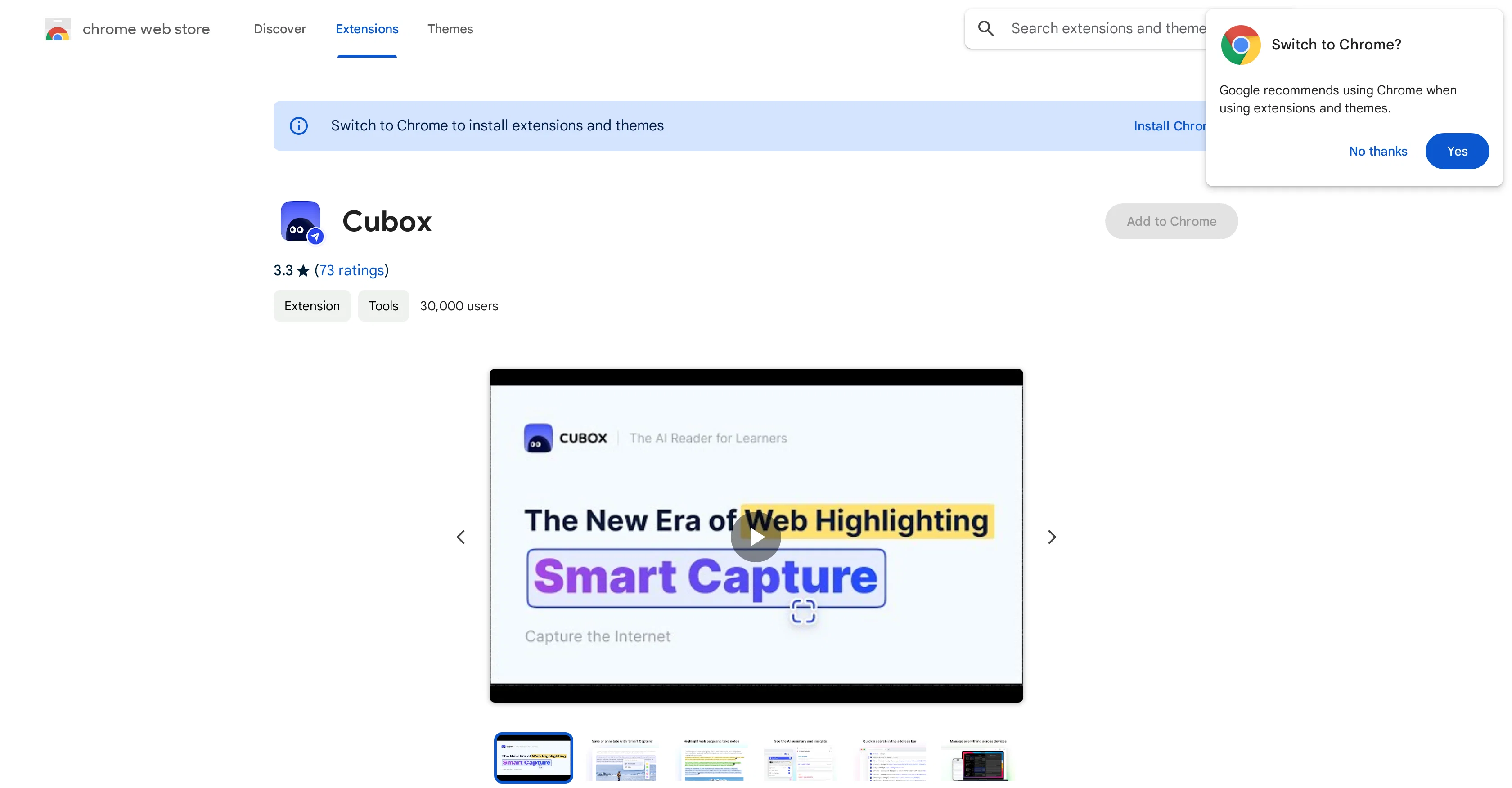
Cubox is a Chrome extension that offers several functionalities aimed at enhancing online reading and learning. With capabilities such as one-click saving, clipping, highlighting and note-taking, it is designed to help users utilize and manage online content more efficiently.
The extension includes a smart capture feature that allows for bulk selection of text, images or links on a webpage, enabling users to easily highlight or clip their needed materials.
The highlight feature supports note addition and color change, providing a richer bookmarking experience. Additionally, Cubox has an AI Insight functionality, offering a summarization of articles and key questions to help users grasp essential points quickly.
The system also suggests tags, website titles, descriptions, and cover images for saved content, enabling users to organize their clipped materials better.
The Cubox extension has the capability to detect identical saves automatically and updates information for previously saved content. It also synchronizes user collections across all devices for easy access.
Despite its many functionalities, it should be noted that Cubox may collect HTTP requests and report them to its server.
Access & connections
Where you can use Cubox, and what it plugs into.
Platforms
Capabilities
What this tool accepts, produces, and is strongest at.
Input
- Image
- Text
Output
- Tabular
- Text
Pros & cons
Pros
- One-click saving
- Clipping and highlighting
- Note-taking feature
- Bulk selection capture
- Smart capture functionality
- Color change bookmarking
- Generates key questions
- Suggests tags and descriptions
Show 13 more
- Automatic detection of identical saves
- Updates previously saved content
- Synchronized collections across devices
- Supports note addition in highlights
- Offers cover images
- Efficient webpage saving
- Can save web snippets
- Highlight with Ghost Highlight
- Drag and drop saving
- Offers website title and descriptions
- Single shortcut for saving
- Automatically suggest tags
- Automatically update saved content information
Cons
- Chrome only
- Collects HTTP requests
- Privacy concerns
- Bugs on PDF page
- Interferes with key mapping
- May need frequent updates
- Inefficient tag suggestions
- Limited language support
Show 2 more
- Data not sold, unclear usage
- Dependent on internet connection
Compare alternatives
Similar tools in the catalog — with a clear reason to open each one.

Cosmic ✓
FreemiumAI agents that build, ship, and grow your product.
Why look Offers a public API
Full comparison
Koolay ✓
FreemiumAI-powered CMS revolutionizing website management
Free + from $150/mo
Full comparison
Sedestral ✓
FreemiumBoost business growth with AI-powered solutions.
Free + from $42.60/mo
Full comparison

Hygraph ✓
FreemiumEnterprise-ready AI for your content workflows.
Free + from $299/mo
Full comparison
Strapi ✓
FreemiumThe leading open-source headless CMS.
Why look More privacy-focused
Full comparisonReleases 1
FAQ 12
What is Cubox used for?
How does Cubox's one-click saving feature work?
Can I change the color of highlights in Cubox?
What is Cubox's smart capture feature?
What is AI Insight functionality in Cubox?
Can I add notes to the highlights in Cubox?
How does Cubox help in organizing saved content?
Does Cubox update information for previously saved content?
How does Cubox detect identical saves?
Is my data synced across all devices in Cubox?
Does Cubox collect HTTP requests?
How does Cubox reporting data to its server affect me?
Related tools
Recommended

Ideamap - Brainstorm and Mindmap AI ✓
FreemiumBoost your creativity with AI-powered brainstorming.

mymind ✓
FreemiumRemember everything. Organize nothing.

Business Idea Generator AI ✓
FreeGenerate innovative business ideas with AI

B12 AI Website Builder ✓
FreemiumAI-powered website builder

Hyperis ✓
FreemiumOrganized task prioritization.

Scholarcy ✓
FreemiumConvert long articles into summary flashcards.