

Koolay ✓
AI-powered CMS revolutionizing website management
Free + from $150/mo
Verdict
A quick read before you dig into the full page.
- Best if
- AI-powered CMS revolutionizing website management
- Skip if
- Complex interface
- Pick this when
- Cloud-based CMS
Considering Cosmic instead? Compare side by side
Overview
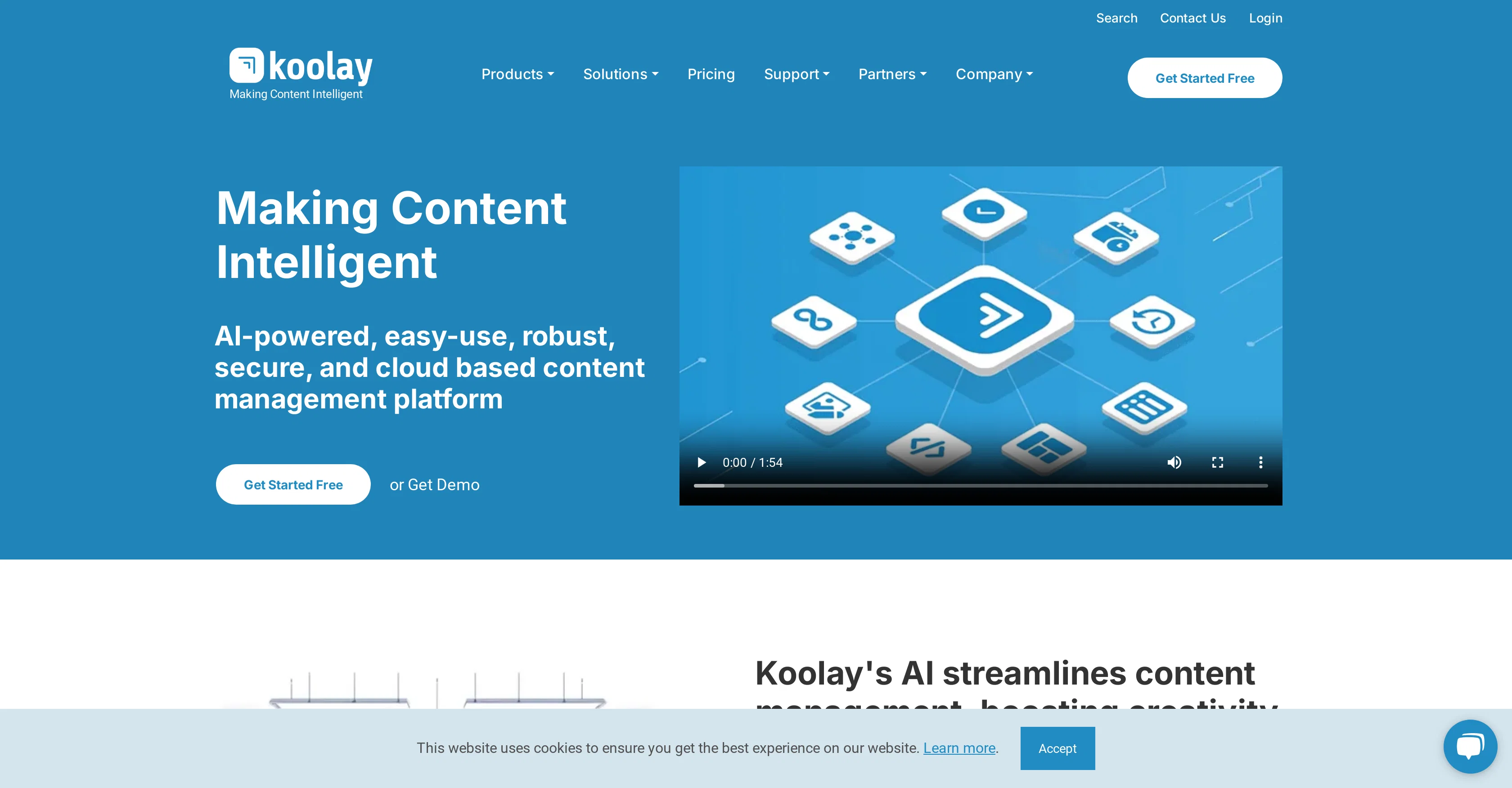
Koolay is an AI-powered cloud-based Content Management System (CMS) designed to revolutionize website management across various sectors including schools, nonprofits, businesses, and governments.
Its versatility provides a user-friendly, robust, and secure platform for managing content. The system encapsulates tools that equip users to create high-quality content with various features such as the AI content assistant, image assistant, auto-tagging, spam classification, content recommendation, HTML assistant, vector search, chatbot, instant design and new generation AI modules.
Koolay also offers features to enhance image editing and web design with its 'Instant Design' tool. The platform deploys AI to automate content management tasks, enhancing efficiency and productivity.
Its CMS is built to support multiple-site management, offering centralized governance as well as location-based control. Customizable permissions and security levels ensure secure content management according to user roles.
Koolay's AI assists not only in content creation but also with optimization activities like content tagging, recommendations, and HTML support. Its multi-site management feature allows the simultaneous control of various sites through a single user account, which can distribute content across different sites seamlessly.
This feature is further customizable for schools, small businesses, and enterprises to streamline content management across all platforms.
Access & connections
Where you can use Koolay.
Platforms
Capabilities
What this tool accepts, produces, and is strongest at.
Input
- Tabular
- Image
- Text
Output
- Code
- Video
- Text
- Image
Pros & cons
Pros
- Cloud-based CMS
- User-friendly platform
- Robust and secure
- Auto-tagging feature
- Spam classification
- Content recommendation capability
- HTML assistant
- Vector search capability
Show 32 more
- Chatbot Integration
- Instant Design tool
- Multisite management
- Centralized governance
- Location-based control
- Customizable permissions and security
- Content tagging
- HTML support
- Single account for multiple sites
- Seamless content distribution
- Customizable for different sectors
- Image editing and web design
- Automation of content management
- Increased efficiency and productivity
- Liquid template engine
- Instantly change colors, CSS, & JS
- Advanced Security
- Scalability provision
- Built for all user levels
- Preliability and performance
- Hosted on Azure infrastructure
- Faster content production
- Global content delivery optimization
- Web security powered by Cloudflare
- Unified platform for enterprise operations
- Centralized multi-site management
- Advanced Access control
- Customizable front-end
- Backed by accelerator programs
- Adaptive administration
- Real-time website updates
- Flexible design management
Cons
- Complex interface
- Overwhelming for beginners
- Could be overly versatile
- Too many features
- Requires strong internet connectivity
- Incomplete advanced security details
- No explicit backup feature
- Multi-site management may be complicated
Show 1 more
- Customization requires technical knowledge
Compare alternatives
Similar tools in the catalog — with a clear reason to open each one.

Cosmic ✓
FreemiumAI agents that build, ship, and grow your product.
Why look Typically cheaper
Full comparison
Cubox ✓
FreemiumAI-powered reading, annotating, and note-taking assistant.
Why look Typically cheaper
Full comparison
Sedestral ✓
FreemiumBoost business growth with AI-powered solutions.
Why look Typically cheaper
Full comparison

Hygraph ✓
FreemiumEnterprise-ready AI for your content workflows.
Free + from $299/mo
Full comparison
Releases 1
FAQ 12
What are the main features of Koolay?
How can Koolay help with content creation and optimization?
What makes Koolay user-friendly for non-tech users?
Can Koolay manage multiple websites at once?
How does Koolay's 'Instant Design' tool work?
What is Koolay's 'AI Content Assistant' and how can it assist me?
How does the 'AI Image Assistant' feature in Koolay help with image editing?
What sectors can benefit from using Koolay?
Can I customize the permissions and security levels in Koolay?
How does Koolay assist with tasks like content tagging and HTML support?
What is Koolay's auto-tagging feature and how does it work?
Can I distribute content across different sites with Koolay?
Related tools
Recommended

MagicSlides.app AI PPT Maker ✓
FreemiumCreate Stunning PPTs in Seconds with the AI PPT Maker

Scisummary ✓
Free TrialCutting-edge scientific articles summarization.

Splutter AI ✓
FreemiumWebsite Chatbot & Voicebot w/ Hotswappable Models, Databases, & Tools!

Vibeo ✓
FreemiumCollect video testimonials effortlessly with AI

VenturusAI ✓
FreemiumBusiness idea analysis and reporting.

GPTExcel ✓
FreemiumGenerate spreadsheet formulas with AI