

Croppy ✓
Perfect-fit images for you and your clients
from $3.21/mo
Verdict
A quick read before you dig into the full page.
- Best if
- Perfect-fit images for you and your clients
- Skip if
- Only supports predefined resolutions
- Pick this when
- Predefined image resolutions
Considering Photostockeditor instead? Compare side by side
Overview
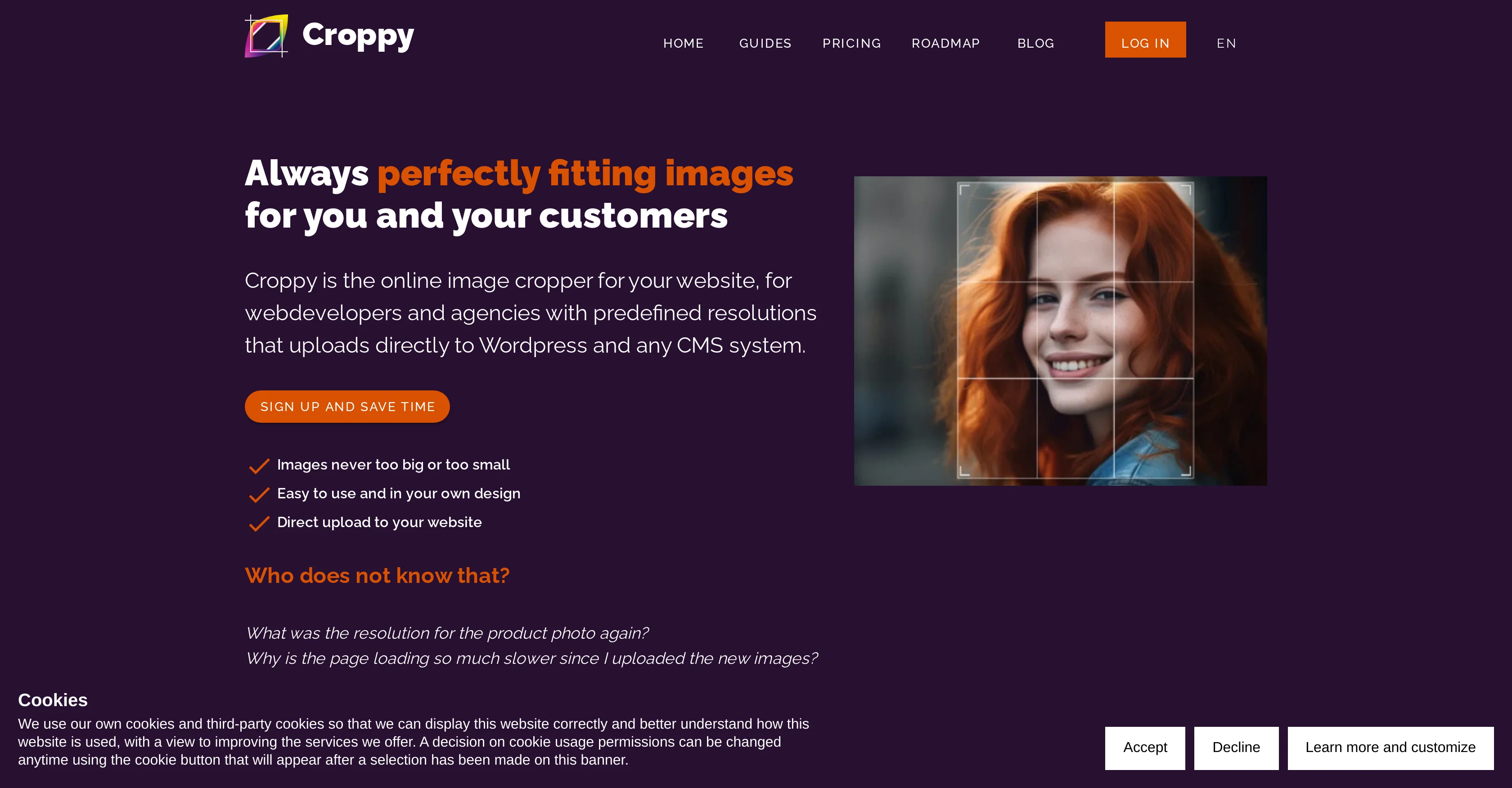
Croppy is an AI-enabled tool specifically designed for web developers and agencies. Its key function serves to streamline the process of managing and adjusting images for websites.
Users can provide professional-quality images to enhance their online presence. One of Croppy's distinct features is its predefined resolutions. This enables the consistency and professional appearance of images across the website.
In addition, the tool has its proprietary AI model that aids in selecting image cropping areas to ensure the most crucial parts of the image are highlighted.
Croppy also supports direct uploading of refined images to Content Management Systems (CMS), and offers a unique plugin for WordPress for ease of use.
Built with privacy in mind, the entire process of image manipulation is fully GDPR compliant. The tool reportedly reduces the time and cost of image processing, accelerating project flow, and reducing customer support queries.
Users can also perform batch processing of images, which is particularly beneficial for online shops. The latest technologies are leveraged to reduce image size without compromising quality, such as WebP and shortly also AVIF.
Access & connections
Where you can use Croppy, and what it plugs into.
Platforms
Integrations
Capabilities
What this tool accepts, produces, and is strongest at.
Input
- Tabular
- Image
Output
- Image
Pros & cons
Pros
- Predefined image resolutions
- Streamlines image management
- Enhances online presence
- Direct uploading to CMS
- WordPress plugin available
- Fully GDPR compliant
- Faster image processing
- Cost-effective image processing
Show 38 more
- Supports batch image processing
- Reduces customer support queries
- Accelerates project flow
- Utilises WebP technology
- Plans for AVIF support
- Professional-quality images
- Ideal for web developers
- Consistent image appearance
- Saves time and money
- Beneficial for online shops
- Reduces image size
- Maintains image quality
- Handles high volume image processing
- Improves website performance
- Optimised for non-technical users
- Mobile optimised features
- Secure, encrypted process
- Centralised resolution and format management
- Individualised client portals
- Direct image uploading to CMS
- Customisable look and feel
- Easy WordPress plugin setup
- Embedded in WordPress menu
- Multiple users support
- Branding capabilities
- Usage monitoring and control
- Enables customer self-service
- Infrastructure located in EU
- No unnecessary settings
- Introductory WordPress plugin available
- Agency-specific features
- Proven customer satisfaction
- Innovative batch processing
- Reduces website loading time
- Free of advertising
- Recognises crucial image parts
- Promotes consistent look of images
- On-the-go image uploading
Cons
- Only supports predefined resolutions
- Unique plugin only for WordPress
- Reliance on latest technologies
- No direct control on cropping
- Potential language barrier (DE site)
Compare alternatives
Similar tools in the catalog — with a clear reason to open each one.

Photostockeditor ✓
FreeAI-powered image resizing for perfect social media posts
Why look Fully free option
Full comparison
ImageStretcher ✓
FreemiumStretch locally, or expand edges with AI.
Why look Freemium alternative
Full comparison
Passport Photo Ready.com ✓
PaidTurn phone photos into compliant passport photos instantly.
from $8.99
Full comparison
Cinematic Slideshow Studio ✓
FreemiumDrop in photos, get a cinematic film in minutes.
Why look Freemium alternative
Full comparison
Logo Background Remover ✓
FreemiumMake logos transparent in seconds.
Why look Freemium alternative
Full comparisonReleases 1
FAQ 12
What is the main purpose of Croppy?
What are Croppy's key features for image management?
How does Croppy's AI model improve image cropping?
What are Croppy's predefined resolutions?
Does Croppy support direct uploading to CMS?
Does Croppy have a WordPress plugin?
Is the image manipulation process of Croppy GDPR compliant?
How does Croppy reduce the time and cost of image processing?
Can Croppy batch process images?
How is Croppy beneficial for online shops?
What latest technologies does Croppy use to maintain image quality while reducing size?
Can Croppy enhance my website's online presence?
Related tools
Recommended

COACH ✓
FreeAI-powered career development platform built by career experts.

Bytecap ✓
FreemiumEdit and publish clips 10x faster with AI

Mentor: Get things done ✓
FreemiumAchieve your goals and get things done with Mentor and AI

Scene One ✓
FreemiumWrite more stories, less hassle with AI-powered book software.

The Storyteller ✓
FreePersonalized, Real-Time Narratives at Your Fingertips

Eternity AC ✓
FreemiumCreate and download your digital clone to live forever. Interact with others.