

Course.im ✓
Create & publish AI-powered courses effortlessly
Verdict
A quick read before you dig into the full page.
- Best if
- Create & publish AI-powered courses effortlessly
- Skip if
- No personalized learning paths
- Pick this when
- Free platform
Considering LearningStudioAI instead? Compare side by side
Overview
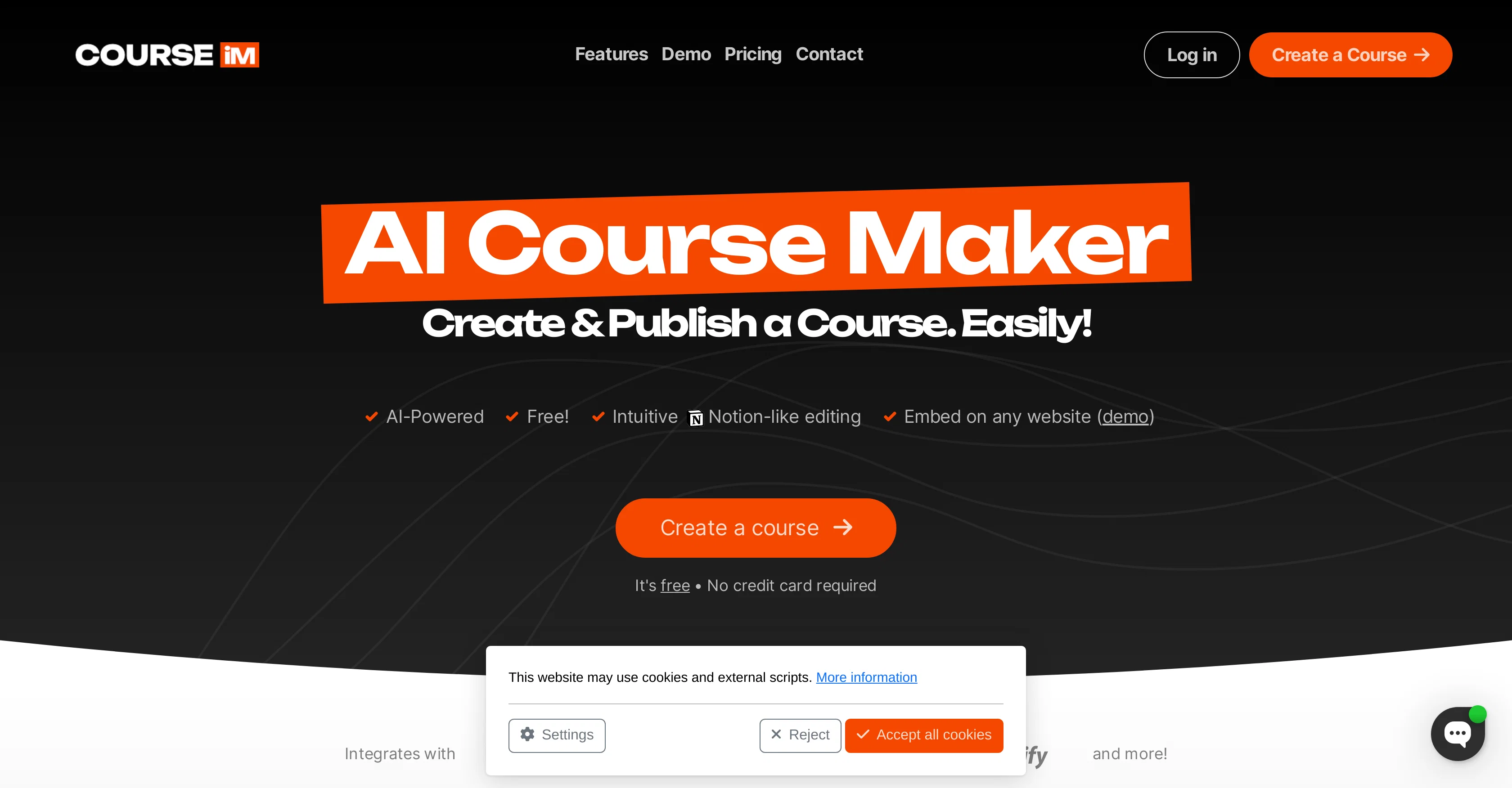
It enables users to share their knowledge by facilitating the creation of online courses which can be embedded on any website. A crucial feature of COURSE.IM is its AI-powered, intuitive, Notion-like editing tool.
This tool helps to create and customize content with seamless drag-and-drop functionality, allowing the addition of multimedia and easy organization of lessons without any prerequisite technical skills.
Course creation with COURSE.IM aims to be simple and engaging. The platform integrates with various other tools, making it a versatile option for content creators.
One distinct aspect of COURSE.IM is its ChatGPT integration, which aids course creators in describing what the course is about. COURSE.IM also prioritizes convenience. Creating a user account is straightforward and quick, while embedding a created course onto a chosen website employs a process as easy as embedding a YouTube video or a Google map.
This focus on user-friendliness and ease of use makes COURSE.IM an excellent choice for educators and individuals wishing to share knowledge via user-friendly online courses.
Best for
Short scenarios where Course.im tends to shine.
-
Create & publish AI-powered courses effortlessly
Example outputs 1
Sample generations and before/after results for Course.im.
Access & connections
Where you can use Course.im, and what it plugs into.
Platforms
Integrations
Pros & cons
Pros
- Free platform
- Notion-like editing tool
- Drag-and-drop functionality
- Multimedia support
- Easy lessons organization
- No technical skills required
- ChatGPT integration
- Straightforward account creation
Show 9 more
- Embed courses on website
- Simple and engaging course creation
- Tool integration
- User-friendly
- Quick course embedding process
- Supports various content formats
- Rapid course creation
- Course sharing capabilities
- Supports multiple platforms
Cons
- Lacks advanced course analysis tools
- Limited customization options
- Dependent on own platform
- No multi-language support
- No offline course accessibility
- ChatGPT integration limitations
- Limited integrated tools
- No personalized learning paths
Show 2 more
- No mobile application
- No native eCommerce features
Compare alternatives
Similar tools in the catalog — with a clear reason to open each one.

LearningStudioAI ✓
Free TrialAI-powered authoring tool for effortless online course creation.
Free + from $39/mo
Full comparison
Mindsmith ✓
FreemiumPlatform for building and sharing eLearning content
Why look Better for writing
Full comparison
CraftedCourses.io ✓
PaidCreate and Share High-Quality Online Courses in Minutes
from $13.34/mo
Full comparison
Mexty ✓
FreemiumAI-native interactive learning platform with LMS and SCORM
Why look Offers a public API
Full comparisonPeople also view
Tools that often show up alongside Course.im in collections and comparisons.
CraftedCourses.io ✓
PaidCreate and Share High-Quality Online Courses in Minutes
Mindsmith ✓
FreemiumPlatform for building and sharing eLearning content
Mexty ✓
FreemiumAI-native interactive learning platform with LMS and SCORM
LearningStudioAI ✓
Free TrialAI-powered authoring tool for effortless online course creation.

AiCoursify ✓
PaidBuild your online course in minutes with AI.

AI Course Creator ✓
FreemiumAI-powered course creation in minutes.

Honen ✓
FreemiumEasily create courses with AI and Share them as learning experiences.

Draft Dash - AI Article Writer with Real Sources ✓
FreemiumGenerate SEO-optimized articles with real-time research and fact-checking.
Releases 1
Imported reviews 1
its very limited, not Free at all
19 Dollars per month
FAQ 12
What is Course.im?
What AI technology does Course.im utilize?
How does the editing tool of Course.im work?
What's the drag-and-drop functionality in Course.im?
How can I integrate Course.im with other tools?
What's the ChatGPT integration in Course.im?
How long does it typically take to make a user account on Course.im?
What's the process of embedding a course from Course.im onto my website?
Is there any cost associated with using Course.im?
Does Course.im allow me to add multimedia to my courses?
Can I use Course.im without any prior technical skills?
What makes Course.im user-friendly?
Related tools
Recommended

IllumiChat ✓
FreemiumFrom Ticket Backlog to Instant Answers Powered by AI

CreateAiCourse ✓
PaidSimplify course creation with the best AI Course Creator.

Automateed ✓
Free TrialCreate eBooks effortlessly with Automateed, the AI-powered writing tool.

Stratup.ai ✓
FreemiumInnovative idea generation for businesses.

VenturusAI ✓
FreemiumBusiness idea analysis and reporting.

B12 AI Website Builder ✓
FreemiumAI-powered website builder