

Cosmic AI ✓
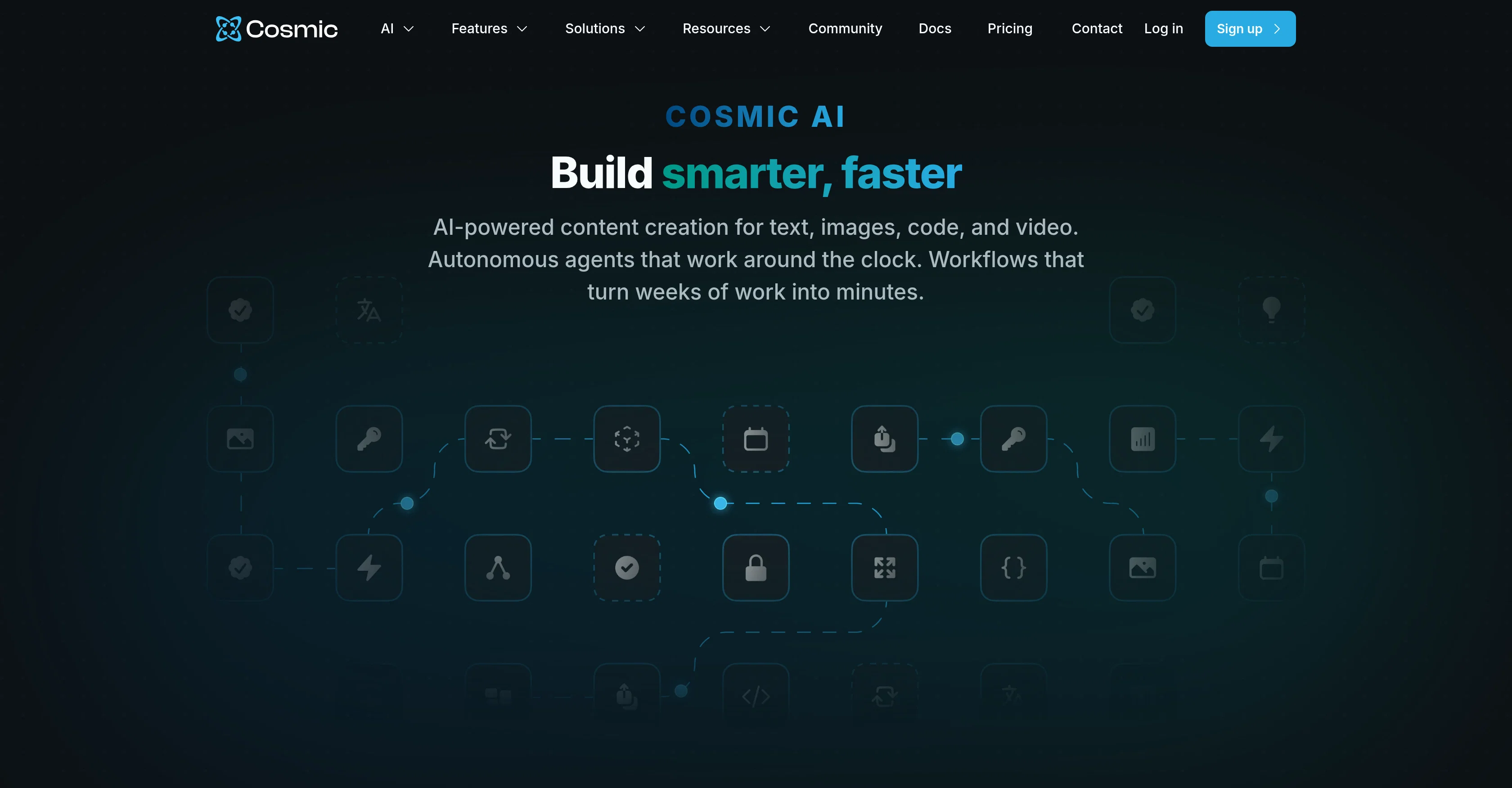
AI-powered content creation for text, images, code, and video.
Free + from $49/mo
Verdict
A quick read before you dig into the full page.
- Best if
- AI-powered content creation for text, images, code, and video
- Skip if
- Complex operations for beginners
- Pick this when
- Feature-rich CMS
Considering FlowPost instead? Compare side by side
Overview
Cosmic AI is a feature-rich content management system (CMS) designed to expedite and simplify the process of creating, editing, and managing content across multiple websites and applications.
At its core, it leverages artificial intelligence to foster more efficient content creation and management processes. It introduces AI agents into the workflow to handle tasks related to team management, content creation, code building, and computer use, thereby reducing manual work.
These specialized agents can be added to a team and programmed to carry out tasks based on natural language commands. Moreover, Cosmic AI enables users to chain multiple agents for complex operations, thus transforming weeks of work into mere minutes.
The CMS also incorporates AI-generated alt text for images, bulk uploading, auto translation, and optimized content creation for SEO purposes, among other benefits.
Users can create a content model using a description or an uploaded design, and the platform can generate insights from various media assets, such as PDFs and documents.
Notably, its AI capabilities extend to monitoring team AI usage and featuring an AI chat history for referencing past interactions. An embedded code agent can automatically discover files, commit changes, and open requests in your GitHub repository.
In sum, Cosmic AI provides a comprehensive and streamlined approach to content management, supplemented and enhanced by its AI functionalities.
Access & connections
Where you can use Cosmic AI, and what it plugs into.
Platforms
Integrations
Capabilities
What this tool accepts, produces, and is strongest at.
Input
- Code
- Tabular
- Text
- Video
Output
- Code
- Video
- API
- Text
Highlights
- Agents
Supported features
- Agents
- Automation
- Text Generation
- Image Understanding
- Docs
- Translation
- SEO
- Code Assistant
- Computer Use
- Integrations
Pros & cons
Pros
- Feature-rich CMS
- Efficient creation and management
- Team management automation
- Automated code building
- Reduces manual work
- Commands in natural language
- Multi-agent chaining for tasks
- Optimized for SEO
Show 23 more
- Bulk uploading feature
- Auto-translation capabilities
- Generates insights from media
- Embedded code agent
- Integrates with GitHub
- Document and PDF analysis
- Content model creation
- Cross-site content management
- Real-time activity logs
- Seamless integration into projects
- Content localization feature
- Admin access to activities
- Compatibility with Slack, Telegram, WhatsApp
- Schedule-able automation workflows
- Webhook triggered workflows
- Real-time logging for monitoring
- CMS content autonomous management
- Chat with media assets
- Task chaining capability
- Auto-publish or review content
- Cross-posting between platforms
- Automated demo video recording
- Automates browser usage
Cons
- Lacks on-premise deployment
- No inbuilt backup system
- Complex operations for beginners
- No audio content management
- No detailed usage statistics
- Limited non-English language support
- No multi-factor authentication
- Not compatible with all CMSs
Compare alternatives
Similar tools in the catalog — with a clear reason to open each one.

FlowPost ✓
Free TrialAI autopilot for social media posting
Why look Typically cheaper
Full comparison
EasyAI – AI Flow - No Code Content (Video/Image) Ge... ✓
Free TrialChain AI tasks with no-code into workflows for chatbots, video, documents, and
Why look Typically cheaper
Full comparison
RightBlogger ✓
FreemiumAutomate blogging, SEO, and publishing in one simple platform
Why look Typically cheaper
Full comparison
myAIninja ✓
Free TrialAI-powered content creation for social media, 10x faster
Why look Typically cheaper
Full comparison

Releases 1
FAQ 12
What is Cosmic AI?
How does Cosmic AI employ artificial intelligence in content management?
What are the functionalities of the AI agents in Cosmic AI?
How do I add an AI agent to my team in Cosmic AI?
What are the advantages of using AI agents in Cosmic AI?
Can I perform multiple actions with Cosmic AI's agents?
How does Cosmic AI help optimize content creation for SEO?
What features does Cosmic AI have for managing images?
How does auto translation work in Cosmic AI?
How can Cosmic AI help with team management?
In what ways can Cosmic AI's AI agents be programmed?
How does Cosmic AI incorporate AI into the process of code building?
Related tools
Recommended

DeepSeek ✓
FreeUnravel the mystery of AGI with curiosity

Cursor ✓
FreemiumAI-powered IDE for faster coding

Lovable ✓
Free TrialBuild software products using chat

Serno ✓
FreemiumCustom AI experts that map what one AI can't

Grok ✓
FreemiumConversational AI for understanding the universe.

OnlyPrompts ✓
Free TrialAutomate 37,000+ tasks with 150,000+ prompts