

Content Assistant ✓
Supercharge your browsing with AI-powered content creation
Trial; then from $10/mo
Verdict
A quick read before you dig into the full page.
- Best if
- Supercharge your browsing with AI-powered content creation
- Skip if
- Limited language support
- Pick this when
- Browser extension
Considering FlowPost instead? Compare side by side
Overview
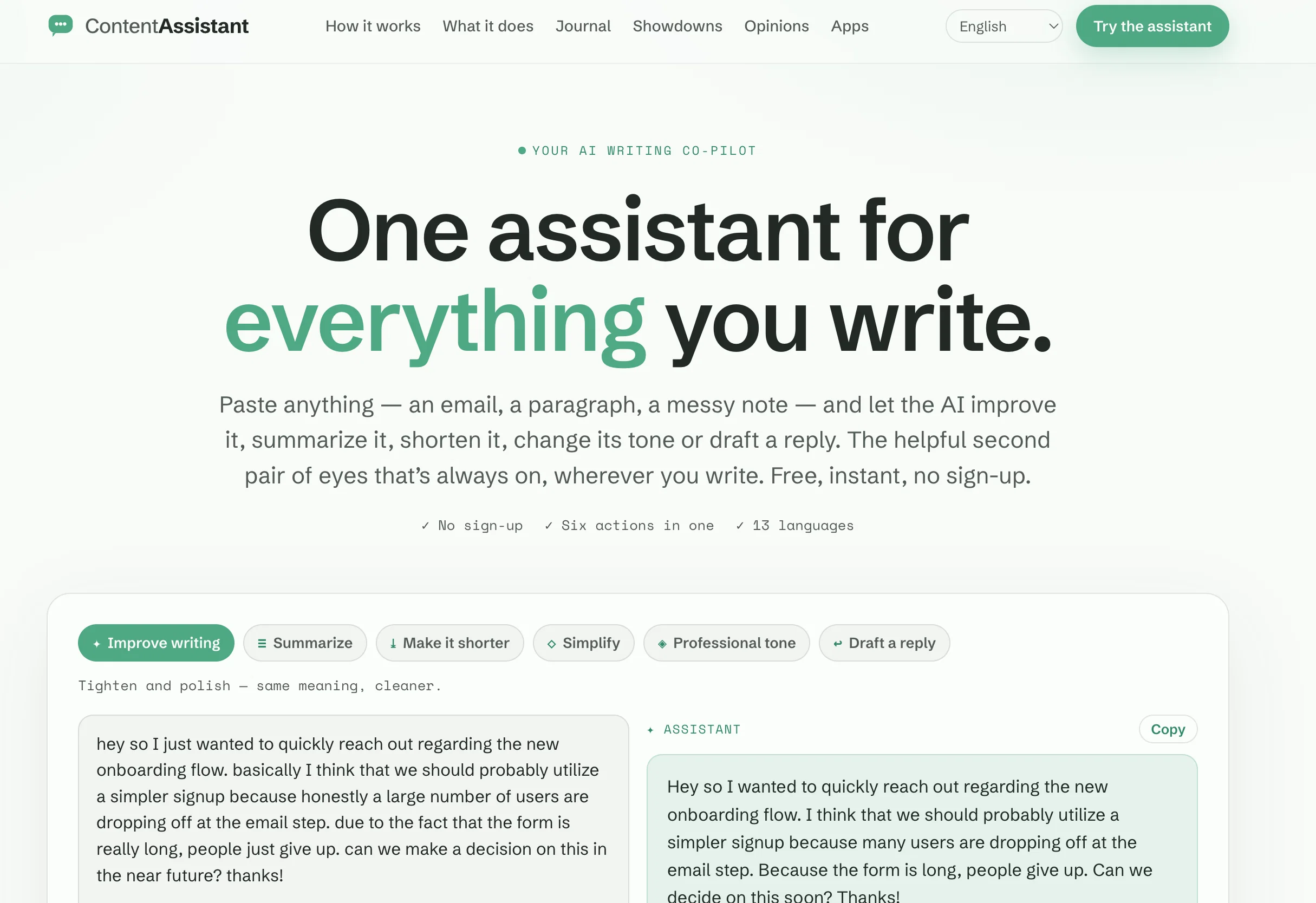
Content Assistant is an AI-powered browser extension that provides personalized prompts and assistance for content creation and review. By clicking on the extension's icon, users can access a range of tailored prompts to meet their specific needs.
They can also submit custom requests for suggestions, revisions, explanations, or compositions based on the context and prompt they select.The tool offers several features to enhance content interaction, including smart context, which automatically retrieves relevant information from the page for referencing in prompts.
It also enables fully conversational interactions, allowing users to engage in an endless back-and-forth conversation to iterate and ideate.Content Assistant supports both predefined prompts and custom prompts, offering flexibility to achieve desired content outcomes.
It can be used for various purposes, benefiting users across different industries.The tool integrates with email, allowing users to create new emails or reply to existing threads with smart context insights.
Additionally, a built-in chat feature enables effortless conversations about the current page or other topics.Users can generate personalized content through predefined prompts or custom prompts based on smart context or selection.
They also have the ability to edit selected content, fix grammar, translate, adjust tone, or update length.With Content Assistant, users can interact with the current page or selection to quickly summarize, explain, or create to-do lists for more efficient reviews.
The tool also offers speech-to-text functionality for quicker prompting and an improved user experience.Overall, Content Assistant enhances content composition and review experiences, transforming the content creation process with AI-powered assistance.
Access & connections
Where you can use Content Assistant.
Platforms
Capabilities
What this tool accepts, produces, and is strongest at.
Input
- Text
- Audio
Output
- Text
Pros & cons
Pros
- Browser extension
- Personalized prompts
- Custom request support
- Smart context feature
- Conversational interactions
- Predefined and custom prompts
- Email integration
- Built-in chat feature
Show 8 more
- Grammar checking
- Translation functioning
- Content tone adjustment
- Content length adjustment
- Page summarization
- Explanation feature
- To-do list creation
- Speech-to-text function
Cons
- No mobile support
- No offline mode
- Limited to browser-based content
- Dependent on page selection
- Subscription required
- No multi-platform compatibility
- Only available as extension
- Lacks advanced editing facilities
Show 2 more
- No integrated document storage
- Limited language support
Compare alternatives
Similar tools in the catalog — with a clear reason to open each one.


EasyAI – AI Flow - No Code Content (Video/Image) Ge... ✓
Free TrialChain AI tasks with no-code into workflows for chatbots, video, documents, and
Why look Offers a public API
Full comparison
RightBlogger ✓
FreemiumAutomate blogging, SEO, and publishing in one simple platform
Free + from $17.99/mo
Full comparison


Releases 1
FAQ 12
What is Content Assistant?
What does the Content Assistant browser extension do?
What are the key features of Content Assistant?
How does Content Assistant use AI?
Who can benefit from using Content Assistant?
How does the smart context feature in Content Assistant work?
What is the fully conversational feature in Content Assistant?
Can I customise the prompts in Content Assistant?
Can Content Assistant be integrated with email?
What kind of content can I create using Content Assistant?
How does Content Assistant support content editing?
Can Content Assistant help with summarising content?
Related tools
Recommended

AI Magicx ✓
FreemiumAI-enhanced content, code, and e-commerce optimization.

VenturusAI ✓
FreemiumBusiness idea analysis and reporting.

Hyperis ✓
FreemiumOrganized task prioritization.

Mindsmith ✓
FreemiumPlatform for building and sharing eLearning content

Automateed ✓
Free TrialCreate eBooks effortlessly with Automateed, the AI-powered writing tool.

Kin - Personal AI Advisors ✓
FreePrivacy-first & designed your for mind, and life at work