

Design 2026 Rank: #2852
Color Bot ✓
Create unique color palettes quickly and effortlessly.
from $3/mo
Verdict
A quick read before you dig into the full page.
- Best if
- Create unique color palettes quickly and effortlessly
- Skip if
- Limited layout on Palette Visualizer
- Pick this when
- Unique color palette generation
Considering Kolors AI instead? Compare side by side
Overview
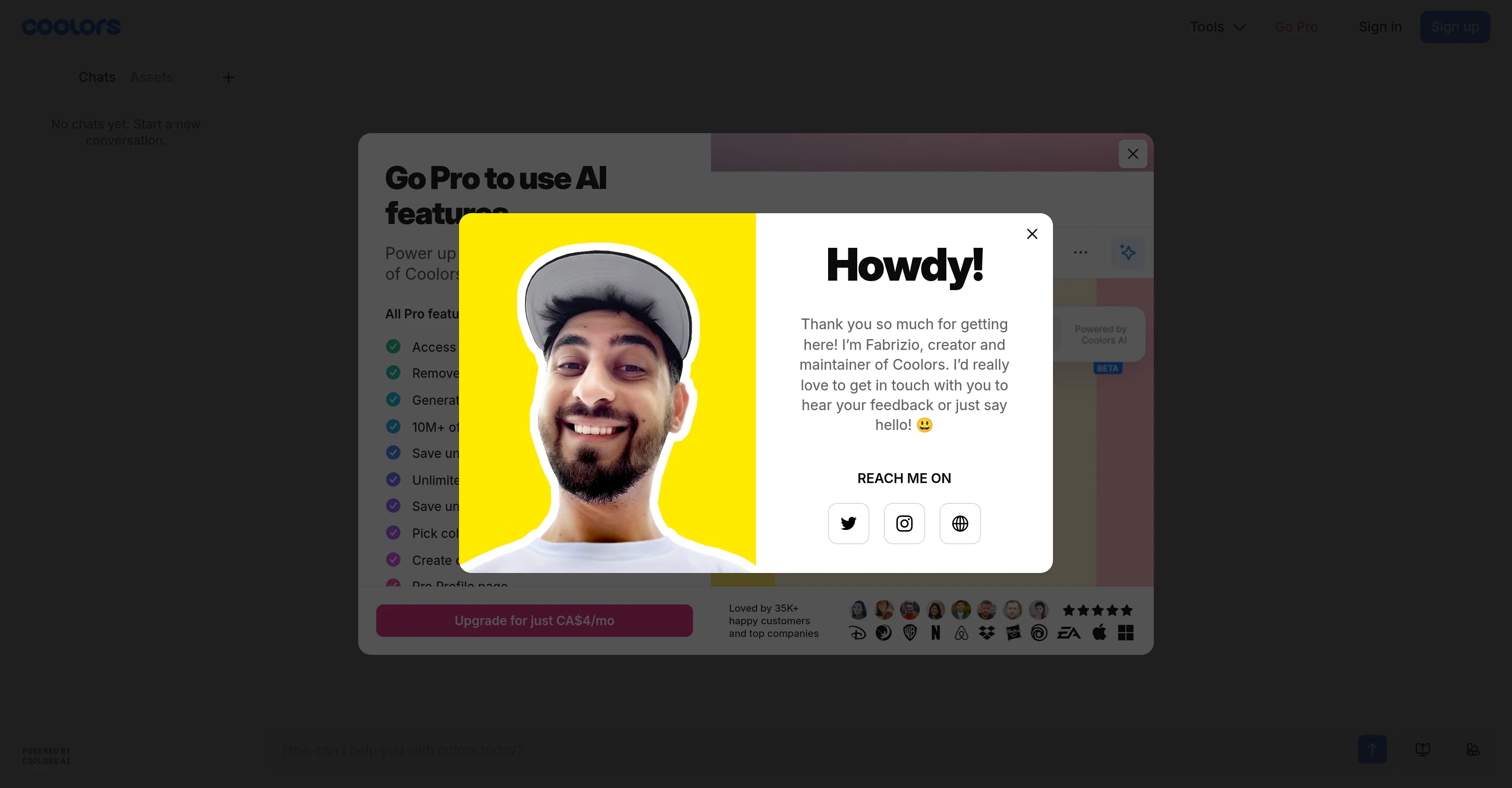
Color Bot powered by Coolors is an AI-based tool designed to assist users in the generation of unique color palettes. Color Bot aims to streamline the process of color selection, exploration, and application within user design projects.
It enables users to chat with the AI bot to get color suggestions based on specific requirements. In addition, users can explore millions of color palettes by various parameters such as topic, style, and color itself.
The Coolors platform also provides features such as a Palette Generator, Image Picker, Contrast Checker and Palette Visualizer to support varied color handling needs.
In particular, the Contrast Checker helps ensure that designs meet accessibilities standards, while the Palette Visualizer allows users to preview their color choices on designs in real-time.
Furthermore, Coolors includes a feature to extract beautiful color schemes from images with the Image Picker. The service is rolling out gradually and thus availability may vary as access expands.
Access & connections
Where you can use Color Bot.
Platforms
Capabilities
What this tool accepts, produces, and is strongest at.
Input
- Text
Output
- Text
Supported features
- Assistant
- Styling
Pros & cons
Pros
- Unique color palette generation
- Color suggestion based on requirements
- Exploration of millions palettes
- Palette generator feature
- Image color extraction
- Real-time color preview
- Contrast checker for accessibility
- Palette visualizer feature
Show 40 more
- Color handling features
- Gradual rollout ensures quality
- Streamlined color selection process
- Inspired color exploration
- Versatile color application
- Topic-based palette exploration
- Style-based palette exploration
- Color-based palette exploration
- Extraction of color schemes
- Palette generation from images
- Palette Visualizer for real-time design
- Preview of color choices
- Supports design accessibility standards
- Tailwind Colors feature for UI designs
- Figma plug-in support
- Chrome extension support
- iOS App available
- Adobe Extension support
- Collage maker included
- Image converter tool
- Font generator tool
- Advanced export options
- Palette color blindness check
- Color Picker tool
- Colors with meaning and variations
- Color psychology information
- Export palette as PDF, CSS, ASE, SVG, Code, Tailwind, Images
- Options for title, description, labels, color spaces
- Custom logo on exported PDFs
- Palette contrast checking
- View palette variations
- Dark mode support
- Premium subscription option
- Unlimited color palettes save
- Unlimited projects and collections
- Private profile feature
- Unlimited colors save
- Pro Profile page
- Collages creation
- Work with color libraries
Cons
- Gradual service roll-out
- Limited to color palettes
- No mobile app available
- Tailwind palette limited
- Limited colors in free version
- Paid feature for contrast check
- Lack of advanced export options
- Ads on free version
Show 1 more
- Limited layout on Palette Visualizer
Compare alternatives
Similar tools in the catalog — with a clear reason to open each one.


Canvora ✓
Free TrialThe Smartest Visual Assistant that can create visuals in 150+ languages.
Why look Offers a public API
Full comparison
Canva Visual Suite ✓
UnknownDesign for the new visual era
Why look Higher community rating
Full comparison
Canva AI ✓
FreemiumAI tools for design, writing, and creativity.
Why look Freemium alternative
Full comparison

LookX ✓
FreemiumAI-powered design for architects and creatives
Why look Freemium alternative
Full comparisonReleases 1
FAQ 12
What is Color Bot by Coolors?
How does the Color Bot generate unique color palettes?
What is the process of color selection in Color Bot?
How can I get color suggestions from Color Bot?
What parameters can I use to explore color palettes on the Coolors platform?
Can you tell me about the Palette Generator feature of Color Bot?
How does the Image Picker feature work on Color Bot?
What is the purpose of the Contrast Checker in Color Bot?
What does the Palette Visualizer do in Color Bot?
How does Color Bot ensure designs meet accessibility standards?
Can I preview my color choices in real-time with Color Bot?
How does Color Bot extract color schemes from images?
Related tools
Recommended
Askpot ✓
FreemiumEfficient analysis of products & services for competition.

Ideamap - Brainstorm and Mindmap AI ✓
FreemiumBoost your creativity with AI-powered brainstorming.

buzzabout ✓
FreemiumAI social media research for marketers

The SEO Agent ✓
Free TrialOne keyword in, one ranking post out.

Averi AI ✓
Free TrialThe AI Content Engine for Startups

myAIninja ✓
Free TrialAI-powered content creation for social media, 10x faster