
Cognify Insights
Browser extension for in-depth analysis of diagrams, tables, and graphs using AI.
Verdict
A quick read before you dig into the full page.
- Best if
- Browser extension for in-depth analysis of diagrams, tables, and graphs using AI
- Pick this when
- Browser extension for in-depth analysis of diagrams, tables, and graphs using AI
Overview
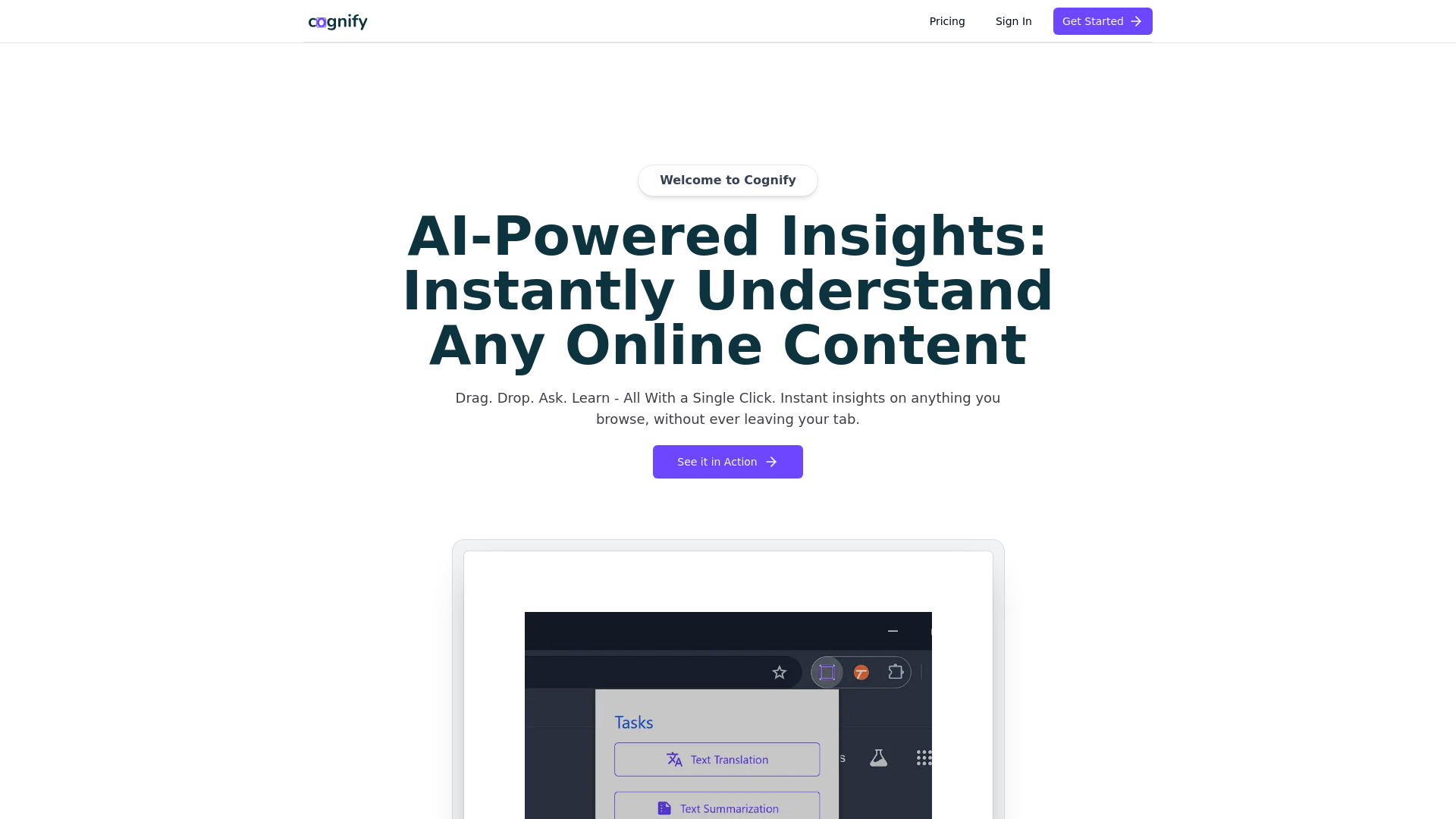
Cognify Insights is a browser extension designed for in-depth analysis of diagrams, tables, graphs, and more. It enhances research with advanced content processing tools, acting as a research assistant for text, diagrams, tables, and graphs. It provides AI-powered insights to instantly understand any online content by dragging and dropping content for instant analysis.
Access & connections
Where you can use Cognify Insights.
Platforms
Capabilities
What this tool accepts, produces, and is strongest at.
Highlights
- In-depth analysis of diagrams, tables, and graphs
- AI-powered insights
- Content processing tools
- Text translation
- Question answering
- Text summarization
FAQ 3
What is Cognify Insights?
How to use Cognify Insights?
How do I start using Cognify Insights?
Related tools
Recommended

Articos ✓
PaidRun synthetic user interviews and validate messaging, landing pages, and product ideas

Raccoon AI ✓
FreemiumThe AI Coworker for Apps, Research, Docs & Everything Else

Flowith AI ✓
FreemiumUnleash deep work with AI-powered flow.

KiloClaw ✓
PaidHosted OpenClaw AI agent with zero DevOps required.