

Codia ✓
Transform ideas into reality with AI-driven design tools
Free + from $29/mo
Verdict
A quick read before you dig into the full page.
- Best if
- Transform ideas into reality with AI-driven design tools
- Skip if
- Limited platform support
- Pick this when
- Design-to-code conversion
Considering AnimaApp instead? Compare side by side
Overview
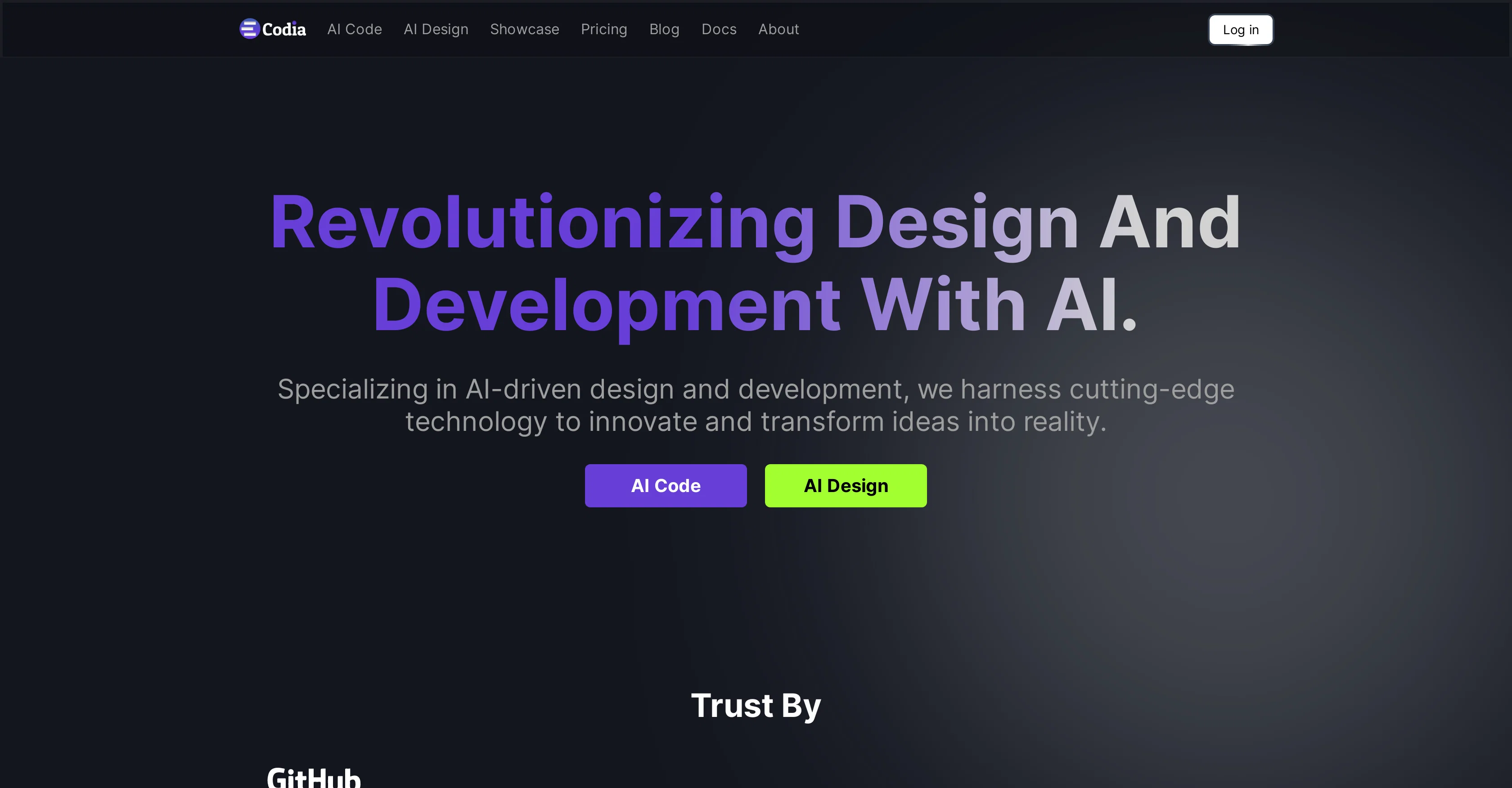
Codia is an AI-powered tool aimed at revolutionizing design and development workflows. It specializes in transforming creative ideas into functional products by offering advanced AI technologies for design-to-code conversion and AI-assisted designs.Key features of Codia include AI-Powered Code Generation and AI-Powered Design Tools.
The AI-Powered Code Generation feature allows the conversion of designs into functional code, effectively reducing development time and bridging the gap between designers and developers.
This results in high-quality, production-ready code for various web platforms, mobile apps, and the Flutter cross-platform framework.The AI-Powered Design Tools assist designers from conceptualization to final design.
Using advanced visual AI technology and large language models (LLMs), Codia's design tools can understand and generate designs from textual or image inputs, creating visually stunning designs with minimal human input.Particularly, Codia provides two main services: 'Design to Code' and 'Screenshot to Figma'.
The 'Design to Code' service generates high-quality, ready-to-use code from design inputs. Its 'Screenshot to Figma' service can transform text, sketches, or screenshots into polished, professional design drafts, offering a streamlined design interface with advanced UI reconstruction and font recognition capabilities.Ensuring data sovereignty, Codia holds strict privacy standards and respects the ownership rights of user creations.
Bridging the gap between design and coding, Codia is an innovative tool for diverse creative and development processes.
Access & connections
Where you can use Codia, and what it plugs into.
Platforms
Capabilities
What this tool accepts, produces, and is strongest at.
Input
- API
- Image
- Text
Output
- Code
- API
- Image
Pros & cons
Pros
- Design-to-code conversion
- Screenshot to Figma service
- Advanced UI reconstruction
- Font recognition capabilities
- Data sovereignty and privacy
- Bridges gap between design, coding
- Creates visually stunning designs
- Minimal human input required
Show 17 more
- Designs from text, image inputs
- Generates ready-to-use code
- Reduces development time
- Supports web, mobile platforms
- Supports Flutter framework
- Incorporates large language models
- Streamlined design interface
- Empowers creative, development processes
- 10x increase in efficiency
- Supports multi-platform, full-stack development
- Intelligent twin model usage
- High-quality code generation
- Figma to code conversion
- Transforms sketches into designs
- Tailored Figma experience
- Design conceptualization assistance
- Respects user creations' ownership
Cons
- Limited language models
- Only supports Figma
- Does not support offline use
- Not open source
- No multi-user collaboration
- No customizable templates
- No API available
- Not fully autonomous
Show 2 more
- Limited platform support
- No version control features
Compare alternatives
Similar tools in the catalog — with a clear reason to open each one.

AnimaApp ✓
FreemiumTransform designs into code automatically
Why look Typically cheaper
Full comparison
DataFlow ✓
FreeEasy data preparation with AI-powered operators.
Why look Fully free option
Full comparisonReleases 1
FAQ 12
What does Codia specialize in?
What are the key features of Codia?
What does AI-Powered Code Generation in Codia do?
What platforms does Codia support for code generation?
How does Codia's AI-Powered Design Tools help designers?
What is Codia's 'Design to Code' service?
How does Codia's 'Screenshot to Figma' service work?
What technologies does Codia use for generating designs?
How does Codia respect the ownership rights of user creations?
Does Codia have privacy standards and how does it ensure data sovereignty?
How does Codia use its advanced visual AI technology?
What is Large Language Models (LLMs) in context of Codia?
Related tools
Recommended

Mentor: Get things done ✓
FreemiumAchieve your goals and get things done with Mentor and AI

B12 AI Website Builder ✓
FreemiumAI-powered website builder

AI Course Creator ✓
FreemiumAI-powered course creation in minutes.

ConsoleX AI ✓
FreemiumThe Agentic AI Workspace Where Conversations Become Actions

LearningStudioAI ✓
Free TrialAI-powered authoring tool for effortless online course creation.

VenturusAI ✓
FreemiumBusiness idea analysis and reporting.