

Cockatoo ✓
Turn audio and video into text instantly.
Free + from $15/mo
Verdict
A quick read before you dig into the full page.
- Best if
- Turn audio and video into text instantly
- Skip if
- Limitations in free tier
- Pick this when
- Superhuman speech-to-text accuracy
Considering Voicetype AI instead? Compare side by side
Overview
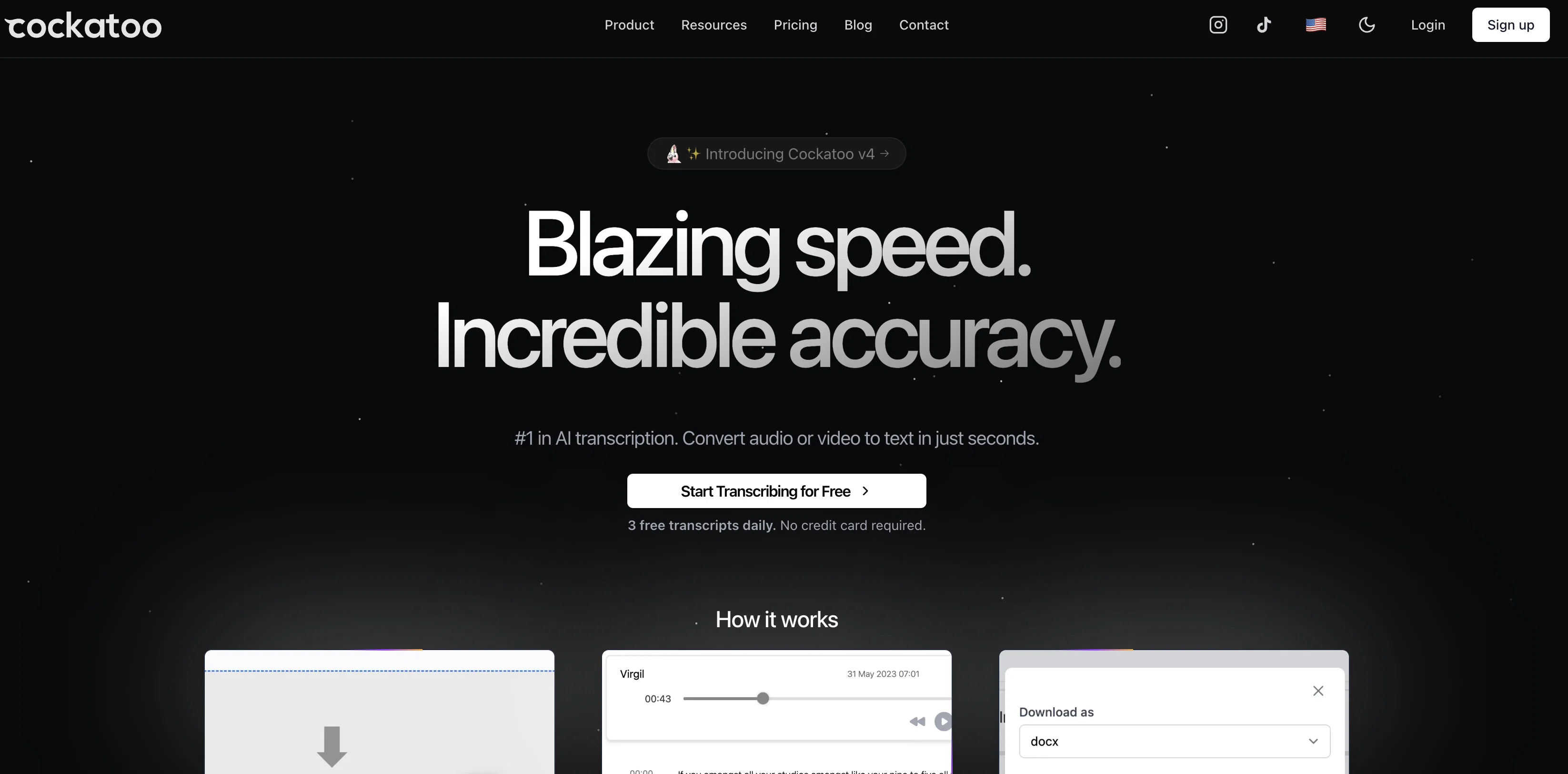
Cockatoo is an AI-powered transcription tool that allows users to convert audio and video files into text or subtitles quickly and accurately. With its superhuman speech-to-text accuracy, Cockatoo guarantees highly accurate transcriptions, surpassing human performance.
This tool supports transcription in more than 90 languages, making it versatile for global users. It handles various audio and video file formats, allowing users to effortlessly upload their files and receive text transcripts almost instantly.
Cockatoo's automated transcription saves users from the slow and labor-intensive process of manually transcribing audio or video content. It transcribes one hour of audio in just 2-3 minutes, making the process up to 30 times faster than manual transcription.
The tool offers seamless export options, allowing users to download their transcripts in formats such as srt, docx, pdf, or txt based on their preferences.
Cockatoo ensures the security and privacy of user data, with state-of-the-art encryption technology in place. With pricing plans suitable for all budgets, Cockatoo offers AI transcription at an affordable price point.
Its user-friendly interface allows for easy drag-and-drop file upload, and the built-in text editor simplifies text editing and customization. Cockatoo is suitable for a wide range of users, including documentary video producers, disabled individuals, content creators, and professionals who rely on accurate and speedy transcriptions.
Whether it's for work, academic, or personal purposes, Cockatoo provides an efficient solution for converting audio and video to text.
Access & connections
Where you can use Cockatoo.
Platforms
Capabilities
What this tool accepts, produces, and is strongest at.
Input
- Video
- Audio
Output
- Text
Supported features
- Transcription
Pros & cons
Pros
- Superhuman speech-to-text accuracy
- Supports 90+ languages
- Handles various audio/video formats
- Transcribes 1 hour in 2-3mins
- Export options: srt, docx, pdf, txt
- Advanced data encryption technology
- Affordable pricing plans
- User-friendly drag-and-drop file upload
Show 11 more
- Built-in text editor
- Suitable for diverse users
- Automated transcription
- Handles different accents
- Doesn't require separation of audio from video
- Independently owned
- Works with background noise
- Supports technical language
- Offers Unlimited transcripts
- Ensures privacy
- Allows fuss-free video uploads
Cons
- Limited file export formats
- Possible issues with accents
- Subscription-based pricing
- Accuracy may differ across languages
- No one-time purchase option
- No mobile app
- No offline mode
- Relies on stable internet connection
Show 2 more
- Limitations in free tier
- Unclear data retention policy
Compare alternatives
Similar tools in the catalog — with a clear reason to open each one.

Voicetype AI ✓
Free TrialWrite 9x Faster with AI Speech to Text on all Apps
Why look Better for writing
Full comparison
Transcript LOL ✓
FreemiumUnlimited transcripts, summaries, 99.8% accuracy, speaker recognition, superfast
Why look Typically cheaper
Full comparison
TurboScribe ✓
Freemium🎯 3 free transcripts every day. 🔥 Unlimited transcription starting at $10/mo.
Why look Typically cheaper
Full comparison
RambleFix ✓
Paid⚡ Write by thinking aloud - emails, notes, articles, in your style.
Why look Typically cheaper
Full comparison
Paraspeech ✓
Free TrialPrivate dictation, cloud optional
Why look Typically cheaper
Full comparisonReleases 1
FAQ 12
What is Cockatoo?
What sets Cockatoo apart from other transcription services?
What languages does Cockatoo support?
How fast can Cockatoo transcribe one hour of audio?
What file formats does Cockatoo support for transcription?
How does Cockatoo handle privacy and security of user data?
What are the pricing options for Cockatoo?
What export options does Cockatoo provide for transcripts?
How can I upload files to Cockatoo?
What is the user interface of Cockatoo like?
Can Cockatoo be used by disabled individuals?
Is Cockatoo suitable for academic usage?
Related tools
Recommended

Hyperis ✓
FreemiumOrganized task prioritization.

LearningStudioAI ✓
Free TrialAI-powered authoring tool for effortless online course creation.

Eightify
UnknownAI-powered YouTube video summarizer extracting key ideas for quick content assessment.

TutorAI ✓
FreemiumInstant knowledge on any topic

AskVideo ✓
FreemiumYouTube video interactive learning engagement.

VenturusAI ✓
FreemiumBusiness idea analysis and reporting.