

Clockk ✓
AI-powered time tracking for your workweek.
Trial; then from $15/yr
Verdict
A quick read before you dig into the full page.
- Best if
- AI-powered time tracking for your workweek
- Skip if
- Limited to preset integrations
- Pick this when
- Automatic time tracking
Considering Monitup instead? Compare side by side
Overview
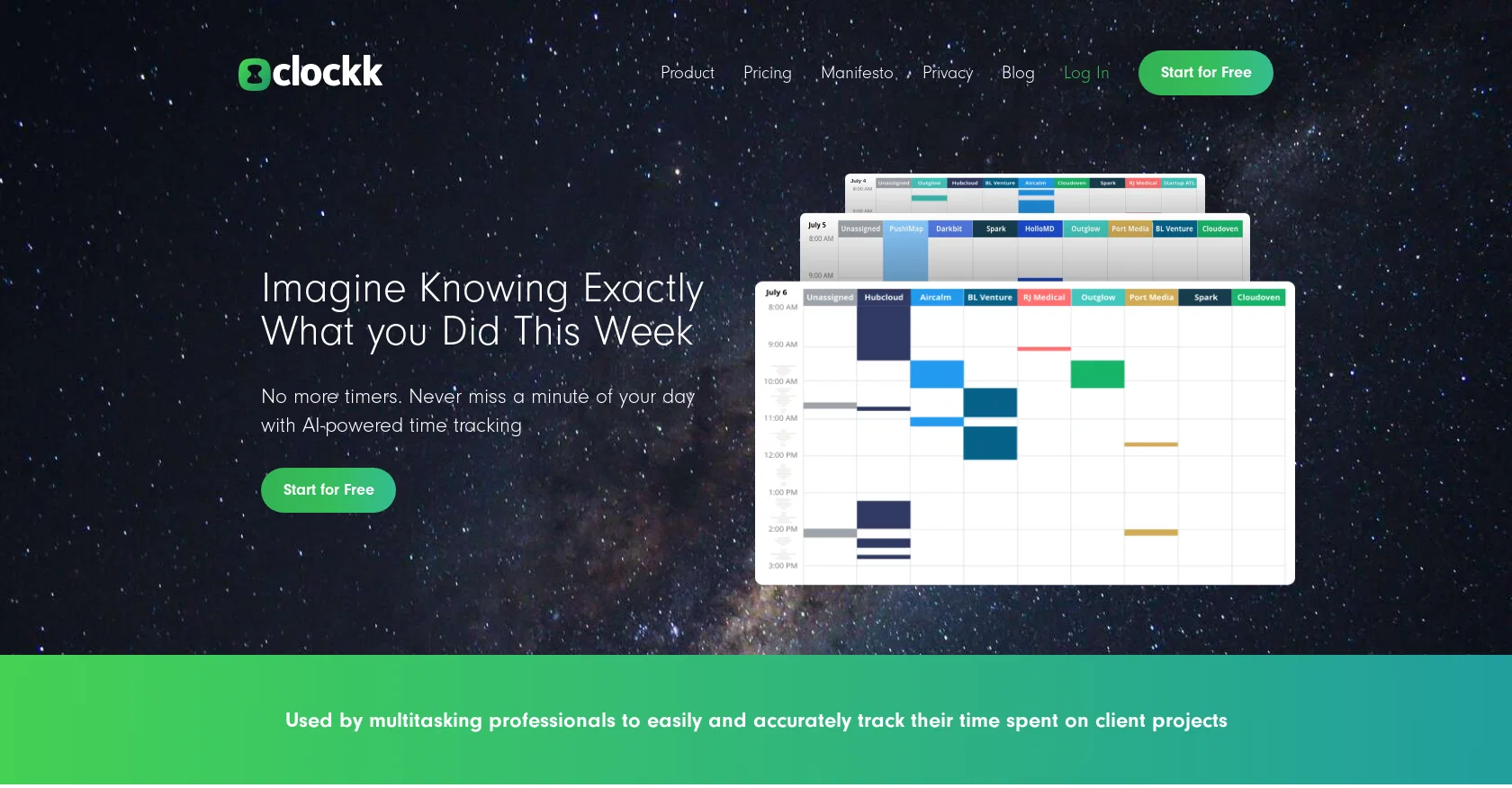
Clockk is an AI-powered time tracking tool designed to help professionals accurately and effortlessly track their time spent on client projects. Unlike traditional start/stop timers, Clockk's automatic time tracking runs in the background, eliminating the need for manual time sheets.
Users can simply verify their tasks at the end of the day or week and submit them. One of the key benefits of Clockk is its ability to ensure accurate billing.
With Clockk, users can confidently bill for the time they may have lost track of when switching between projects or forgetting to start the timer. This increases profitability and eliminates the need for estimation.Clockk also offers flexibility in capturing the reality of a workday.
It allows users to jump from task to task or project to project while accurately tracking their time spent. This feature enables professionals to stay fully engaged in their work and avoids the limitations of start/stop timers.Additionally, Clockk provides data insights that can be used to plan business growth.
Users can analyze the time it took to complete past projects and utilize this data to create more profitable proposals for predictable business growth.The tool prioritizes user privacy and control, assuring that individuals have full control over who sees their tracked time.
Clockk also integrates seamlessly with popular tech products, enabling easy sharing of data.Overall, Clockk simplifies time tracking, improves accuracy in billing, and empowers professionals to work the way they want while boosting business growth.
Access & connections
Where you can use Clockk.
Platforms
Capabilities
What this tool accepts, produces, and is strongest at.
Input
- Tabular
Output
- Tabular
Pros & cons
Pros
- Automatic time tracking
- Eliminates need for manual time sheets
- Accurate billing
- Flexibility in workday representation
- Data insights for growth planning
- Fully controlled user privacy
- Seamless integration with popular techs
- Designed for ease and accuracy
Show 7 more
- Enables task to task switch
- No requirement for start/stop timers
- Supports multitasking
- Estimation-free work hours
- Increased profitability
- Not an employee monitoring platform
- Ideal for professionals and consultants
Cons
- Lack of manual time entry
- Potential privacy concerns
- Limited to preset integrations
- Insufficient customization options
- Inaccurate tracking mistakes
- No offline mode
- No task prioritization feature
- Depends on constant connectivity
Show 2 more
- No start/stop timer option
- No multi-language support
Compare alternatives
Similar tools in the catalog — with a clear reason to open each one.

Monitup ✓
Free TrialMeasure and boost productivity with AI-powered tracking.
Why look Typically cheaper
Full comparison

RescueTime ✓
Free TrialFully automated time tracking software to reclaim your day.
Why look Typically cheaper
Full comparison
wAnywhere ✓
PaidAI-powered remote work monitoring for productivity and security
Why look Typically cheaper
Full comparison

Releases 1
Imported reviews 1
These guys are onto something solid. Life changing for me having been in the professional services industry my entire life and soooo over project/admin time tracking.
FAQ 12
What is Clockk?
What makes Clockk different from traditional time tracking tools?
Does Clockk track time automatically or do I need to start and stop it?
What are the key benefits of using Clockk?
How does Clockk ensure accurate billing?
Can Clockk track time spent on different tasks and projects?
How does Clockk help with business growth planning?
How secure is my data on Clockk?
What products can Clockk integrate with?
How does Clockk protect user privacy?
Does Clockk offer a free trial?
What kind of professionals can benefit from Clockk's features?
Related tools
Recommended

Stratup.ai ✓
FreemiumInnovative idea generation for businesses.

Recall ✓
FreemiumSummarize Anything, Forget Nothing!

Ask Your PDF ✓
FreemiumChat with your PDFs and extract valuable insights

Exemplary AI ✓
FreemiumTranscribes 120+ languages' audio/video.

Magickpen ✓
FreemiumWrite anything in seconds, just like magic.

MindPal ✓
FreemiumTurn domain expertise into sharable AI agents & multi-agent workflows, no code