

ViralBot ✓
Create viral videos with AI subtitles instantly
Free + from $0.18
Verdict
A quick read before you dig into the full page.
- Best if
- Create viral videos with AI subtitles instantly
- Skip if
- Limited to social media
- Pick this when
- User-friendly interface
Considering SwipeStory AI instead? Compare side by side
Overview
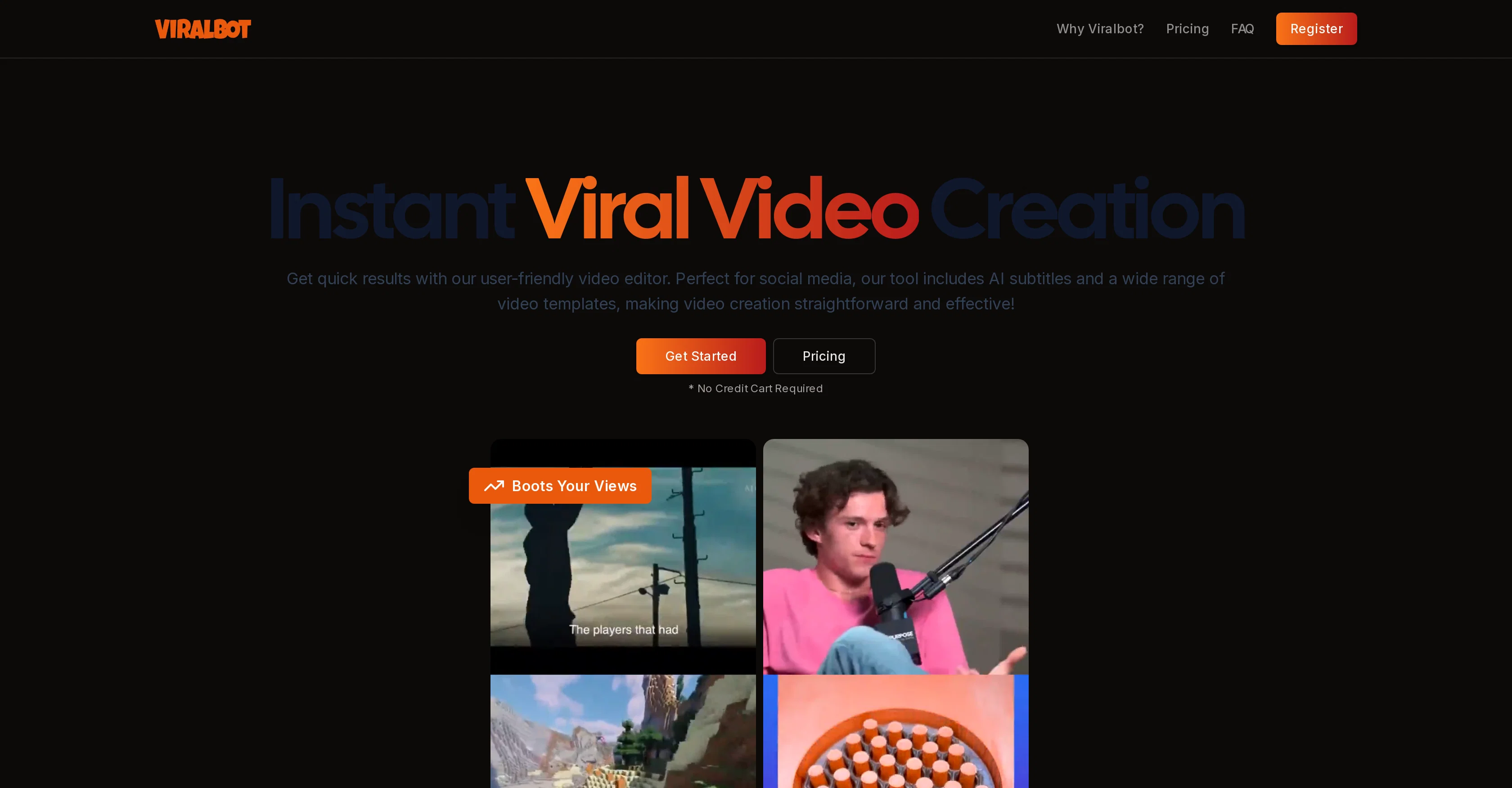
ViralBot is a user-friendly and intuitive video editor designed to simplify the video creation process, especially for social media platforms such as TikTok, YouTube Shorts, and Instagram.
As an automated tool, ViralBot can generate engaging and high-quality content with little effort from the user, making it ideal for those who require fast production without sacrificing the quality of their videos.
A distinct feature provided by ViralBot is the AI-generated subtitles, enhancing the accessibility of videos by automatically adding accurate subtitles in multiple languages.
This feature assists in making videos more inclusive, engaging, and far-reaching. ViralBot's process involves adding a video by uploading or using a Youtube link, after which their tool auto-pairs the main video with a secondary random video, making it unique to other editors.
Users can review, regenerate if unsatisfied, and finalize the video combination before downloading the finalized version. Keep in mind, the performance on social media platforms tends to favor shorter videos.
The tool also offers different pricing options, including free trials for first-time video creations.
Access & connections
Where you can use ViralBot, and what it plugs into.
Platforms
Integrations
Capabilities
What this tool accepts, produces, and is strongest at.
Input
- Video
Output
- Video
Pros & cons
Pros
- User-friendly interface
- Optimized for social media
- Quick video production
- High-quality output
- Unique video pairing
- Regenerate feature
- Multiple pricing options
- Free trials available
Show 15 more
- Accessible for beginners
- Advanced subtitling
- Direct Youtube link upload
- Creates inclusive content
- Suitable for marketers
- Footage library access
- Offers multiple video templates
- No need for credit card
- Can generate 200+ videos
- Choose different pairings
- Enhances viewer engagement
- Boosts video views
- Optimized for vertical format
- Privacy-centered
- Capable for viral video creation
Cons
- Random secondary video pairing
- No customisation options
- Short video bias
- Limited language subtitles
- One-time trial option
- Paid downloads post-trial
- No editing skill enhancement
- Limited to social media
Show 2 more
- Non-interactive video creation
- No API
Compare alternatives
Similar tools in the catalog — with a clear reason to open each one.




TransClipper ✓
FreemiumReverse-engineer any viral video in 30 seconds.
Why look Higher community rating
Full comparisonReleases 1
Imported reviews 1
My videos viral
FAQ 12
What is ViralBot?
How does ViralBot work?
How does ViralBot generate subtitles?
What languages does ViralBot support for subtitles?
How does the video pairing feature work in ViralBot?
Can I regenerate the video after ViralBot pairs it with the main video?
Are the videos generated by ViralBot suitable for all social media platforms?
Why does ViralBot favour shorter video content?
Is it mandatory to use a Youtube link for video editing on ViralBot?
What are the other features ViralBot provides for video editing?
What are the pricing details for ViralBot?
Does ViralBot offer any free trials?
Related tools
Recommended

Kin - Personal AI Advisors ✓
FreePrivacy-first & designed your for mind, and life at work

Prismix ✓
Free TrialYour AI Social Media Manager

ReadPartner ✓
Free TrialA media intelligence suite designed for businesses.

Outrank.so ✓
PaidEnhance your website with AI-driven, SEO-optimized content.

VenturusAI ✓
FreemiumBusiness idea analysis and reporting.

B12 AI Website Builder ✓
FreemiumAI-powered website builder