

Cliptalk ✓
Turn scripts into AI-powered videos instantly.
Free + from $19/mo
Verdict
A quick read before you dig into the full page.
- Best if
- Turn scripts into AI-powered videos instantly
- Skip if
- Limited platform publishing options
- Pick this when
- Automated video editing
Considering Bytecap instead? Compare side by side
Overview
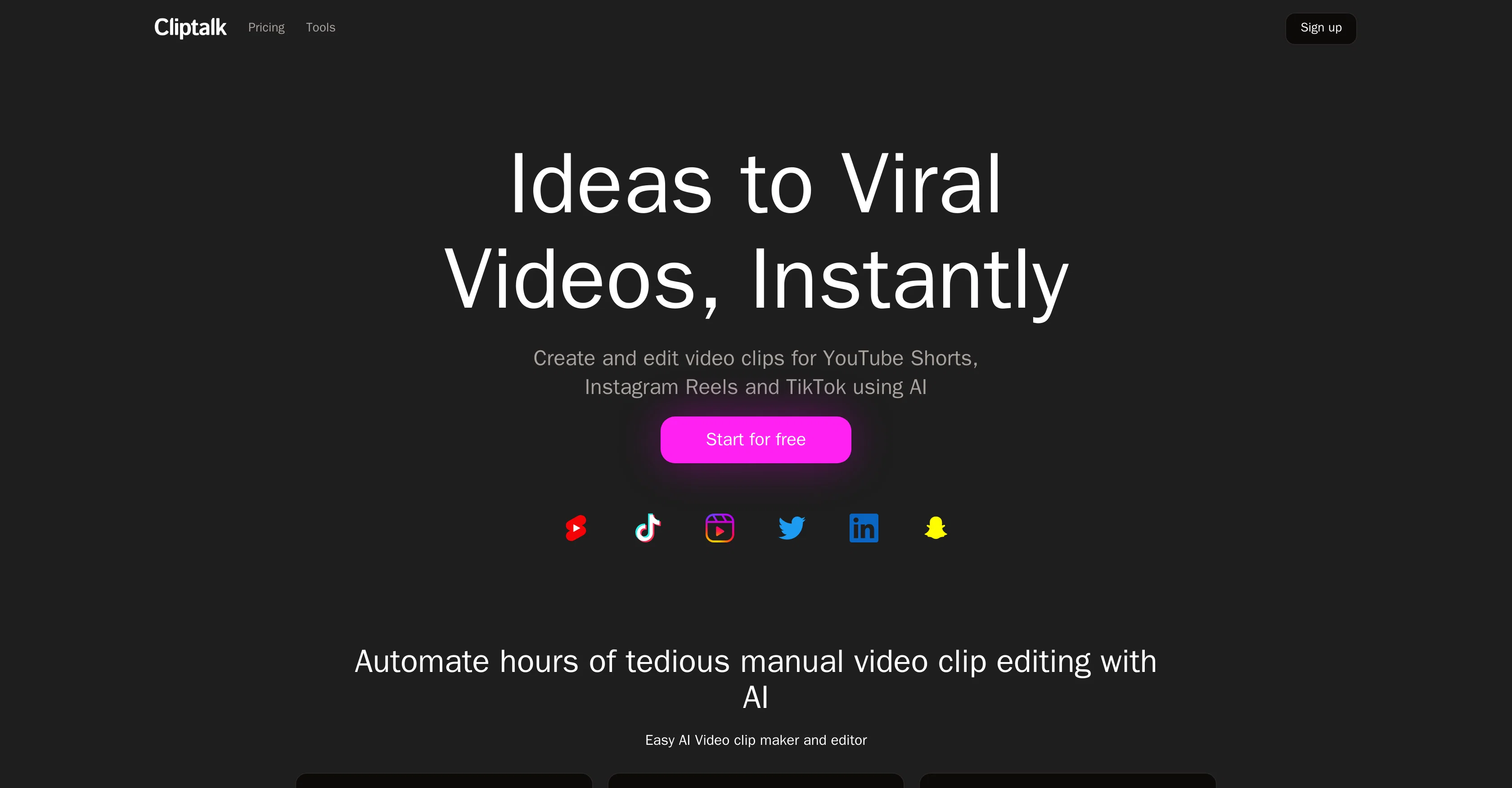
Cliptalk is an AI-driven tool designed to help digital creators transform text into short videos, eliminating the need for extensive video editing skills.
This tool leverages advanced artificial intelligence to convert text scripts into video content quickly and efficiently. It is also capable of automatically publishing these videos to various platforms such as Instagram Reels, YouTube Shorts, and TikTok.
Key features offered by Cliptalk include automated editing, in which the AI understands user prompts and executes edits, auto-captioning for improved video reach, and the automatic addition of B-roll footage.
The tool also supports natural language editing, allowing users to communicate editing instructions orally. Users can automatically create clips from text prompts and conveniently remove silences and filler words.
Additionally, Cliptalk offers AI voice actors for expressing a range of emotions based on user preferences. The platform enables users to establish a rapid and efficient video creation workflow, transforming text material from sources like blogs, news articles, and scripts into fully-edited, captioned, and voiced videos.
It also auto-generates animated captions, B-roll footage, and images based on provided scripts for a comprehensive and personalized video creation experience.
Access & connections
Where you can use Cliptalk, and what it plugs into.
Platforms
Integrations
Capabilities
What this tool accepts, produces, and is strongest at.
Input
- Text
Output
- Video
Pros & cons
Pros
- Automated video editing
- Auto-publishing to platforms
- Auto-captioning feature
- B-roll footage addition
- Supports natural language editing
- Silences and filler words removal
- Quick content conversion
- Automated generation of animated captions
Show 18 more
- Automatic text-to-video creation
- User-friendly interface
- Personalized video creation experience
- Single click unwanted silences remover
- Automatic clips production from text
- Transform blogs, news, scripts into videos
- Editing instructions via oral communication
- Rapid workflow establishment
- Automated script-based video generation
- Video style choosing option
- Prompt-based video creating feature
- Animated captions and B-roll footage
- Turns words into captivating videos
- No video editing skills required
- Voice recording setup unnecessary
- Blogs, news articles video conversion
- Automatic captioning and voicing
- Monetization of Cliptalk-created videos
Cons
- Unclear subscription cancellation process
- Limited platform publishing options
- No manual editing option
- Lacks custom voice actor selection
- No explicit text-to-speech feature
- Lacks narrative control
- Script source limitations
- Might miss subtle language nuances
Show 1 more
- No stated data privacy
Compare alternatives
Similar tools in the catalog — with a clear reason to open each one.


Opus Clip ✓
FreemiumAI-powered livestream studio for explosive growth
Why look Typically cheaper
Full comparison
HiClip AI ✓
Free TrialDrop 1 Video, Get 10 Hooked Clips.
Why look Typically cheaper
Full comparison
Shortmake ✓
PaidFast viral video generation and editing.
Why look Typically cheaper
Full comparison

Releases 1
Imported reviews 1
Glitched output at best, that can’t even be exported unless you pay.
FAQ 12
What is the primary function of Cliptalk?
How does Cliptalk use AI to convert text into videos?
Can Cliptalk automatically publish videos to social media platforms?
What are the key features offered by Cliptalk?
Does Cliptalk support natural language editing?
Can Cliptalk automatically generate captions and B-roll footage?
What do you mean by AI voice actors in Cliptalk?
How can Cliptalk help me establish a rapid and efficient video creation workflow?
Can Cliptalk transform text from any source into videos?
Does Cliptalk have the capability to generate animated captions?
How does the auto-clipping feature of Cliptalk work?
Is it possible to communicate editing instructions orally to Cliptalk?
Related tools
Recommended

Similarvideo ✓
Free TrialCreate marketing videos 10x faster with AI.

Reeler AI ✓
FreemiumGenerate videos with simple text prompts

Calvin - AI Shorts Maker ✓
FreemiumEffortless video creation like never before with AI.

Kaiber Superstudio ✓
Free TrialAI Video Generation

Animatable ✓
PaidCreate animated characters and environments in minutes

Shorts Faceless ✓
PaidAutomate your short video production with AI and instantly publish to socials