
Short videos 2026 Rank: #1755
ClipFlare ✓
Turn long videos into viral clips with AI
Verdict
A quick read before you dig into the full page.
- Best if
- Turn long videos into viral clips with AI
- Skip if
- Limited language support for dubbing
- Pick this when
- Condenses long videos
Considering Bytecap instead? Compare side by side
Overview
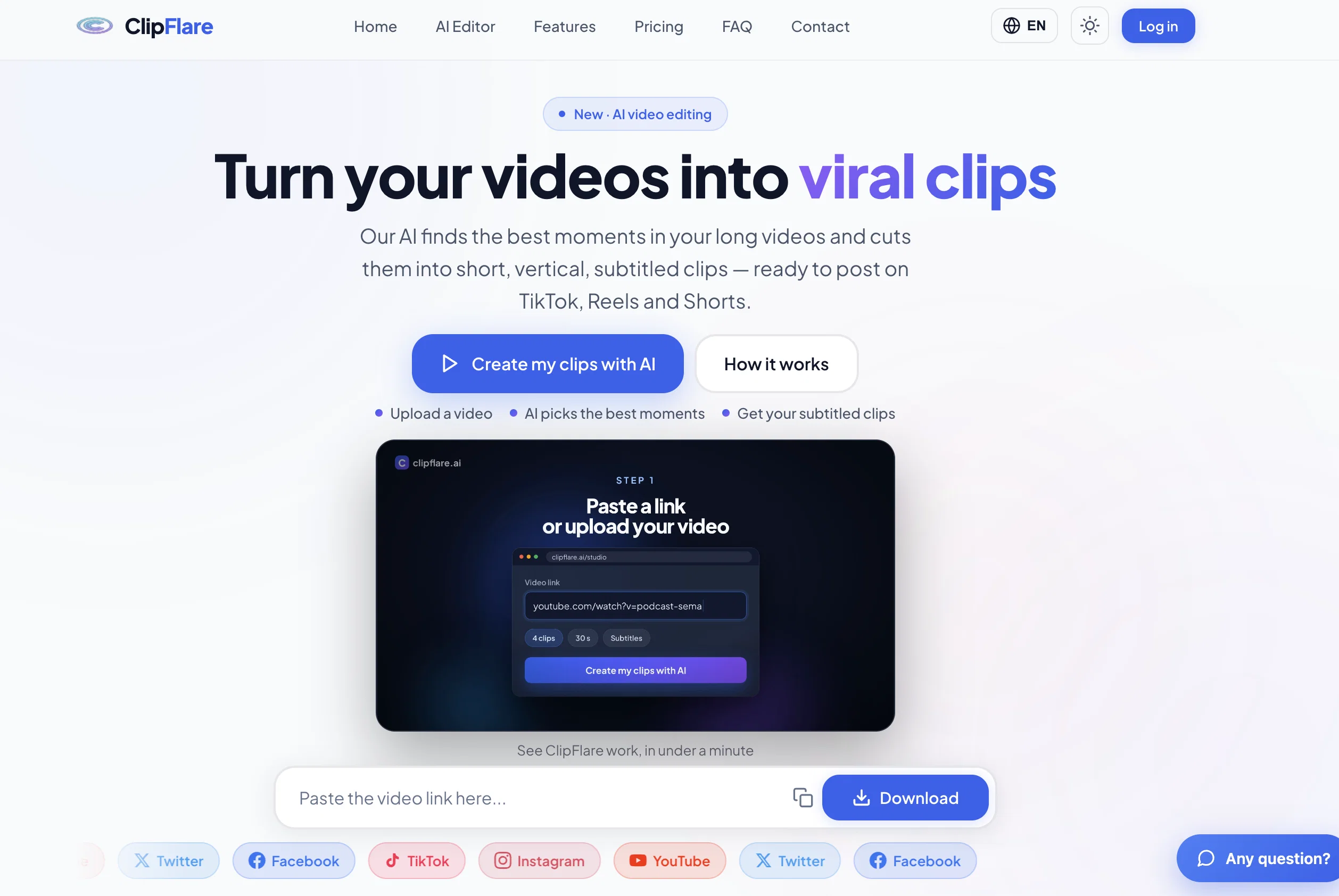
Give it a long video — an upload, a YouTube link, a podcast episode — and it transcribes the audio, scores every moment for hook strength, energy and pacing, then cuts the best ones into vertical 9:16 clips. Each clip comes back with burned-in animated subtitles, a caption written from what is actually said in the video, relevant hashtags, and a virality score explaining why that moment was picked.
From there you can dub a clip into 14 languages with synthetic voice and translated subtitles, apply your brand kit, schedule the clips across the week and publish them to your own social accounts.
It runs in the browser, installs as a mobile web app, and the interface is available in English, French, Russian, Chinese and Hindi. Free plan, no card required.
- - Ai Picks The Best Moments From Any Long Video - Vertical 9:16 Reframing - Burned-in Animated Subtitles - Caption + Hashtags Written From The Video's Own Words - Virality Score On Every Clip - Ai Dubbing Into 14 Languages - Brand Kits (logo, Colours, Fonts) - Scheduling Calendar And Direct Publishing - Upload, Youtube Link, Podcast Or Photo Montage As Input - Interface In English, French, Russian, Chinese, Hindi
Access & connections
Where you can use ClipFlare.
Platforms
Capabilities
What this tool accepts, produces, and is strongest at.
Input
- Text
- Image
- Audio
- Video
Output
- Text
- Image
- Audio
- Video
Highlights
- Use code TAAFT
- $10 CREDITS
Pros & cons
Pros
- Condenses long videos
- Automatic subtitled clips
- Multiple languages
- Direct publishing feature
- Watermark-free content
- Up to 4K quality
- Cross-platform functionality
- Freemium model
Show 37 more
- Premium features
- Optimized for social platforms
- Video engagement optimizer
- Highlights detection
- Produces vertical format videos
- Instagram Reels optimization
- TikTok video tool
- YouTube Shorts creator
- Transforms video content
- Good for professional use
- Automated video cropping
- Maximizes shareability
- Different pricing tiers
- Instant viral clip creation
- Automatic video analysis
- Animated subtitles
- Integrated sharing options
- Documented tutorial
- No subscription needed
- Brand kit for premium
- Viral score assessment
- Multilingual subtitling for premium
- API access for Pro level
- Intelligent scheduling + analytics
- Direct download feature
- Multi-support video import
- Adaptive title and description
- Social media publisher
- Premium trial available
- Quality scale options
- Custom clip durations
- Affiliate program
- Coins system for clips
- Schedule publication
- High-quality extraction for YouTube
- Project prioritization for Pro
- Multiple clip generation
Cons
- Limited to social media use
- No mobile application
- Pricing tiers might be confusing
- Lack of advanced editing tools
- No diverse video format output
- Limited free version
- Limited language support for dubbing
- Obligatory vertical video output
Compare alternatives
Similar tools in the catalog — with a clear reason to open each one.


Opus Clip ✓
FreemiumAI-powered livestream studio for explosive growth
Free + from $14.5/mo
Full comparison
HiClip AI ✓
Free TrialDrop 1 Video, Get 10 Hooked Clips.
Why look Typically cheaper
Full comparison


Releases 1
FAQ 12
What is ClipFlare?
How does ClipFlare identify the best moments in a video?
How does the AI dubbing feature work on ClipFlare?
In what languages does ClipFlare offer dubbing?
What is the maximum video quality that ClipFlare supports?
Can I publish videos directly to social media platforms using ClipFlare?
What social media platforms does ClipFlare support?
Does ClipFlare add watermarks to my videos?
What can I expect from the free version of ClipFlare?
What are the premium features of ClipFlare?
Is ClipFlare suitable for professional use?
How can ClipFlare help me optimize my Instagram Reels?
Related tools
Recommended

HappySeeds ✓
FreemiumTurn ideas into AI-powered apps instantly.

Automateed ✓
Free TrialCreate eBooks effortlessly with Automateed, the AI-powered writing tool.

leania.ai ✓
Free TrialMRI scan for Businesses: Find What to Cut, Replace, Automate with AI

buzzabout ✓
FreemiumAI social media research for marketers

Serno ✓
FreemiumCustom AI experts that map what one AI can't

biela.dev ✓
Free TrialIf you can imagine it, Biela can code it!