

Chunky ✓
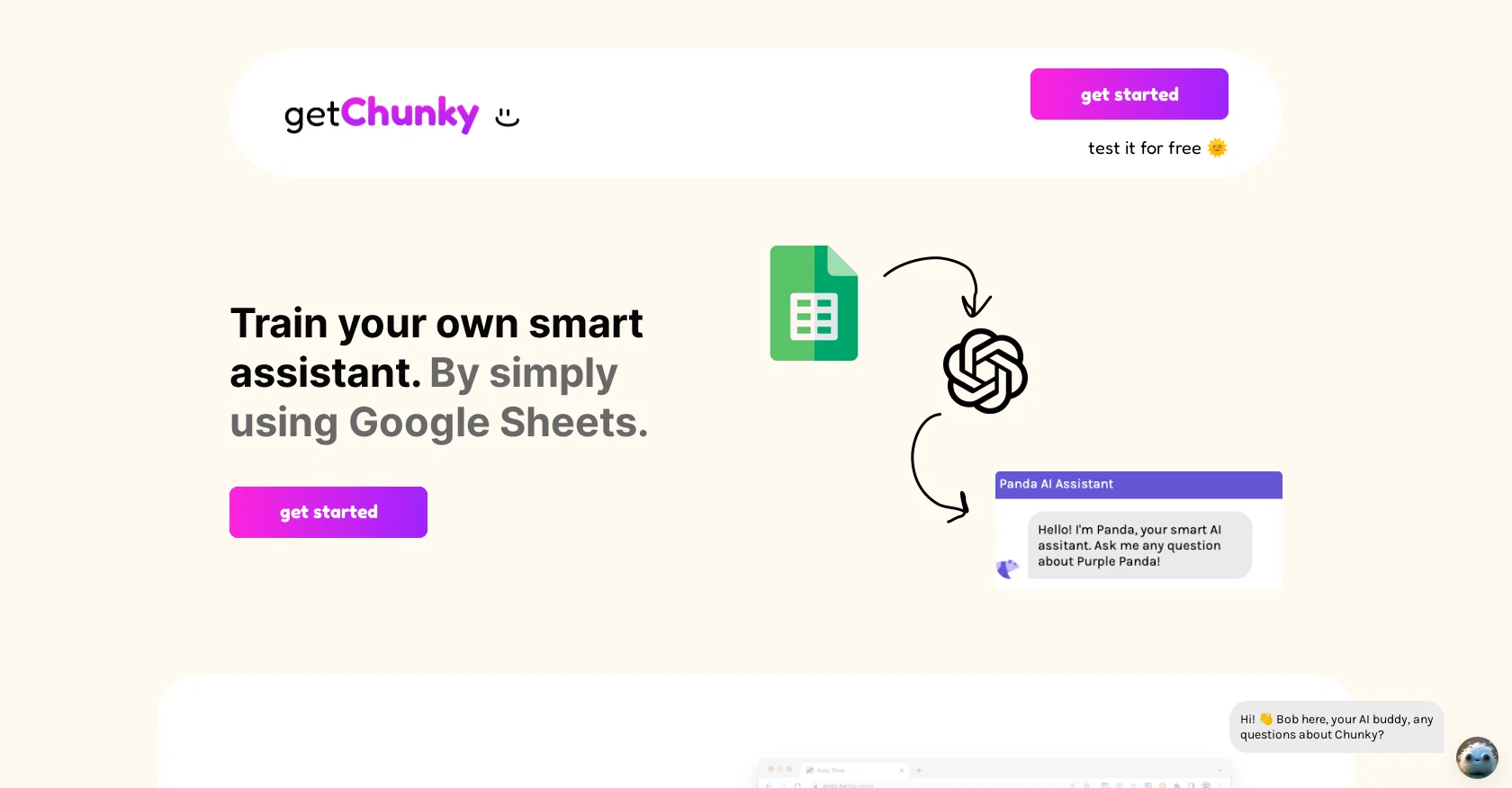
Train your own smart assistant using Google Sheets
Free + from $9/mo
Verdict
A quick read before you dig into the full page.
- Best if
- Train your own smart assistant using Google Sheets
- Skip if
- Limited platform adaptation
- Pick this when
- Google Sheets based
Considering FastBots instead? Compare side by side
Overview
Get Chunky is an AI-based tool for creating interactive knowledge bases and smart website chatbots. It is easy to use, as it is based on Google Sheets and does not require any coding knowledge.
It allows users to create a smart assistant for their website, Slack or Microsoft Teams, or any other platform they choose to integrate with. Get Chunky also allows users to create an AI-based knowledge base, which can be used to answer employee questions quickly and accurately.
Get Chunky is free to test and provides users with a helpful chatbot that can answer questions and provide relevant information. Additionally, Get Chunky is constantly working on adding new integrations and features to make their tool even more useful.
Access & connections
Where you can use Chunky, and what it plugs into.
Platforms
Integrations
Capabilities
What this tool accepts, produces, and is strongest at.
Input
- Text
- Tabular
Output
- Text
Pros & cons
Pros
- Google Sheets based
- No coding knowledge required
- Multi-platform integrations
- Knowledge base creation
- Free to test
- Regularly updated features
- Slack and Microsoft Teams compatibility
- Simple bot training
Show 7 more
- Web-based version available
- Interactive chatbots
- Quick and accurate responses
- User-friendly interface
- Free smart assistant training
- FAQ integration
- Unknown integrations upcoming
Cons
- Based on Google Sheets
- Limited integrations available
- No coding customization
- Knowledge base dependent
- Limited platform adaptation
- Requires Google account
- No standalone app
- Unclear upgrade options
Show 2 more
- Support through Twitter
- Website dependency for setup
Compare alternatives
Similar tools in the catalog — with a clear reason to open each one.

FastBots ✓
FreemiumCreate AI chatbots customized with your business data.
Why look Offers a public API
Full comparison
Chatbit ✓
FreemiumTrain custom AI Chatbot from your data, add to website.
Free + from $19/mo
Full comparison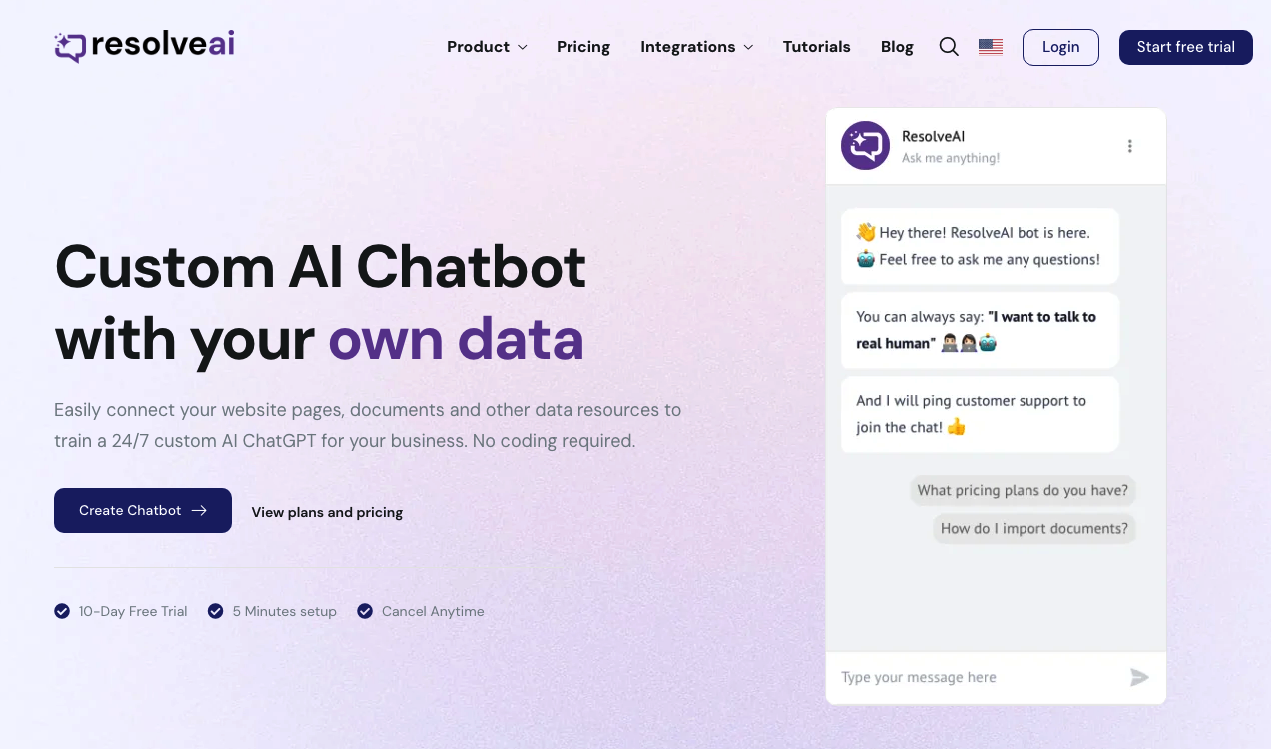
ResolveAI
PaidSaaS platform for creating custom AI customer service chatbots with no coding required.
Why look Better fit for coding
Full comparison
intoCHAT ✓
FreemiumTransform customer interactions with AI chatbots.
Why look Higher community rating
Full comparison
ChatBotKit ✓
FreemiumThe fastest way to build advanced AI chat bots
Why look Typically cheaper
Full comparison
ChatLLaMA ✓
PaidCreate custom AI assistants on your GPUs
Why look Typically cheaper
Full comparisonReleases 1
FAQ 12
What is Get Chunky?
How can I integrate Get Chunky into my website?
What platforms does Get Chunky support for integration?
How can Get Chunky assist my employees?
How do I train Get Chunky for my company data?
How do I create a knowledge base using Get Chunky?
Does Get Chunky require knowledge of coding?
Is there a free trial available for Get Chunky?
How is Get Chunky used to create chatbots?
Do I need to have a Google Sheets account to use Get Chunky?
What types of questions can Get Chunky answer?
What new features or integrations is Get Chunky planning to add?
Related tools
Recommended

VenturusAI ✓
FreemiumBusiness idea analysis and reporting.

Mindsmith ✓
FreemiumPlatform for building and sharing eLearning content

LearningStudioAI ✓
Free TrialAI-powered authoring tool for effortless online course creation.

Kaiber Superstudio ✓
Free TrialAI Video Generation

Fineshare ✓
FreemiumAn online all-in-one AI voice generator for everyone

Findsight ✓
FreeCompare non-fiction ideas from multiple sources.
