

Chattie ✓
Add ChatGPT to your website in seconds.
from $29/mo
Verdict
A quick read before you dig into the full page.
- Best if
- Add ChatGPT to your website in seconds
- Skip if
- Steep pricing plans
- Pick this when
- No coding needed
Considering FastBots instead? Compare side by side
Overview
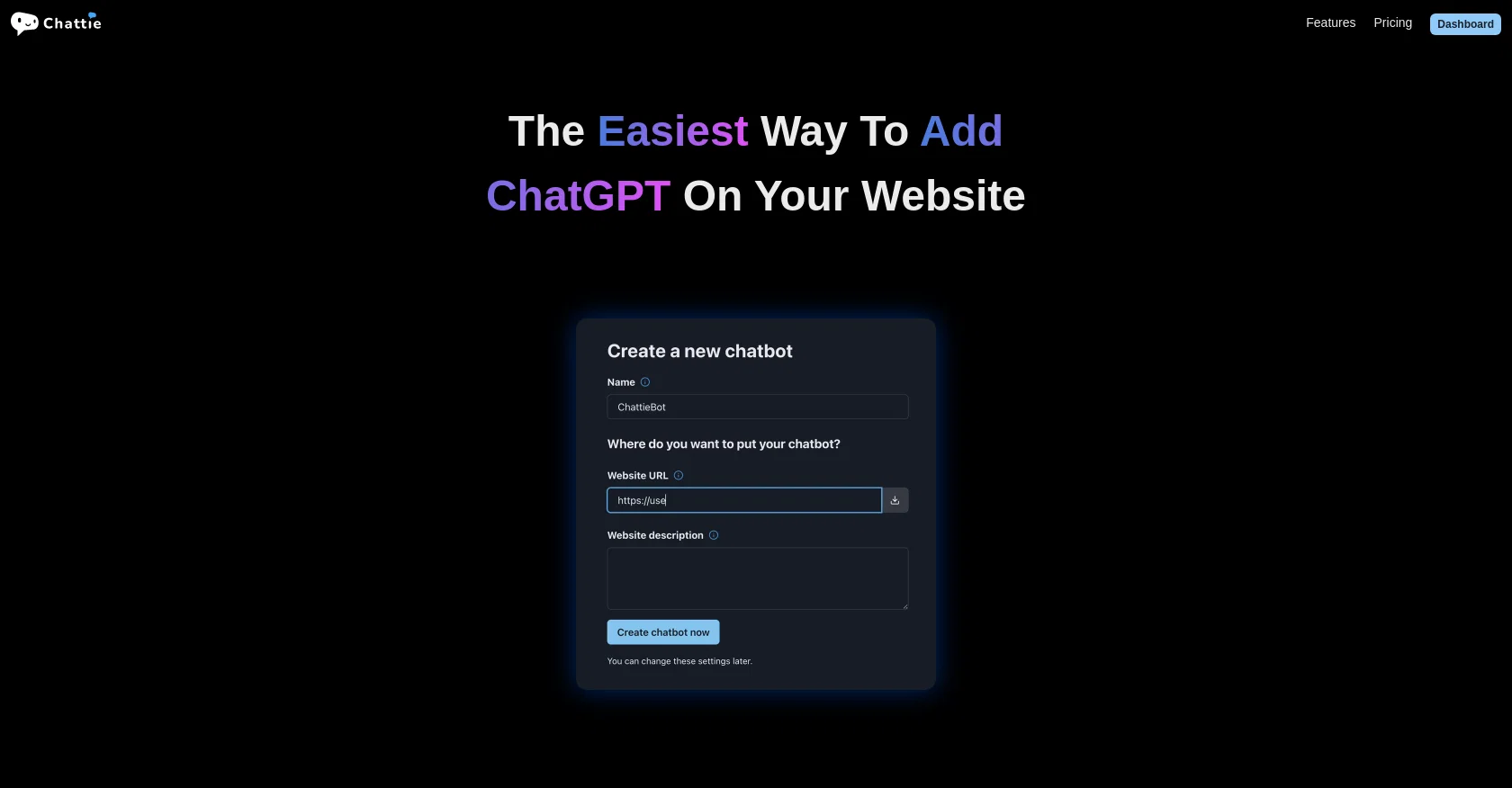
Chattie is a no-code service that enables website owners to easily integrate ChatGPT, a chatbot powered by OpenAI's language model, onto their websites.
With Chattie, users can add customized chatbots to their websites within seconds, without the need for coding knowledge. One of Chattie's key features is its ability to train chatbots with unique data specific to the user's website.
Users can train the chatbot with various sources, including web pages, uploaded files (such as PDF, DOCX, EPUB, CSV, and MD), or pasted text. To streamline the chatbot training process, Chattie provides automatically generated prompts and prompt snippets, allowing users to quickly get started without extensive manual input.Additionally, Chattie offers a theme editor with full CSS support, allowing users to preview different themes, customize icons, and edit CSS to match their website's design and branding.The service also provides a dashboard that offers insights into user interactions and generates topics based on chat history, enabling website owners to better understand their users.Chattie offers different pricing plans, ranging from essential to agency, with varying features and capacity limits.
These plans include options to train with user-specific data, use auto-generated prompts, customize CSS, access chat history and analytics, and even white-labeling for branding purposes.Overall, Chattie simplifies the process of adding ChatGPT-powered chatbots to websites, providing a user-friendly interface and customizable features that cater to the unique needs of website owners and their audiences.
Access & connections
Where you can use Chattie.
Platforms
Capabilities
What this tool accepts, produces, and is strongest at.
Input
- Text
Output
- Text
Pros & cons
Pros
- No coding needed
- Customizable chatbots
- Integrates ChatGPT
- Unique data training
- Supports multiple data sources
- Auto-generated prompts
- Snippet prompts
- Theme editor
Show 19 more
- Full CSS support
- Real-time theme preview
- Customizable icons
- Insightful dashboard
- Chat history generated topics
- Variety of pricing plans
- User-specific data training
- Analytics Access
- White-labeling available
- Easy to use interface
- Tailored to website design
- Supports various file uploads
- Chatbot capacity limits
- Fast setup
- Affordable pricing
- Allows CSS editing
- 3000-80000 messages/month
- 5-100 chatbots
- 20MB-1GB training text
Cons
- Limited messaging capacity
- Steep pricing plans
- Training data size limitations
- No free permanent plan
- Limited chatbot number
- Requires website integration
- No standalone application
- No options for non-web chatbots
Show 2 more
- Lack of transparency in training process
- No programmable fallbacks
Compare alternatives
Similar tools in the catalog — with a clear reason to open each one.
FastBots ✓
FreemiumCreate AI chatbots customized with your business data.
Why look Freemium alternative
Full comparison
Chatbit ✓
FreemiumTrain custom AI Chatbot from your data, add to website.
Why look Freemium alternative
Full comparison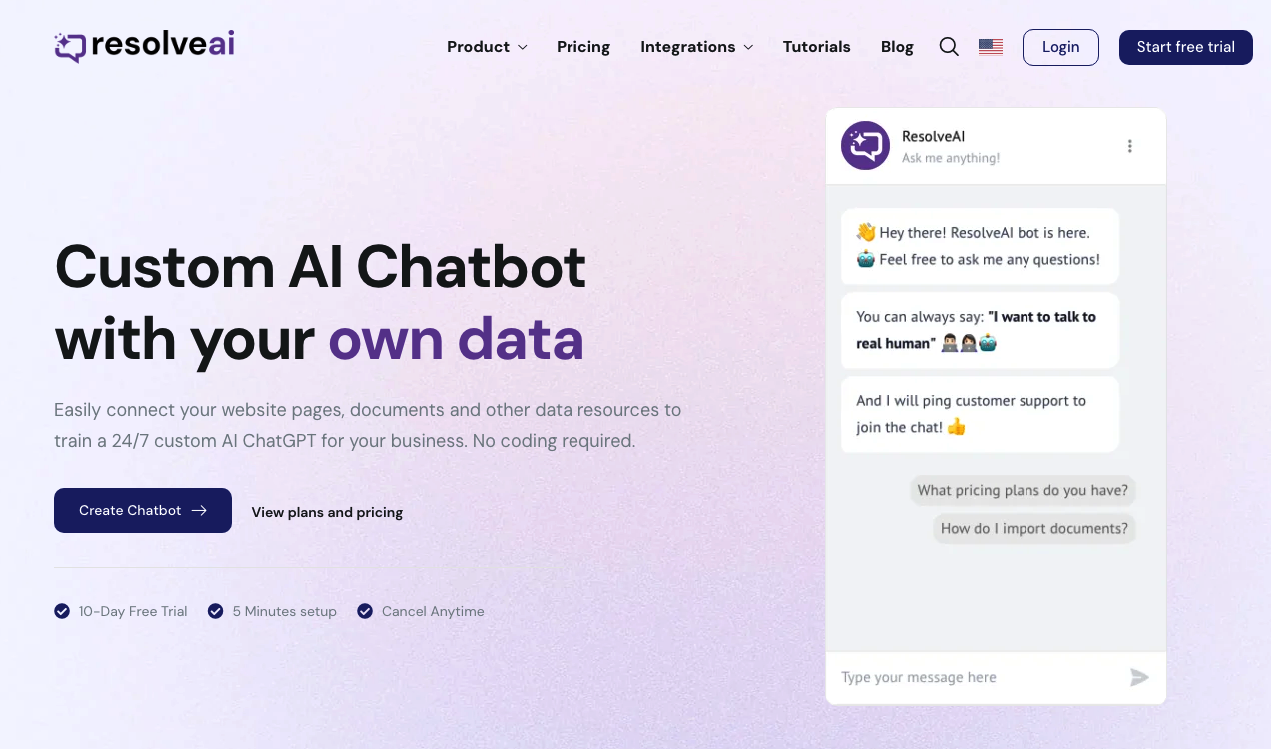
ResolveAI
PaidSaaS platform for creating custom AI customer service chatbots with no coding required.
Why look Better fit for coding
Full comparison
intoCHAT ✓
FreemiumTransform customer interactions with AI chatbots.
Why look Freemium alternative
Full comparison
ChatBotKit ✓
FreemiumThe fastest way to build advanced AI chat bots
Why look Freemium alternative
Full comparison
ChatLLaMA ✓
PaidCreate custom AI assistants on your GPUs
Why look Typically cheaper
Full comparisonReleases 1
FAQ 12
What is Chattie and what does it offer?
How can I customize chatbots with Chattie?
What kind of data can be used to train Chattie chatbots?
What are the key features of Chattie?
How does the theme editor in Chattie work?
What does Chattie's CSS support entail?
What insights can I get from Chattie's dashboard?
What are the different pricing plans offered by Chattie?
Can I try Chattie for free before purchasing a plan?
What specific capacities are included under Chattie's different pricing plans?
What is ChatGPT in the context of Chattie's service?
How many messages per month do the different Chattie plans support?
Related tools
Recommended

VenturusAI ✓
FreemiumBusiness idea analysis and reporting.

Chatwith ✓
FreemiumAI chatbots powered by your live data and APIs

Droxy ✓
FreemiumTurn any content into an engaging AI chatbot.

Free Text-To-Speech ✓
FreeText transformed into customizable spoken output.

Mindsmith ✓
FreemiumPlatform for building and sharing eLearning content

Taplio ✓
FreemiumThe LinkedIn growth tool to turn content into pipeline
