

Free + from $19/mo
Verdict
A quick read before you dig into the full page.
- Best if
- You are businesses and need: Knowledge base assistant
- Skip if
- Limited messages per month
- Pick this when
- Access to live backend data
Considering FastBots instead? Compare side by side
Overview
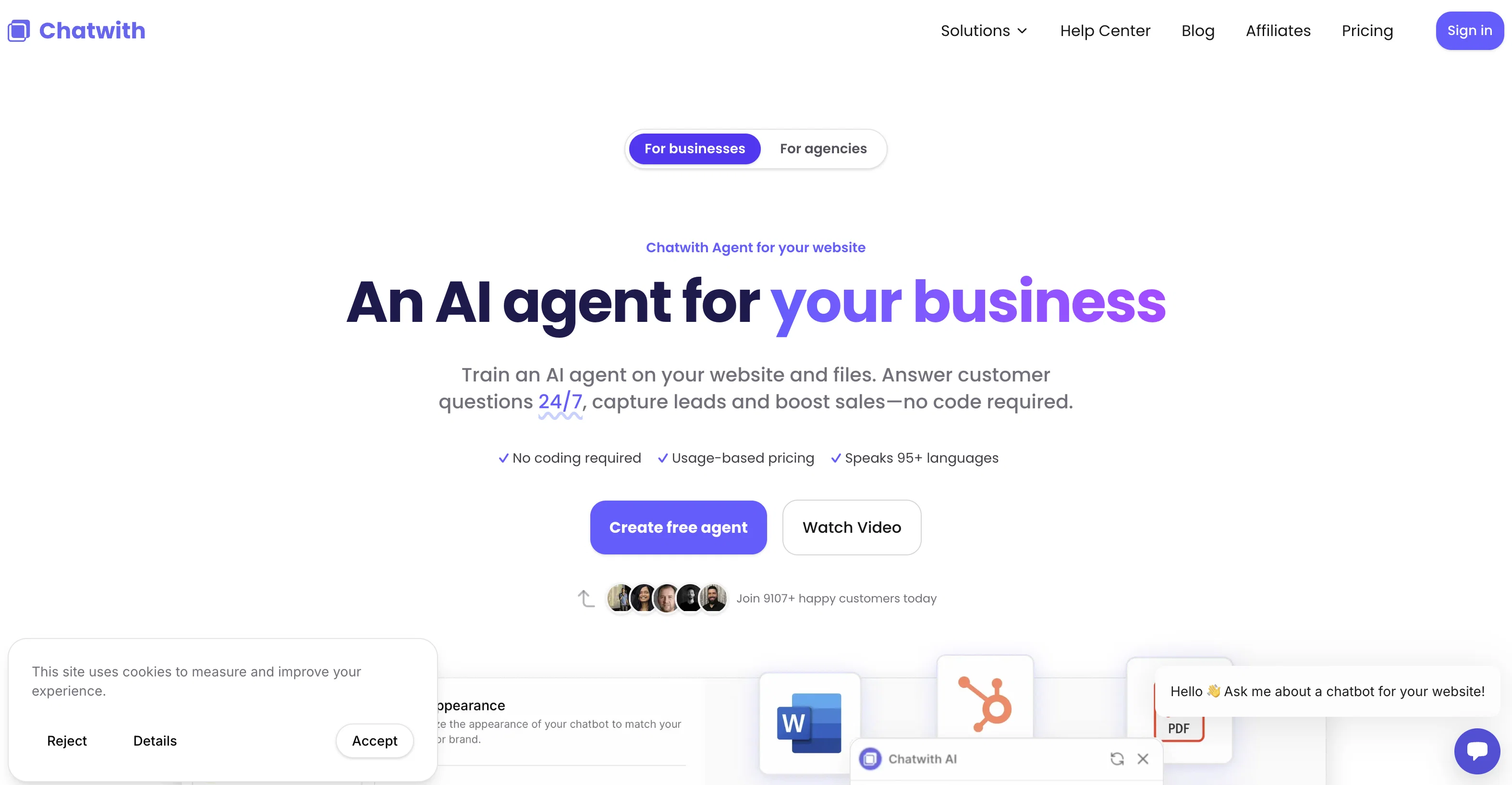
Chatwith is a custom ChatGPT chatbot tool that enables users to create AI-powered chatbots with access to their live backend data and API. The tool aims to boost customer service and reduce support workloads by allowing the chatbot to handle various customer inquiries.With Chatwith, users can train their chatbot on specific content and back-end data, including real-time inventory information and document generation, making it a versatile support agent.
The chatbot can be integrated with Shopify API to provide order status updates, HelpScout docs for Q&A purposes, and even directory databases for conversational searches.The tool offers easy installation, requiring only a single line of code to add the AI-powered chatbot to a website.
Alternatively, users can share the chatbot through a link. Customization options are available, allowing users to match the chatbot's appearance to their unique brand.
The chatbot can be displayed as a popup or embedded as a widget on any website.Chatwith provides insights into customer interactions with the chatbot, giving users the opportunity to improve their products and support based on customer needs.
It supports integration with popular platforms like Shopify, WordPress, Webflow, and more, making it accessible for users across different website-building platforms.Chatwith offers a simple pricing structure, including a free 7-day trial and options for monthly or annual billing.
The tool provides different subscription plans based on messaging volumes, number of sources, file sizes, and additional features such as priority support and the option to use GPT-4.
Best for
Short scenarios where Chatwith tends to shine.
-
Knowledge base assistant
Best for Businesses
-
E-commerce customer support agent
Best for E-commerce stores
-
Real estate lead generation
Best for Real estate agencies
Example outputs 1
Sample generations and before/after results for Chatwith.
Access & connections
Where you can use Chatwith, and what it plugs into.
Platforms
Capabilities
What this tool accepts, produces, and is strongest at.
Input
- API
Output
- API
Pros & cons
Pros
- Access to live backend data
- Trains on specific content
- Real-time inventory updates
- Document generation capabilities
- Integration with Shopify API
- Easy installation with one line of code
- Chatbot customizable appearance
- Popup or widget display options
Show 43 more
- Insights into customer interactions
- Integration with Wordpress, Webflow
- Simple pricing structure
- Free 7-day trial
- Monthly or annual billing
- Different plans based on usage
- GPT-4 usage option
- Priority support for certain plans
- Customer service efficiency boost
- Reduces support workloads
- Involved Q&A capabilities
- Able to provide order status
- Works with directory databases
- Conversational search feature
- Secure API using keys
- Create multiple bots for different uses
- Connects to Notion, Google Drive
- Future Analytics and user login features
- Real-time customer conversation handling
- OpenAPI connection for latest information
- Check inventory, generate documents
- Accept files from customers
- Embed anywhere on website
- Latest information display
- Action performing abilities
- Embed and share the chatbot
- Chatbot trained on website content
- 24/7 customer service provision
- Answers specific customer questions
- Customizable brand voice
- Improves conversation efficiency
- Option to remove 'Powered by Chatwith'
- Website, files, and more sources
- Unique branding options
- One line of code installation
- Plans for different websites
- Works with all popular platforms
- Availability of live demo
- Various customer inquiries handling
- Can connect to different databases
- Effective as a learning assistant
- Option to try for free
- Automatic sync with API
Cons
- Requires API for functionality
- Limited file size
- Limited sources in basic plans
- No built-in user login
- Limited messages per month
- Additional cost for GPT-4
- Restricted to certain platforms
- Insights feature not detailed
Show 1 more
- No multi-language support
Compare alternatives
Similar tools in the catalog — with a clear reason to open each one.

FastBots ✓
FreemiumCreate AI chatbots customized with your business data.
Why look Offers a public API
Full comparison
Chatbit ✓
FreemiumTrain custom AI Chatbot from your data, add to website.
Free + from $19/mo
Full comparison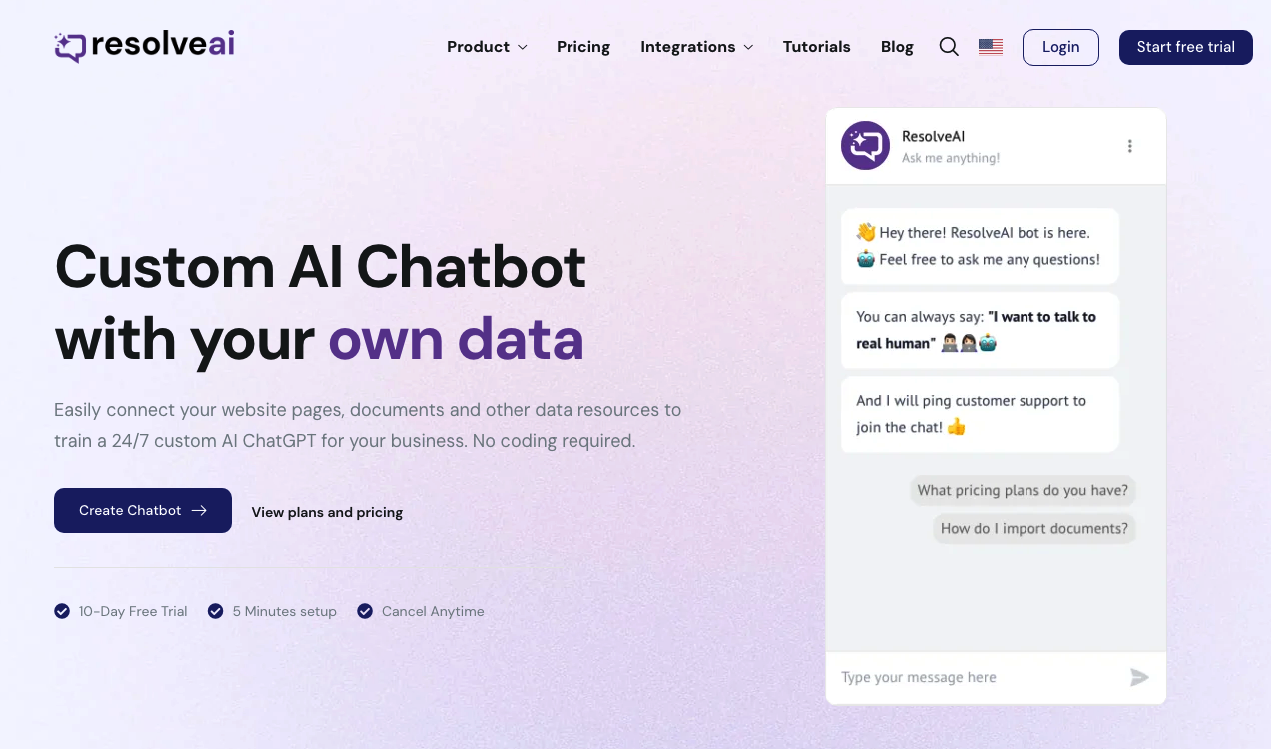
ResolveAI
PaidSaaS platform for creating custom AI customer service chatbots with no coding required.
Why look Better fit for coding
Full comparison
intoCHAT ✓
FreemiumTransform customer interactions with AI chatbots.
Why look Higher community rating
Full comparison
ChatBotKit ✓
FreemiumThe fastest way to build advanced AI chat bots
Why look Typically cheaper
Full comparison
ChatLLaMA ✓
PaidCreate custom AI assistants on your GPUs
Why look Typically cheaper
Full comparisonPeople also view
Tools that often show up alongside Chatwith in collections and comparisons.
ResolveAI
PaidSaaS platform for creating custom AI customer service chatbots with no coding required.
intoCHAT ✓
FreemiumTransform customer interactions with AI chatbots.
FastBots ✓
FreemiumCreate AI chatbots customized with your business data.
ChatLLaMA ✓
PaidCreate custom AI assistants on your GPUs
ChatBotKit ✓
FreemiumThe fastest way to build advanced AI chat bots
Chatbit ✓
FreemiumTrain custom AI Chatbot from your data, add to website.

Quaestor Ledger ✓
Free TrialAn AI-powered financial command center that untangles your complex financial life

FiveMinChat ✓
Free TrialAI chatbot trained on YOUR website. Live in 5 mins. No code.
Releases 1
Imported reviews 4
good chatbots
Of all the chatbot platforms this has the most features and is most polished.
Excellent tool!
best chatbot builder out there, hands down
FAQ 12
What is Chatwith?
How does Chatwith work?
How can I install Chatwith on my website?
Can I customize the appearance of the Chatwith chatbot on my site?
What platforms can Chatwith integrate with?
How can Chatwith help improve my customer service?
What kind of data can Chatwith use for training?
What is the GPT-4 option in the Chatwith features?
What is a ChatGPT plugin for Chatwith?
What happens after the free 7-day trial for Chatwith?
Does Chatwith offer different subscription plans?
How can I use Chatwith for order updates?
Related tools
Recommended

Transcript LOL ✓
FreemiumUnlimited transcripts, summaries, 99.8% accuracy, speaker recognition, superfast

TurboScribe ✓
Freemium🎯 3 free transcripts every day. 🔥 Unlimited transcription starting at $10/mo.

IllumiChat ✓
FreemiumFrom Ticket Backlog to Instant Answers Powered by AI

Eightify
UnknownAI-powered YouTube video summarizer extracting key ideas for quick content assessment.

Expertise AI (Chatsimple) ✓
FreemiumWebsite chatbots for support and sales assistance.

DigitalGenius ✓
UnknownAutomated ecommerce customer support.