

Chatterdocs ✓
Create custom AI chatbots in minutes, no coding required.
Free + from $19/mo
Verdict
A quick read before you dig into the full page.
- Best if
- Create custom AI chatbots in minutes, no coding required
- Skip if
- Limited routing capabilities
- Pick this when
- GPT-Powered Chatbots
Considering FastBots instead? Compare side by side
Overview
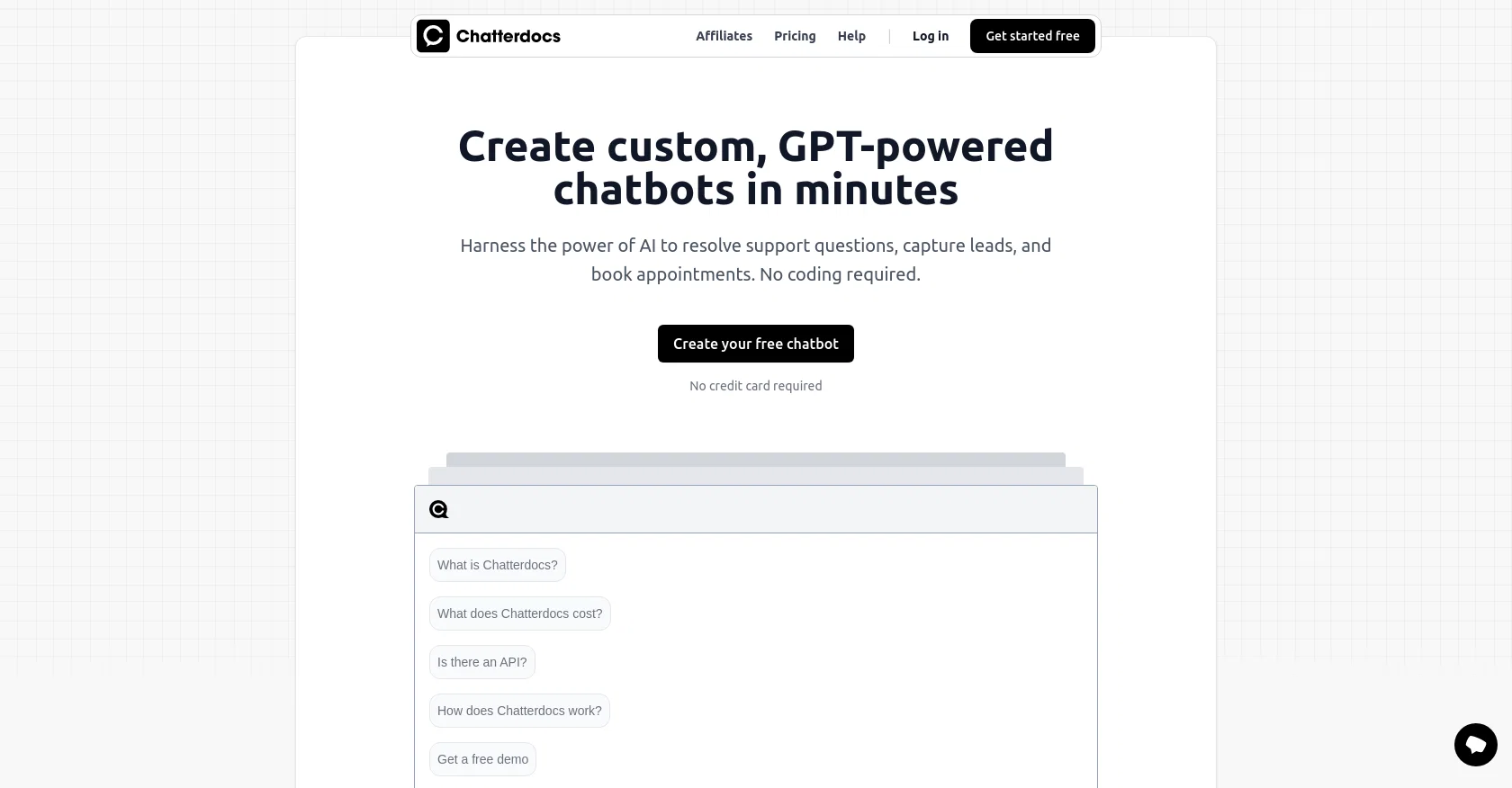
Chatterdocs is an AI-powered chatbot builder that allows users to create custom chatbots trained on their content in just minutes without needing to write a single line of code.
Unlike traditional live chat, Chatterdocs chatbots are designed to offer faster, more accurate responses to customer queries. The chatbots are built using the same groundbreaking technology behind ChatGPT.
They understand and respond to customer questions using user data, delivering precise, immediate, and round-the-clock support to visitors. Chatterdocs also offers multiple pricing plans, including a free version, and its chatbots can be customized to align with a brand’s voice, tone and personality.
The tool allows users to embed a brandable chat widget on their website, create chatbots for internal use to empower customer support teams, and integrate with chat tools like Slack to provide a native chat experience.
Capabilities include lead capture, appointment booking, visitor info collection, review of conversations with the bot, and routing visitors to live chat for extra support.
Chatterdocs is a recommended tool for businesses seeking to upgrade their customer engagement with AI-powered chatbots.
Access & connections
Where you can use Chatterdocs, and what it plugs into.
Platforms
Capabilities
What this tool accepts, produces, and is strongest at.
Input
- Text
- Tabular
- Audio
Output
- Text
- API
Pros & cons
Pros
- GPT-Powered Chatbots
- No coding required
- Answers questions faster
- 24/7 round-the-clock support
- Brand customization
- Multiple pricing plans
- Embeddable chat widget
- Integrates with Slack
Show 12 more
- Lead capture
- Appointment booking
- Visitor info collection
- Conversation review
- Live chat routing
- Can import web content
- Supports data upload (PDF, CSV, RichText, Markdown, Audio)
- Notion workspace connectivity
- Inside team chatbots
- Response via API
- Insight download
- Free version available
Cons
- Limited customisation options
- Unclear data privacy protocol
- Limited chat tools integration
- No human support integration
- Limited options for data input
- Absence of smartphone app
- Limited languages support
- No free version
Show 2 more
- Cannot detect user sentiment
- Limited routing capabilities
Compare alternatives
Similar tools in the catalog — with a clear reason to open each one.
FastBots ✓
FreemiumCreate AI chatbots customized with your business data.
Why look Offers a public API
Full comparison
Chatbit ✓
FreemiumTrain custom AI Chatbot from your data, add to website.
Free + from $19/mo
Full comparison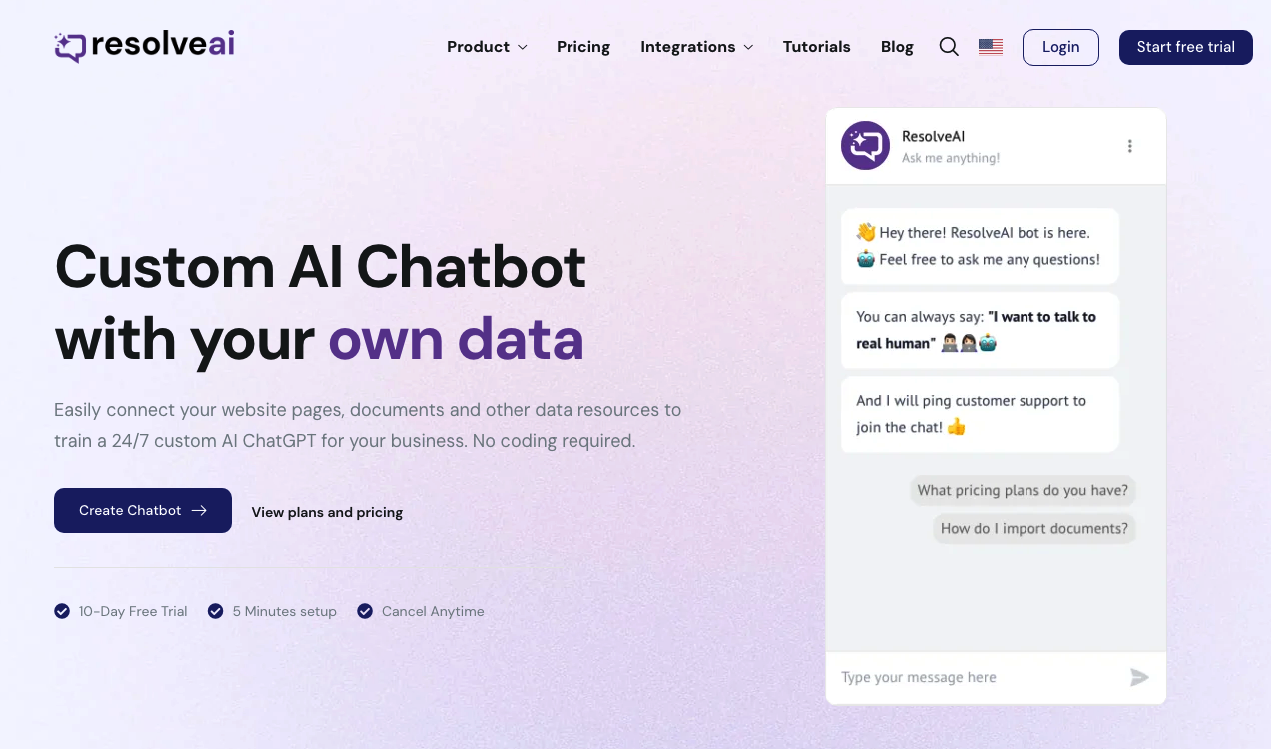
ResolveAI
PaidSaaS platform for creating custom AI customer service chatbots with no coding required.
Why look Better fit for coding
Full comparison
intoCHAT ✓
FreemiumTransform customer interactions with AI chatbots.
Why look Higher community rating
Full comparison
ChatBotKit ✓
FreemiumThe fastest way to build advanced AI chat bots
Why look Typically cheaper
Full comparison
ChatLLaMA ✓
PaidCreate custom AI assistants on your GPUs
Why look Typically cheaper
Full comparisonReleases 1
FAQ 12
What is Chatterdocs?
How does Chatterdocs work?
How do I create a chatbot with Chatterdocs?
What is Chatterdocs's relation to ChatGPT?
Can Chatterdocs chatbots perform better than traditional live chat services?
Does Chatterdocs provide round-the-clock customer support?
Can Chatterdocs's chatbot be customized according to brand's voice and personality?
Does Chatterdocs offer a free version of its chatbot builder?
What kinds of integrations does Chatterdocs provide with chat tools like Slack?
How is Chatterdocs useful for lead-capture?
Can Chatterdocs's chatbots help in booking appointments?
Can Chatterdocs's chatbots collect visitor information?
Related tools
Recommended

GhostTheWriter
Free TrialSummon spirits to write for you while you watch.

Distillr ✓
FreemiumDistill content with AI precision.

docAnalyzer ✓
FreemiumTurn document overload into work worth putting your name on

Chaindesk ✓
FreemiumCustomizable chatbot for support

Findsight ✓
FreeCompare non-fiction ideas from multiple sources.

Artguru ✓
FreemiumCreate unique AI avatars in trendy styles