
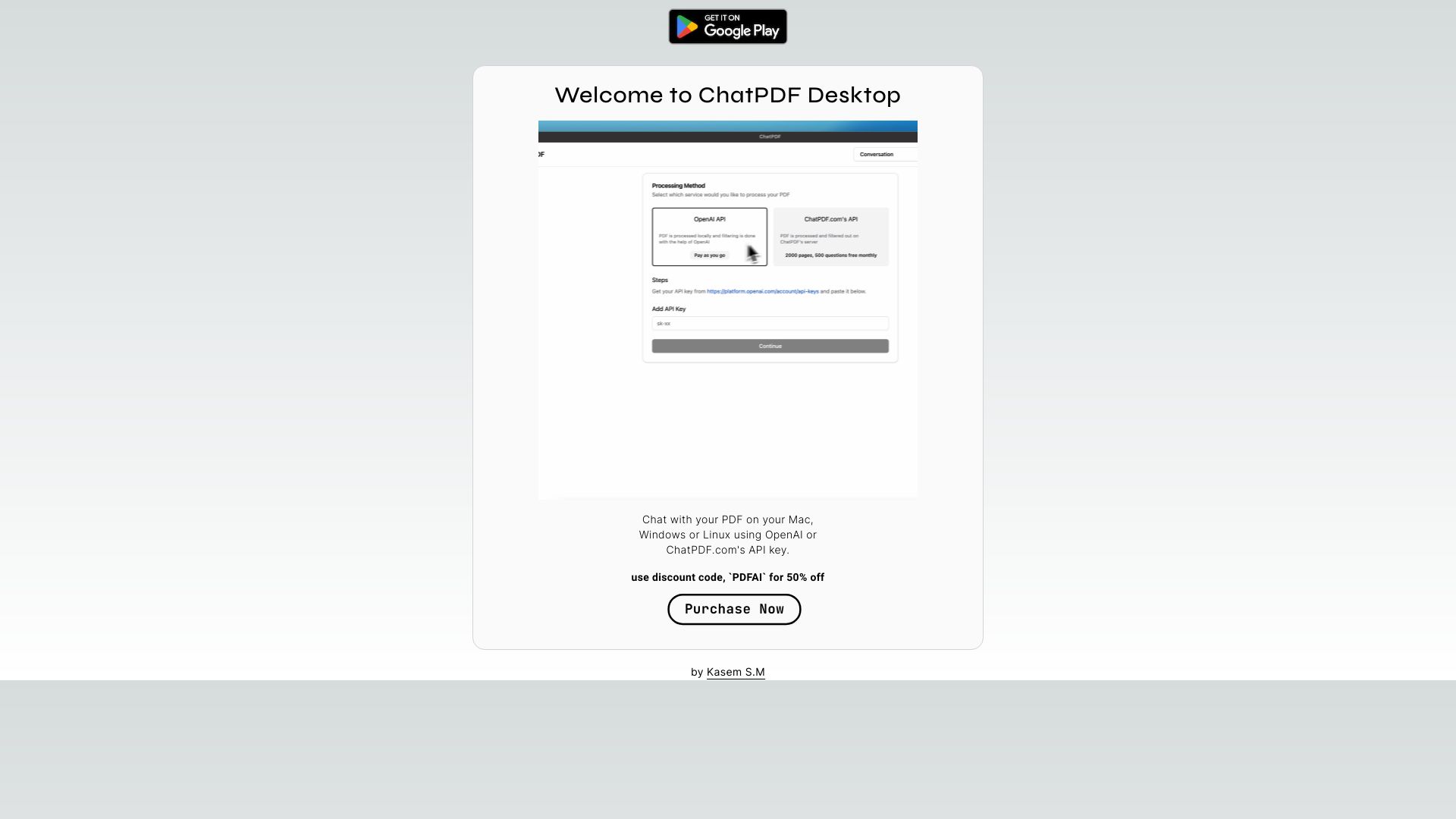
ChatPDF for Desktop - [API Key Choice]
Chat with PDFs on your desktop using OpenAI or ChatPDF.com's API.
Source rating 5.0
(52)
0 views
0 saves
Unknown
Verdict
A quick read before you dig into the full page.
- Best if
- Chat with PDFs on your desktop using OpenAI or ChatPDF.com's API
- Pick this when
- Chat with PDFs on your desktop using OpenAI or ChatPDF.com's API
Overview
ChatPDF Desktop is a desktop application that allows users to chat with their PDF documents on Mac, Windows, or Linux. It utilizes either the user's OpenAI key or ChatPDF.com's API key for PDF processing. If using the OpenAI service, PDF processing occurs on the user's system; otherwise, it's done on ChatPDF.com's server.
Access & connections
Where you can use ChatPDF for Desktop - [API Key Choice].
Platforms
macOS
Capabilities
What this tool accepts, produces, and is strongest at.
Highlights
- Chat with PDF documents locally
- Supports OpenAI and ChatPDF.com API keys
- Cross-platform compatibility (Mac OS, Linux, Windows)
FAQ 4
What is ChatPDF Desktop?
ChatPDF Desktop is a desktop application that allows users to chat with their PDF documents on Mac, Windows, or Linux. It utilizes either the user's OpenAI key or ChatPDF.com's API key for PDF processing. If using the OpenAI service, PDF processing occurs on the user's system; otherwise, it's done on ChatPDF.com's server.
How to use ChatPDF Desktop?
Download and install ChatPDF Desktop on your Mac, Windows, or Linux machine. Configure it to use either your OpenAI key or ChatPDF.com's API key. Then, you can open and chat with your PDF documents.
How does ChatPDF Desktop process PDFs?
ChatPDF Desktop processes PDFs using either your OpenAI key or ChatPDF.com's API key. If you use your OpenAI key, the processing is done on your system. If you use ChatPDF.com's API key, the processing is done on their server.
What operating systems are supported by ChatPDF Desktop?
ChatPDF Desktop is compatible with Mac OS, Linux, and Windows.
Related tools
Recommended


ChatPDF for Desktop - [API Key Choice]