

Chatclient ✓
Build custom AI chatbots from your website data in minutes.
Free + from $12/mo
Verdict
A quick read before you dig into the full page.
- Best if
- Build custom AI chatbots from your website data in minutes
- Skip if
- Instant customization may limit depth
- Pick this when
- Allows website and company data-based chatbot creation
Considering FastBots instead? Compare side by side
Overview
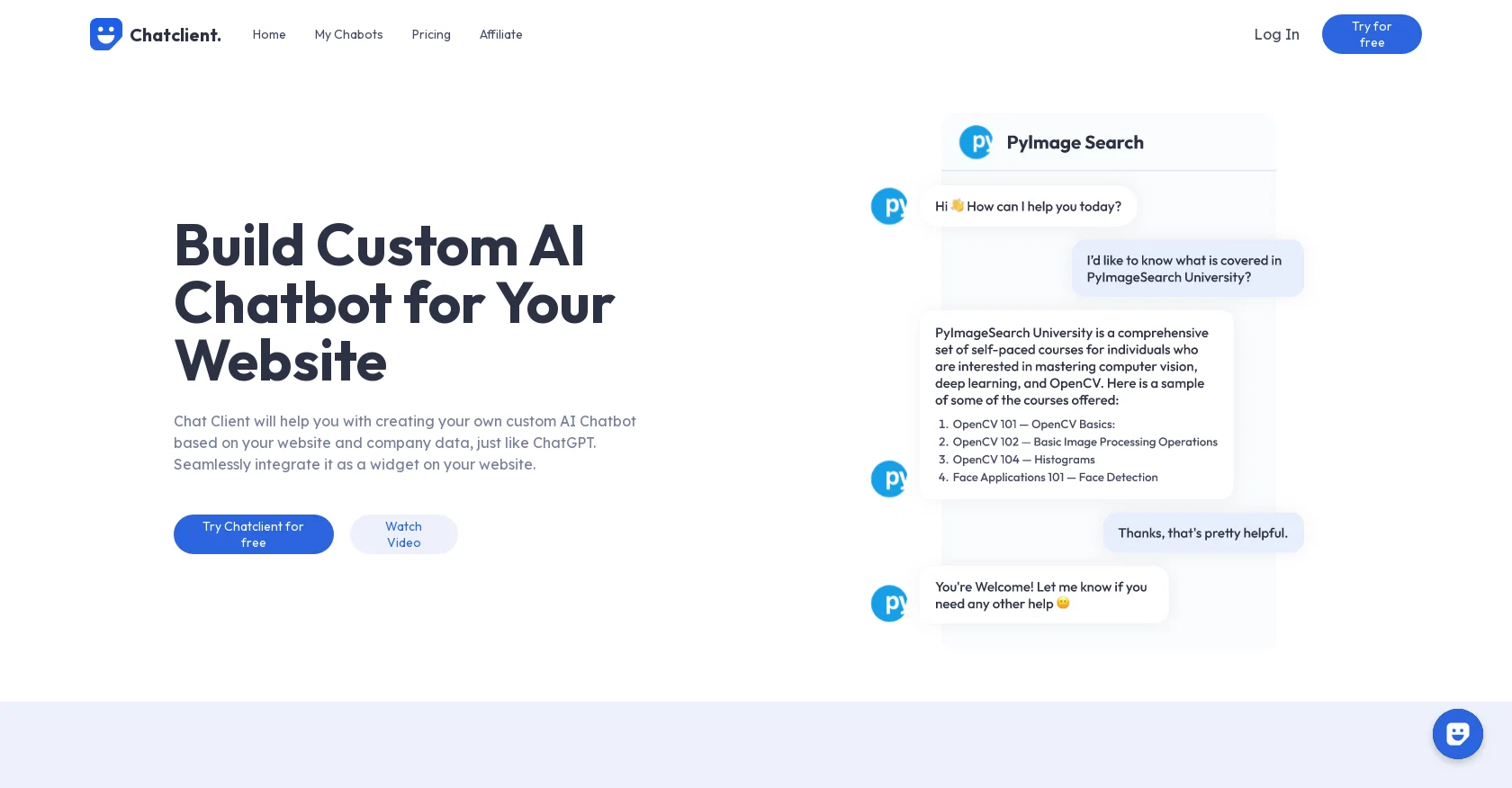
ChatClient is a custom AI chatbot builder that allows you to create your own personalized AI chatbot for your website. Similar to ChatGPT, this tool utilizes your website and company data to train the chatbot.
By seamlessly integrating it as a widget on your website, you can provide instant answers to your customers' queries. With ChatClient, you can empower your business with AI in just a few simple steps.The tool offers instant customization, allowing you to train your AI chatbot quickly to adapt to any data format for a tailored user experience.
It also provides round-the-clock autonomous assistance, engaging and converting potential customers into loyal ones effortlessly. Integration is effortless as well, as you can easily embed the chatbot widget on your website for immediate operational efficiency and improved user engagement.The training process involves uploading your data, such as website URLs, PDFs, CSV files, docx files, or plain text.
The system seamlessly processes the content for training. You can then choose the documents or pages you want your chatbot to learn from and begin the training with just a single click.
Once trained, your personalized AI chatbot is ready to answer any queries related to your provided content, enhancing customer engagement 24/7.ChatClient has received positive feedback from users, with testimonials citing increased customer engagement, satisfaction, and conversions.
The tool offers a user-friendly interface, allowing you to effortlessly customize and train your chatbot using your own website data and documents. It does not disclose the specific version of GPT it uses or mention support for languages other than English.For any questions, the tool provides a FAQs section and contact information for reaching out to the team.
Access & connections
Where you can use Chatclient.
Platforms
Capabilities
What this tool accepts, produces, and is strongest at.
Input
- Tabular
- Text
Output
- API
- Text
Pros & cons
Pros
- Allows website and company data-based chatbot creation
- Seamless website integration
- Round-the-clock customer assistance
- Effortless operational efficiency
- Data format adaptation for customization
- Single click training process
- 24/7 customer engagement tool
- Positive user feedback
Show 12 more
- Boosted user engagement
- Supports multiple data types - PDFs, CSV, docx, plain text
- FAQs provided
- Contact information available
- Easy three-step chatbot training
- Enhances user experience
- Immediate answers to customers queries
- Increases customer satisfaction and conversions
- Autonomous potential customer conversion
- Training data secrecy maintained
- Tailored user-experience
- Effortless deployment on website
Cons
- No disclosed GPT version
- No multilanguage support mentioned
- Requires manual data upload
- No API integration mentioned
- Instant customization may limit depth
- Dependency on document selection
- Limited customer support channels
- Training only with single click
Show 2 more
- No advanced training configurations
- No free plan stated
Compare alternatives
Similar tools in the catalog — with a clear reason to open each one.

FastBots ✓
FreemiumCreate AI chatbots customized with your business data.
Why look Offers a public API
Full comparison
Chatbit ✓
FreemiumTrain custom AI Chatbot from your data, add to website.
Free + from $19/mo
Full comparison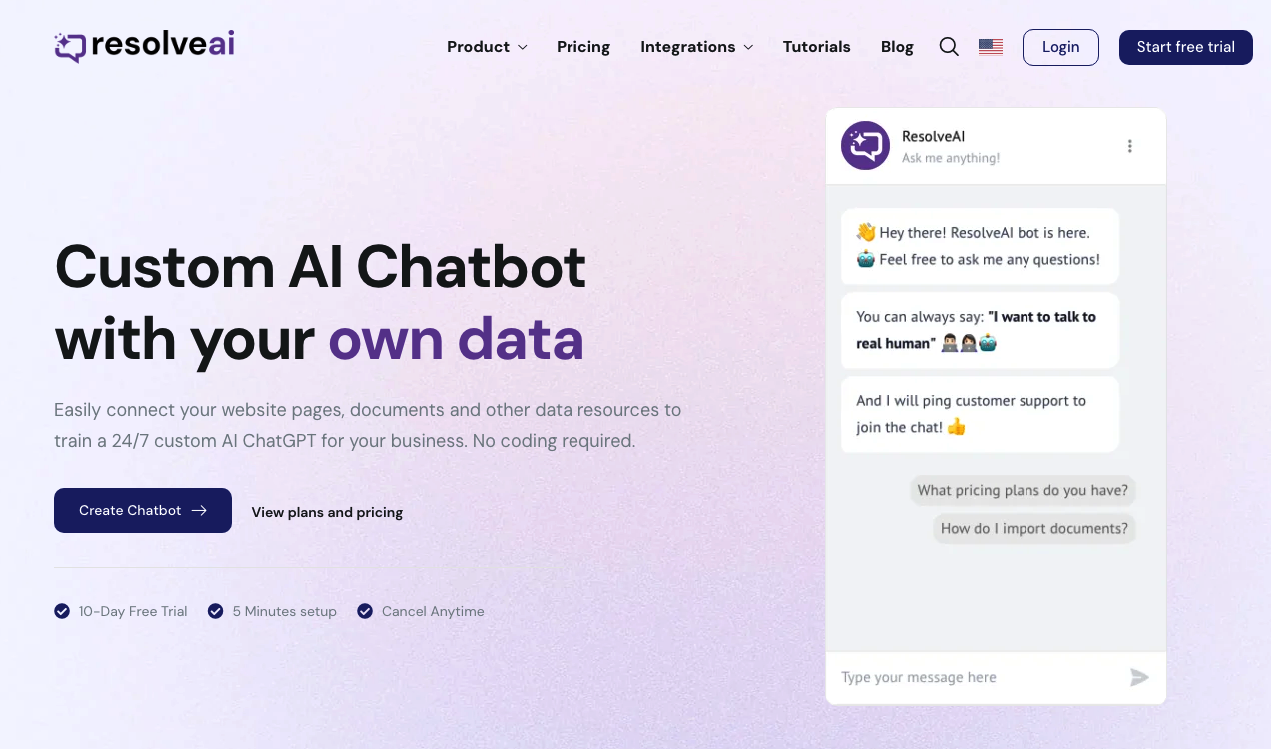
ResolveAI
PaidSaaS platform for creating custom AI customer service chatbots with no coding required.
Why look Better fit for coding
Full comparison
intoCHAT ✓
FreemiumTransform customer interactions with AI chatbots.
Why look Higher community rating
Full comparison
ChatBotKit ✓
FreemiumThe fastest way to build advanced AI chat bots
Why look Typically cheaper
Full comparison
ChatLLaMA ✓
PaidCreate custom AI assistants on your GPUs
Why look Typically cheaper
Full comparisonReleases 1
FAQ 12
What features does ChatClient offer for customer engagement?
How does the ChatClient training process work?
How can I integrate ChatClient into my website?
Is there round-the-clock assistance provided by ChatClient?
What file formats are compatible with ChatClient during the training process?
After training, what type of questions can the ChatClient answer for my customers?
What are the steps to create a personalized AI chatbot using ChatClient?
What has been the feedback from users about ChatClient?
Is the ChatClient user interface easy to use?
What version of GPT does ChatClient use?
Does ChatClient offer support for languages other than English?
Does ChatClient offer a FAQs section and easy contact options?
Related tools
Recommended

Wonderchat ✓
FreemiumWebsite chatbot for customer support.

Taplio ✓
FreemiumThe LinkedIn growth tool to turn content into pipeline

Expertise AI (Chatsimple) ✓
FreemiumWebsite chatbots for support and sales assistance.

InVideo ✓
FreemiumAI-powered video creation from text prompts.

Transcript LOL ✓
FreemiumUnlimited transcripts, summaries, 99.8% accuracy, speaker recognition, superfast

TurboScribe ✓
Freemium🎯 3 free transcripts every day. 🔥 Unlimited transcription starting at $10/mo.