

Chat Summary for LiveChat ✓
Generate AI summaries from your chats.
Free + from $20/mo
Verdict
A quick read before you dig into the full page.
- Best if
- Generate AI summaries from your chats
- Skip if
- Complex setup instructions
- Pick this when
- Free to install
Considering Hedy AI instead? Compare side by side
Overview
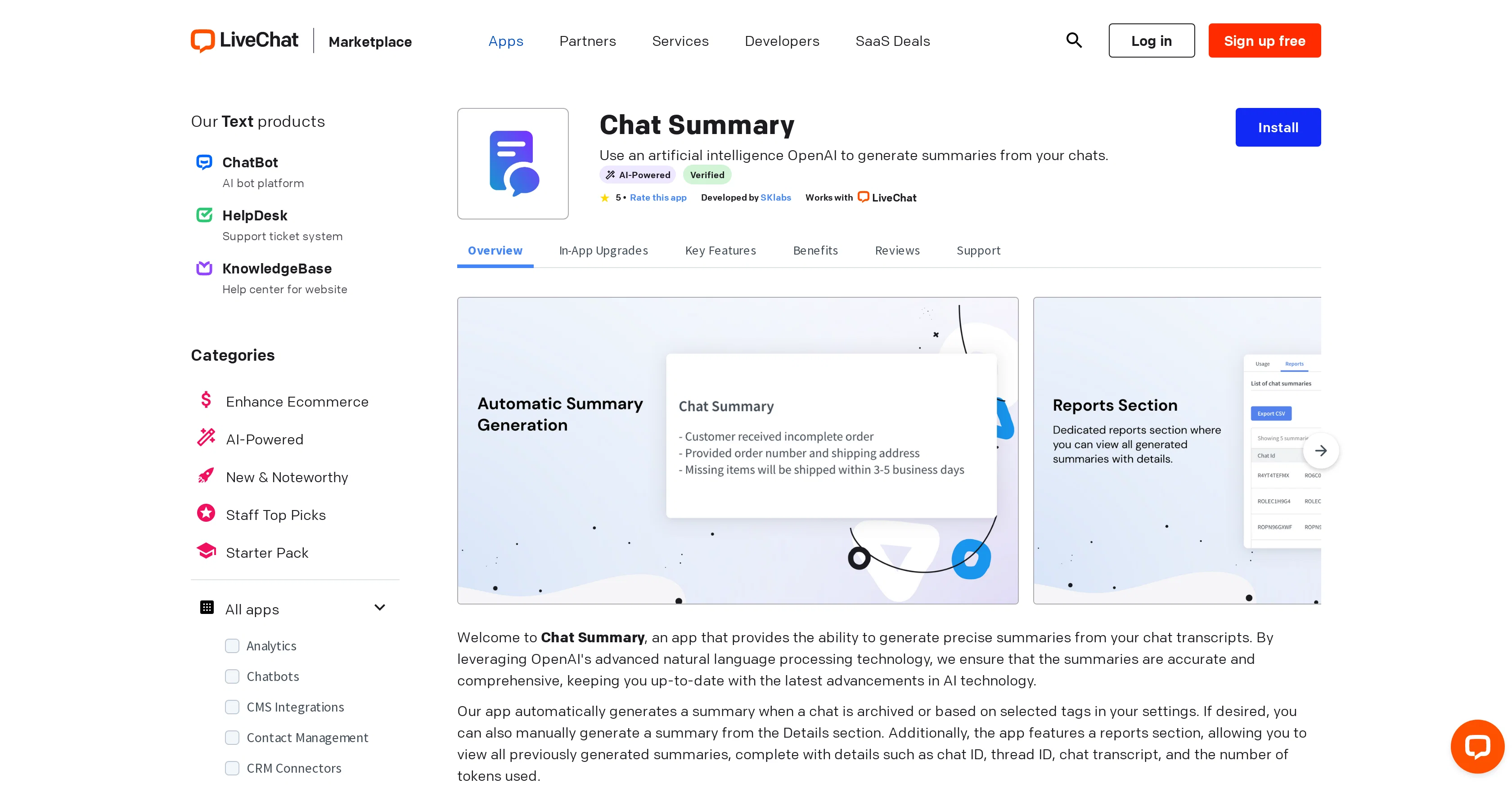
Chat Summary is an application that uses OpenAI's advanced natural language processing technology to generate concise summaries from your chat transcripts.
It features automatic summary generation upon archiving a chat or based on chosen tags in your settings, facilitating easier review of key points from chats without having to read through entire transcripts.
Manual summary generation is also supported from the details section. In addition, Chat Summary offers a reports section where users can view historical summaries with details such as chat ID, thread ID, chat transcript, and tokens used.
Note that generating summaries requires tokens, which are provided initially and can be topped up as needed. The app is designed to improve efficiency by automating summaries, ensure accuracy with OpenAI technology, provide transparency through its reports feature, and stay updated with the latest advancements in natural language processing technology.
This information is based on the description provided by SKLabs, the app's developer.
Access & connections
Where you can use Chat Summary for LiveChat.
Platforms
Capabilities
What this tool accepts, produces, and is strongest at.
Input
- Tabular
- Text
Output
- Text
Pros & cons
Pros
- Free to install
- Automatic summary generation
- Manual summary generation option
- Reports section
- Detailed summary information
- Chat ID and thread ID display
- Inclusive of chat transcript
- Displays tokens used per summary
Show 23 more
- Token balance system
- Option to buy additional tokens
- 10k free initial tokens
- Developer support available
- Transparency in usage and monitoring
- Saves time by speeding up review
- App tutorial and setup instruction
- Can request new features
- Compatible with LiveChat
- No expiration for tokens
- Summaries upon chat archiving
- Summaries based on selected tags
- Summaries facilitate easier key-points review
- Usage and token balance tracking
- Ensures accurate data
- Reflects latest NLP advancements
- Boosts chat transcript comprehension
- Historical summary review
- Top-up basis token usage
- Improves efficiency by automation
- Provides usage control
- Ensures trustworthy information
- Stay up-to-date with NLP technology
Cons
- Limited to LiveChat integration
- Relies on token system
- Extra tokens need purchase
- Only automatic and manual summaries
- No real-time summary generation
- Can't summarize voice chats
- Lack specific categorization tools
- No API for integrations
Show 2 more
- Lack versatility in reports
- Complex setup instructions
Compare alternatives
Similar tools in the catalog — with a clear reason to open each one.

Hedy AI ✓
FreemiumDominate every meeting with Hedy as your brilliant AI ally
Why look Typically cheaper
Full comparison
Releases 1
FAQ 12
What is the Chat Summary app?
How does Chat Summary create summaries?
What is OpenAI's natural language processing technology?
What happens when a chat is archived in Chat Summary?
How can I manually generate summaries in Chat Summary?
What features does the reports section of Chat Summary offer?
What are the details I can see from the previously generated summaries?
What are tokens in the context of Chat Summary?
How many summaries can I generate with the tokens given by Chat Summary?
Where can I buy additional tokens for Chat Summary?
Are there any charges for installing and using Chat Summary?
Why is Chat Summary termed efficient and cost-effective?
Related tools
Recommended

Hints ✓
Free TrialEfficient and automated business task assistant.

Hyperis ✓
FreemiumOrganized task prioritization.

AI Lawyer ✓
Free TrialInstant legal advice and document creation at your fingertips

Ask Your PDF ✓
FreemiumChat with your PDFs and extract valuable insights

LearningStudioAI ✓
Free TrialAI-powered authoring tool for effortless online course creation.

Photo AI ✓
PaidCreate beautiful AI photos and videos of real people