

Capacities ✓
A studio for your mind
Free + from $9.91/mo
Verdict
A quick read before you dig into the full page.
- Best if
- A studio for your mind
- Skip if
- Possibly complex for non-technical users
- Pick this when
- Intuitive note-taking tool
Considering Constella instead? Compare side by side
Overview
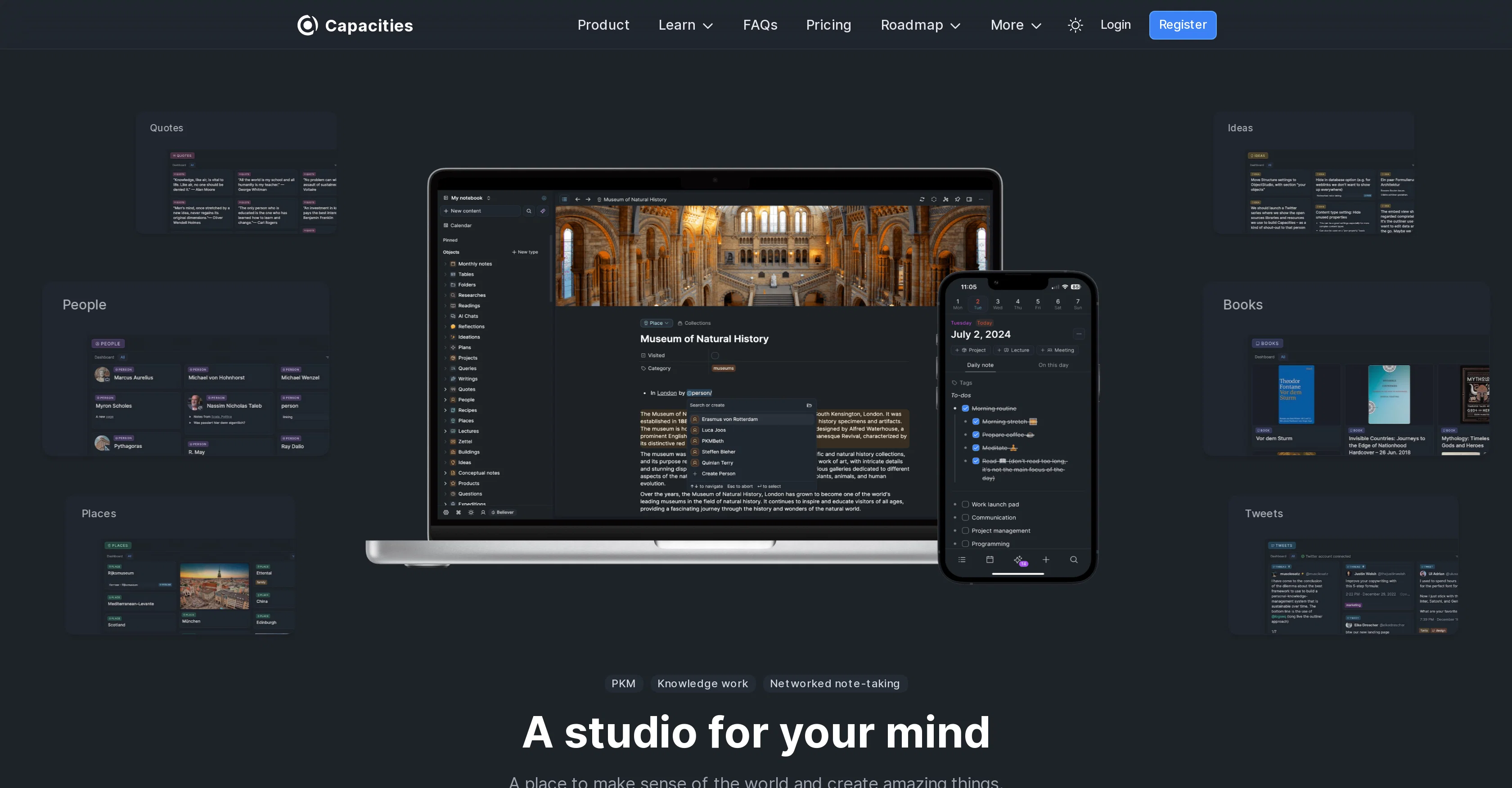
Capacities is a comprehensive, intuitive note-taking tool designed to adapt to the natural way of human thinking. It is architected around the concept of 'objects' such as books, people, conversations, and ideas, thereby shifting focus away from traditional file systems.
The platform encourages a network-based approach to information structuring, connecting different objects to create a dynamic, interconnected workspace.
Users can structure and organize their work without the constraints of folders and hierarchies, offering a more flexible, creative approach that aligns with the dynamism of human thought and work-flows.One of the key features of Capacities is the effective handling of large amounts of information.
The tool provides a calm, productive environment for thinking, organizing, and working, while also maintaining a library for storing knowledge. Moreover, it includes a robust search functionality, helping users find relevant information quickly.Additionally, Capacities comes with a mobile app complementing the desktop application, allowing users to search, upload, and take notes on-the-go.
The app features daily notes, quick capturing of photos or content, AI-assisted interactions with objects in notes, and the ability to find hidden connections between different pieces of information.In terms of privacy and security, Capacities is GDPR compliant, storing data on encrypted servers in the European Union.
It also supports two-factor authentication for enhanced account security. The tool is geared towards knowledge workers and individuals looking for a flexible, intuitive space to store and structure information, ideas, and projects.
Access & connections
Where you can use Capacities, and what it plugs into.
Platforms
Integrations
Capabilities
What this tool accepts, produces, and is strongest at.
Input
- Text
Output
- Text
Pros & cons
Pros
- Intuitive note-taking tool
- Objects-based architecture
- Beyond traditional file systems
- Network-based information structuring
- Dynamic, interconnected workspace
- No folder and hierarchy constraints
- Flexible, creative approach
- Effective handling of large information
Show 40 more
- Calm, productive work environment
- Robust search functionality
- Mobile app available
- Daily notes feature
- Find hidden information connections
- GDPR compliant
- Data on encrypted servers
- Two-factor authentication
- Data-security
- Privacy protection
- Designed for knowledge workers
- Flexible workflows
- Knowledge management
- Data encryption
- Quick capturing of photos or content
- Mobile to desktop complement
- Library for storing knowledge
- Handles large amounts of information
- Breaks silos in thinking
- Encourages network of thoughts
- Calm and productive work space
- Quick tour introduction
- Improves your writing
- Enhances creative thinking
- European servers usage
- Secure signed URLs for media files
- Focus on security and data protection
- Offers data protection statement
- Privacy by design
- Data ownership commitment
- Data access safety
- Transparency in data handling
- Object types tutorial availability
- Extensive FAQs
- Multiple comparison with other tools
- Community connection available
- Quick tips and use cases guidance
- Transparent roadmap and updates
- Free registration
- No credit card required
Cons
- Focused on object-based approach
- No traditional file systems
- No explicit offline functionality
- No mention of collaboration features
- Possibly complex for non-technical users
- No Windows app mentioned
- No integration with other tools mentioned
- Data stored exclusively in EU
Show 1 more
- Free version limitations not explicit
Compare alternatives
Similar tools in the catalog — with a clear reason to open each one.

Constella ✓
Free TrialForget files and folders, not your thoughts.
Why look Typically cheaper
Full comparison
Cerebro ✓
Free TrialAmplify your ideas with AI-powered knowledge management.
Why look Typically cheaper
Full comparison
Keymate.AI ✓
FreemiumOrganize digital resources and research with AI
Why look Offers a public API
Full comparison
ArcaNotes ✓
FreeFree your mind with AI-powered micro-notes.
Why look Fully free option
Full comparison
everfind | AI workspace ✓
FreemiumFind and ask all your documents and emails in one AI workspace.
Why look Higher community rating
Full comparison
MyMemo ✓
FreemiumTransform personal data into actionable wisdom.
Why look Typically cheaper
Full comparisonReleases 1
FAQ 12
What are the features of Capacities?
How does Capacities encourage a network-based approach to information structuring?
What kinds of 'objects' does Capacities help me manage?
How does Capacities handle large amounts of information?
What is the library feature in Capacities for?
What is the search functionality of Capacities?
What features does the mobile app of Capacities have?
What is the AI-assisted interactions feature in the Capacities mobile app?
How does Capacities support data privacy and security?
Is Capacities GDPR compliant?
What is two-factor authentication in Capacities?
Who is the ideal user for Capacities?
Related tools
Recommended

AI Lawyer ✓
Free TrialInstant legal advice and document creation at your fingertips

Transcript LOL ✓
FreemiumUnlimited transcripts, summaries, 99.8% accuracy, speaker recognition, superfast

Kin - Personal AI Advisors ✓
FreePrivacy-first & designed your for mind, and life at work

Noiz ✓
FreemiumSummarize YouTube videos with AI in one click

NotebookLM ✓
FreemiumAI-powered note-taking and research assistant

BoltAI ✓
PaidmacOS assistant for automated tasks.