

CamScanner
Turn your phone into a portable scanner.
Free + from $4.99/mo
Verdict
A quick read before you dig into the full page.
- Best if
- Turn your phone into a portable scanner
- Skip if
- Limited sharing platforms
- Pick this when
- Portable mobile scanner
Considering Scanboy instead? Compare side by side
Overview
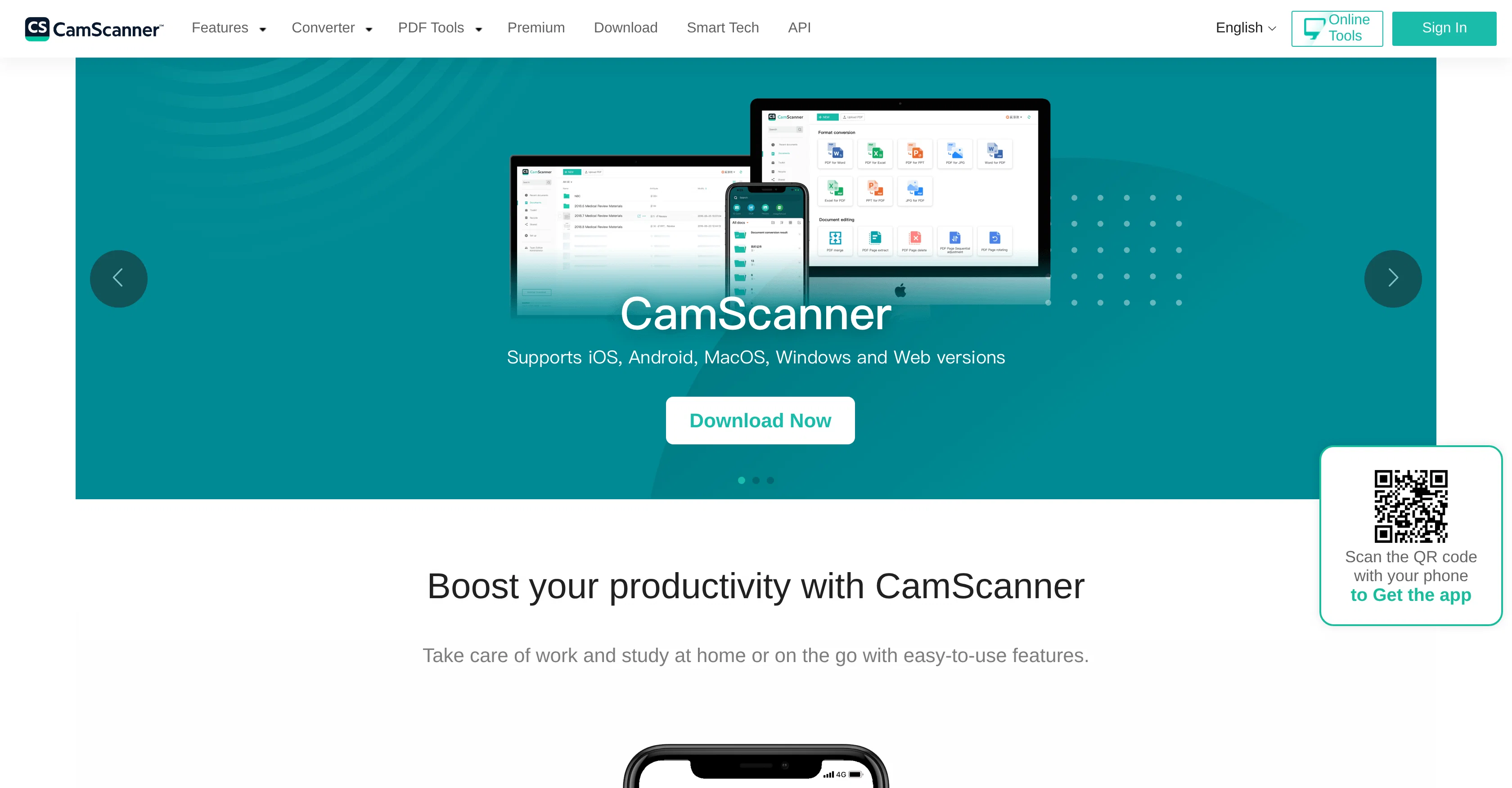
CamScanner is a robust application that provides solutions primarily for document management, serving as an intelligent mobile document scanner and editor.
It transforms your phone into a portable scanner, allowing users to scan a range of documents, from paperwork to whiteboards, slides, and forms, converting them into high-quality PDFs.
This tool also uses advanced technology to remove backgrounds, flatten pages, and filter scanned documents, enhancing readability. Another significant feature includes its ability to accurately convert and extract text from images, supporting recognition in a broad spectrum of 41 languages.
File format conversions are seamless, with a wide variety of conversions available: PDF to Word, Excel or PPT, Image to Text, and vice versa. CamScanner provides additional functionalities beyond scanning.
It allows for document merging, splitting, page addition or deletion, rearrangement of pages, file compression, and watermark addition, alongside providing digital signature and PDF password services.
Accessibility and shareability are key facets - users can sync, backup, share and manage their files across devices and platforms with ease. It permits sharing through various methods, including but not limited to email, links, or platforms like Facebook and WhatsApp.
Moreover, the CamScanner app incorporates offline editing features, marking itself as an all-in-one tool for managing, editing and sharing scanned documents securely and efficiently.
By auto-cropping and enhancing scans, the application ensures the generation of high-quality PDFs for professional and personal use.
Access & connections
Where you can use CamScanner, and what it plugs into.
Platforms
Capabilities
What this tool accepts, produces, and is strongest at.
Input
- Text
- Image
- Tabular
- API
Output
- Text
- Image
- Tabular
- API
Pros & cons
Pros
- Portable mobile scanner
- High-quality PDF conversion
- Background removal
- Page flattening
- Scanned document filtering
- Image text extraction
- Supports 41 languages
- Seamless file format conversions
Show 32 more
- Document merging and splitting
- Page management
- File compression
- Watermark addition
- Digital signature
- PDF password protection
- Cross-platform synchronisation
- File sharing
- Offline editing
- Auto-cropping
- Scan enhancement
- Multiple document types scanning
- Image to text conversion
- Scan to image conversion
- Document to image conversion
- PDF to Word/Excel/PPT conversion
- Text from image extraction
- Wireless printing
- Fax sending
- Multi-device management
- Diverse sharing methods
- Efficient data collection
- Text searchability
- PDF online conversion
- Whiteboard scanning
- Document annotation
- Scan security
- ID photo maker
- PDF rotation
- PDF sorting
- Smart translation
- PDF page deletion
Cons
- Limited language recognition
- Requires Internet for some features
- Limited fax countries
- Requires phone camera
- Depends on device capability
- Limited offline features
- No desktop application
- Limited format conversion
Show 2 more
- Depends on cloud sync
- Limited sharing platforms
Compare alternatives
Similar tools in the catalog — with a clear reason to open each one.

Scanboy
FreemiumFast document scanning with AI-powered naming
Why look Typically cheaper
Full comparison
TapScanner
FreemiumScan documents with your phone camera
Why look Higher community rating
Full comparison
Doxis AI
UnknownAI-powered intelligent document processing platform.
Document scanning
Full comparison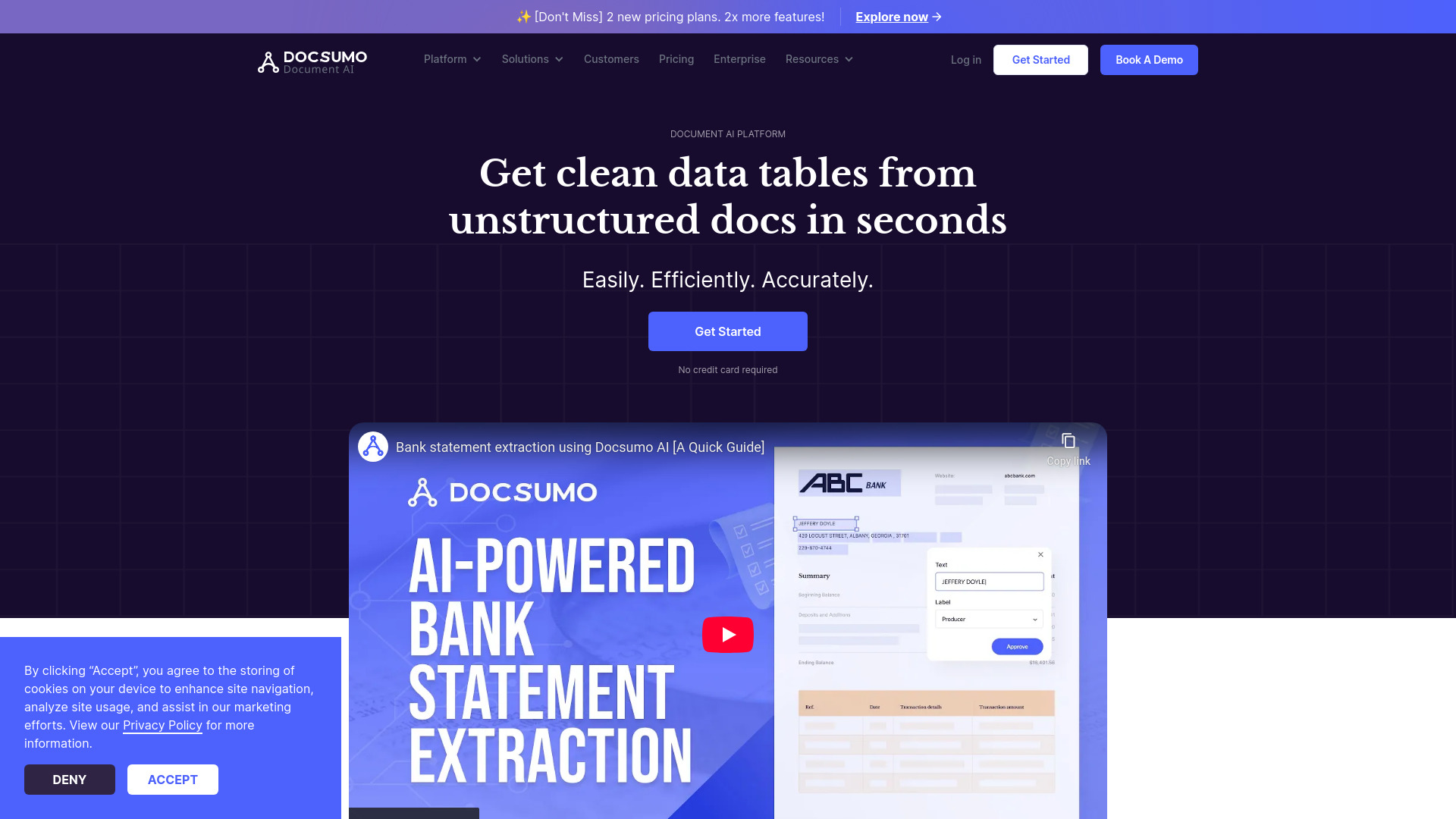
Docsumo
FreemiumDocsumo automates data extraction from unstructured documents with high accuracy and efficiency.
Free + from $299 / month
Full comparison
SwiftScan
FreemiumTurn documents into premium PDF scans instantly.
Free + from $4.99/mo
Full comparisonReleases 1
FAQ 12
What kind of documents can CamScanner scan?
Can CamScanner convert PDFs to Word, Excel, or PPT?
Does CamScanner support image to text conversion?
What languages does CamScanner support in text recognition?
Can I use CamScanner to edit my scanned documents?
Is it possible to compress files using CamScanner?
How can I share files through CamScanner?
What platforms or devices support CamScanner?
Can CamScanner work offline?
Does CamScanner enhance the quality of scanned documents?
Can I add watermarks to my documents using CamScanner?
What kind of document management services does CamScanner provide?
Related tools
Recommended

Examino ✓
FreemiumAI essay grader for instant, accurate paper evaluation.
ReadDocs ✓
FreemiumUnderstand any document in seconds.

PhotoSolve ✓
FreemiumScan, solve, and learn from any question.

WPS AI ✓
UnknownUnleash productivity with AI-powered office tools

AI Moire Remover ✓
Free TrialRemove wavy interference patterns from photos instantly with AI.

AI Cam Lens ✓
FreemiumInstantly identify anything with your camera.