

Scanboy
Fast document scanning with AI-powered naming
Free + from $0.99
Verdict
A quick read before you dig into the full page.
- Best if
- Fast document scanning with AI-powered naming
- Skip if
- Limited customer contact options
- Pick this when
- Lightning-fast scanning capabilities
Considering TapScanner instead? Compare side by side
Overview
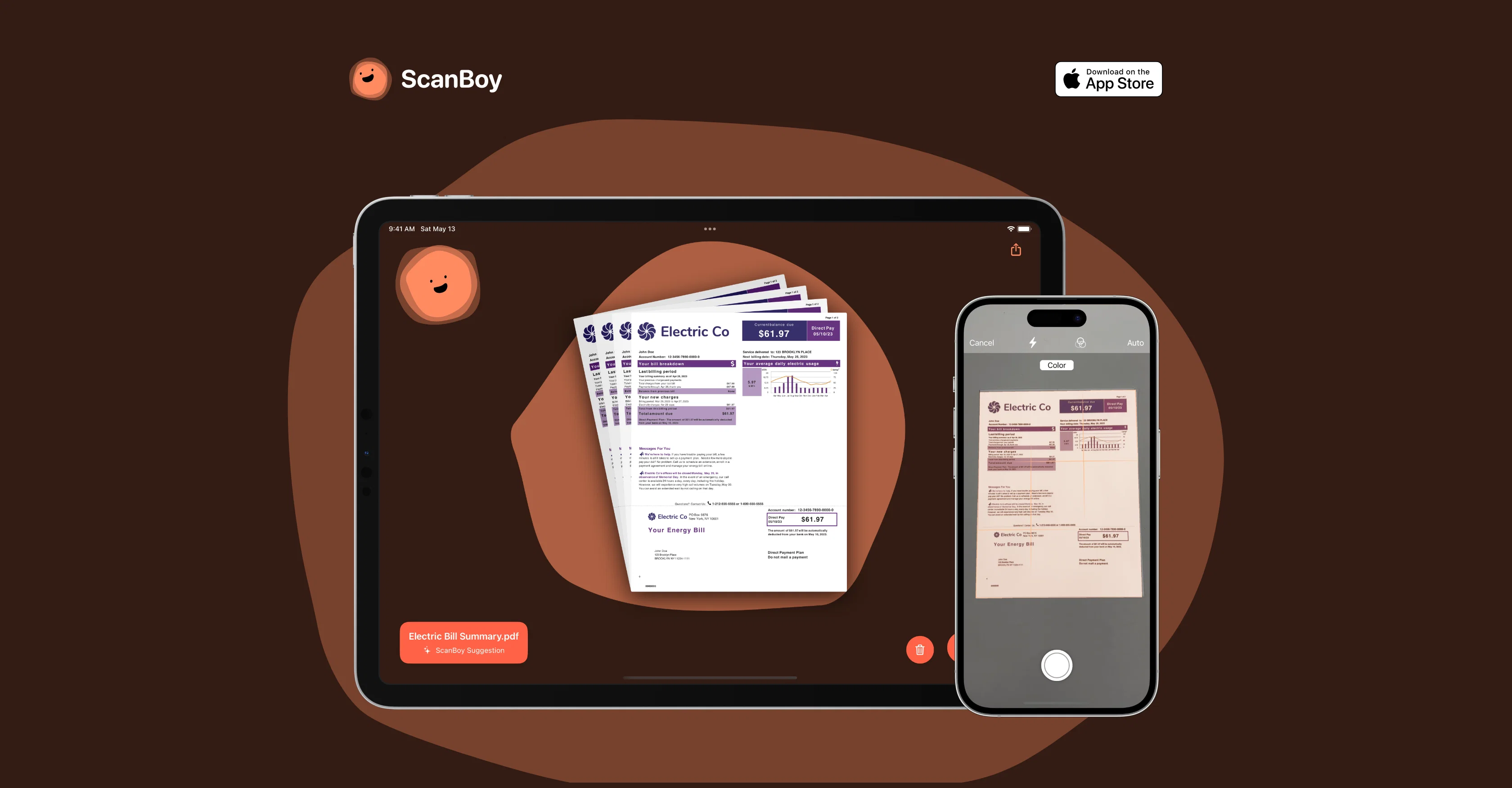
ScanBoy is a document scanning application developed for iOS and iPadOS. The app harnesses artificial intelligence to offer fast and effective document scanning solutions.
Its primary features include the creation of high-quality PDFs with selectable text. This feature is bolstered by a quick optical character recognition algorithm that processes all documents, allowing users to select and interact with the text within the scanned documents.
An additional unique feature of ScanBoy is its ability to generate filenames using artificial intelligence, which provides short and succinct filenames based on the content of the scanned document.
This feature can save considerable time, particularly for users who regularly scan similar types of documents. Nonetheless, for users who prefer a more hands-on approach, the app provides an alternative option to manually name the scanned documents without the AI assistance.
The app facilitates easy document storage by allowing users to save all documents to their preferred folder. The ScanBoy application is developed by Tim Bueno and is under the Deadpan brand.
All users are reassured of their privacy as outlined in the privacy policy provided by the developer.
Access & connections
Where you can use Scanboy.
Capabilities
What this tool accepts, produces, and is strongest at.
Input
- Image
Output
- Text
Pros & cons
Pros
- Lightning-fast scanning capabilities
- High-quality PDFs creation
- Selectable text in PDFs
- Auto-generation of filenames
- Manual document naming option
- Fast processing capabilities
- Efficient saving to folders
- OCR technology integration
Show 10 more
- Reusable filename templates
- Targeted for iOS, iPadOS
- Contact via email, Mastodon
- Selectable text post scanning
- Privacy policy clarity
- Developer's information accessible
- Optimization for similar documents
- Highly targeted application
- Developed by reputed developer
- Belongs to Deadpan brand
Cons
- iOS and iPadOS only
- No Android compatibility
- No multi-platform use
- No mention of security measures
- Limited customer contact options
- No offline functionality mentioned
- Document type limitations not specified
- Lack of advanced editing tools
Show 1 more
- Cannot automate document saving
Compare alternatives
Similar tools in the catalog — with a clear reason to open each one.

TapScanner
FreemiumScan documents with your phone camera
Why look Higher community rating
Full comparison

Doxis AI
UnknownAI-powered intelligent document processing platform.
Document scanning
Full comparison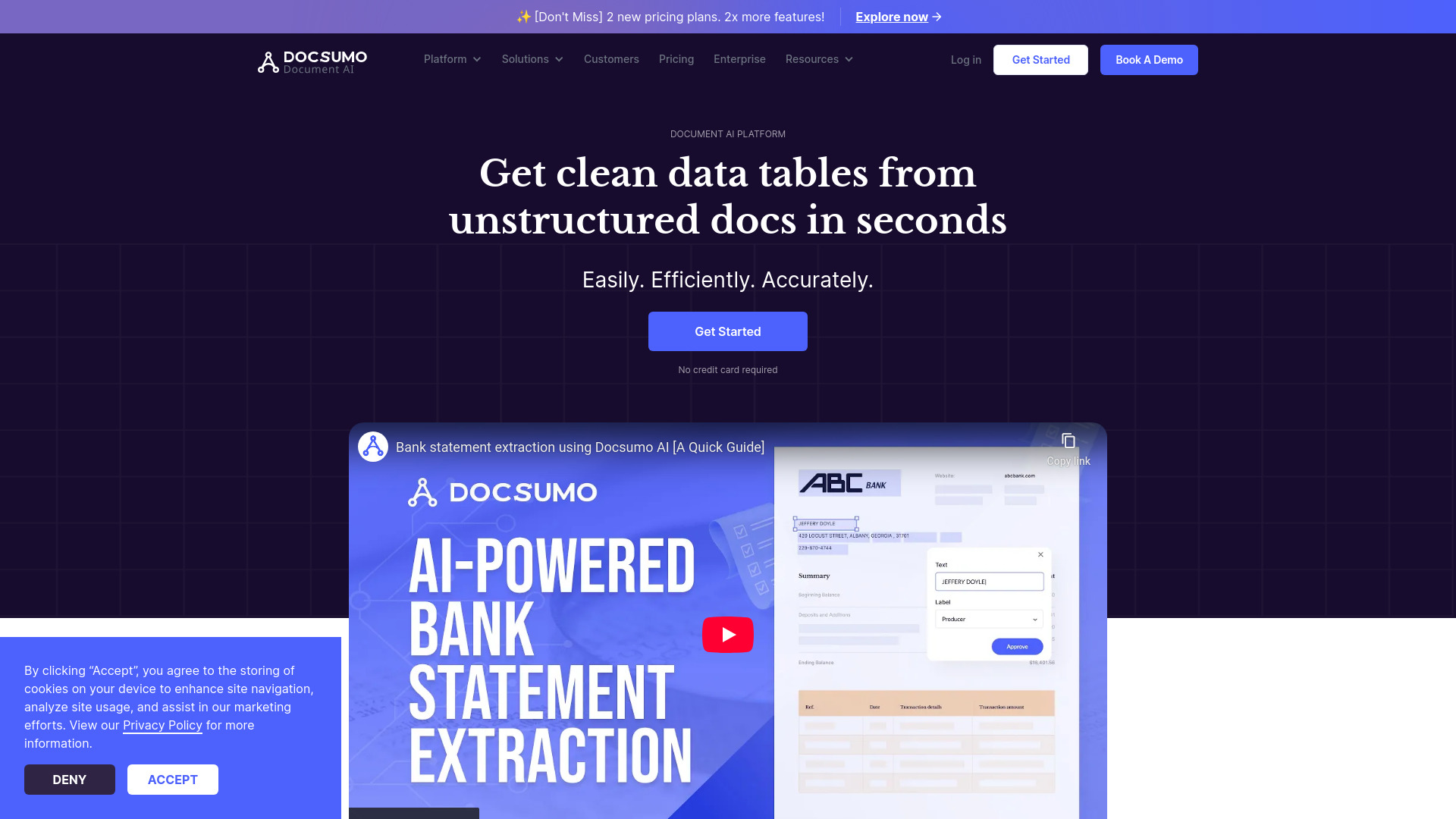
Docsumo
FreemiumDocsumo automates data extraction from unstructured documents with high accuracy and efficiency.
Free + from $299 / month
Full comparison
SwiftScan
FreemiumTurn documents into premium PDF scans instantly.
Free + from $4.99/mo
Full comparisonReleases 1
FAQ 12
What is ScanBoy?
How does the ScanBoy app utilize AI?
How quick is the document scanning process with ScanBoy?
What are the key features of ScanBoy?
How does ScanBoy generate filenames using AI?
Can users manually name their scanned documents in ScanBoy?
Does ScanBoy allow for text selection from scanned documents?
What does the optical character recognition feature do in ScanBoy?
Does ScanBoy provide filename templates for recurring document types?
Who developed the ScanBoy application?
What platforms is ScanBoy available for?
How can I save scanned documents to specific folders in ScanBoy?
Related tools
Recommended

LearningStudioAI ✓
Free TrialAI-powered authoring tool for effortless online course creation.

Photo AI ✓
PaidCreate beautiful AI photos and videos of real people

Donotpay ✓
PaidAI consumer champion fighting for you.

GPTExcel ✓
FreemiumGenerate spreadsheet formulas with AI

Hyperis ✓
FreemiumOrganized task prioritization.

AI Lawyer ✓
Free TrialInstant legal advice and document creation at your fingertips