

BuddyBeep ✓
Your everyday AI assistant for smarter browsing.
Verdict
A quick read before you dig into the full page.
- Best if
- Your everyday AI assistant for smarter browsing
- Skip if
- Limited video content extraction
- Pick this when
- Content summarising
Considering Claude in Chrome instead? Compare side by side
Overview
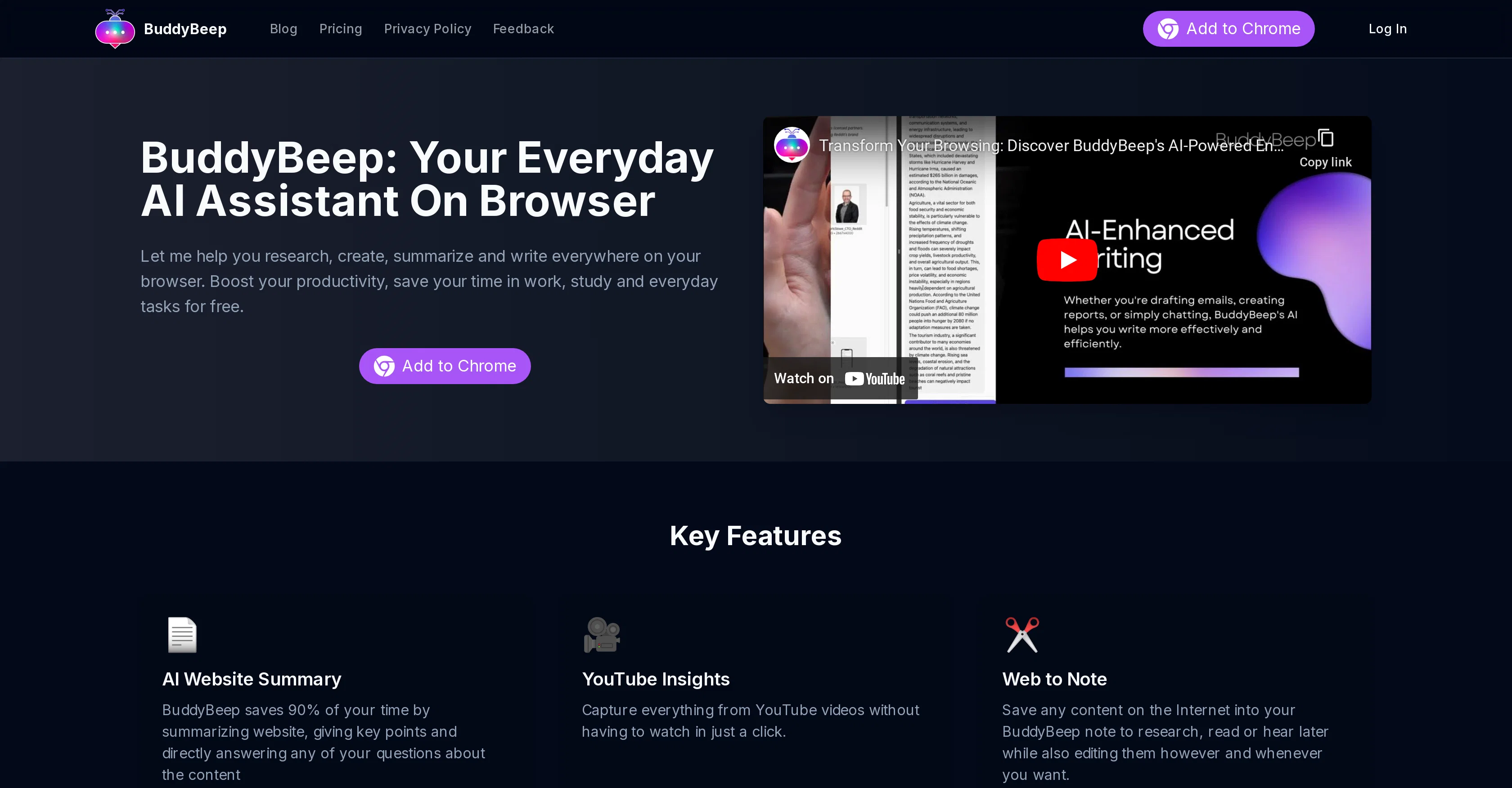
BuddyBeep is an AI-powered chrome extension designed to enhance productivity and efficiency when browsing the web. Its key functionalities include summarising website content, extracting main points from Youtube videos, and saving preferred internet content into note format for future reference or editing at the user's convenience.
With BuddyBeep, users can transform web content into research material, create and organise notes, and write or respond to various forms of text such as social media comments and emails.
A remarkable feature of BuddyBeep is its direct chat integration with top AI models such as ChatGPT, Bing Copilot, and Claude. Users can therefore interact effectively with these models for more refined outcomes.
Additionally, BuddyBeep offers a personalized dashboard where users can store, edit, and share their accumulated knowledge from internet resources. The tool also enables users to convert their research, plans, and other documents into neatly organized written material.
BuddyBeep can be added to your web browser via the Chrome web store.
Access & connections
Where you can use BuddyBeep, and what it plugs into.
Platforms
Integrations
Capabilities
What this tool accepts, produces, and is strongest at.
Input
- Tabular
- Text
Output
- Text
Pros & cons
Pros
- Content summarising
- Extracts YouTube Video Key points
- Saves internet content as notes
- Includes Social Media interactivity
- Dashboard customization
- Document organization tool
- Extension for Chrome browser
- Conversion of web content into research material
Show 32 more
- Note creation and organisation capabilities
- Private knowledge storage
- Efficient web resources management
- Integrated with ChatGPT
- Integrated with Bing Copilot
- Integrated with Claude
- Ability to edit saved content
- Sharing of accumulated knowledge
- Transforms documents into organized text
- Capable of enhancing productivity
- Boosts efficiency when browsing
- Personalized workspace offered
- Assists in writing and responding
- Quick website summaries
- Extraction of YouTube insights
- Creation of custom prompts
- Demo video available
- Saves time by summarizing websites
- Capable of answering content-related questions
- Extracts content from YouTube with one click
- Integrated state-of-the-art language models
- Second brain function
- Facilitates powerful writing
- Aides in writing essays, plans
- Replies to comments, emails
- Suitable answers provided
- Easy organization of stored knowledge
- Shareable knowledge with friends
- Read or hear saved content
- Curation of responses for documents
- Free installation via Chrome web store
- Upgradable with improved models and features
Cons
- Chrome-only extension
- Lacking multi-browser support
- No offline functionality
- Data privacy concerns
- Limited customization options
- Dependency on internet speed
- Possibility of inaccurate summaries
- Limited video content extraction
Show 1 more
- User interface complexity
Compare alternatives
Similar tools in the catalog — with a clear reason to open each one.

Claude in Chrome ✓
FreemiumBring Claude's AI assistance to your browser.
Free + from $17/mo
Full comparison
Leo ✓
FreemiumAI assistant built into the Brave browser
Why look Higher community rating
Full comparison


Releases 1
FAQ 12
What is BuddyBeep?
How does BuddyBeep help with productivity?
What functions does BuddyBeep offer?
Can I use BuddyBeep to take notes?
In what format does BuddyBeep save internet content?
How does BuddyBeep extract main points from Youtube videos?
How can BuddyBeep help me interact with other AI models?
What AI models can be integrated with BuddyBeep?
What is BuddyBeep's personalized dashboard for?
Can I share my data from the BuddyBeep dashboard?
How do I add BuddyBeep to my web browser?
Which websites can BuddyBeep summarize?
Related tools
Recommended

remio: Your Personal ChatGPT ✓
FreemiumGet Tailored Answer with Your Personal ChatGPT

Nouswise ✓
FreemiumYour personal search engine for trusted information.

Echonote ✓
FreemiumTransform voice notes into actionable content.

TheLibrarian.io ✓
Free TrialYour WhatsApp AI assistant for instant productivity.

Kin - Personal AI Advisors ✓
FreePrivacy-first & designed your for mind, and life at work

Noiz ✓
FreemiumSummarize YouTube videos with AI in one click