

Brisk Teaching ✓
AI writing detector for Google Docs and Classroom
Verdict
A quick read before you dig into the full page.
- Best if
- AI writing detector for Google Docs and Classroom
- Skip if
- Limited sophistication in feedback customization
- Pick this when
- Google Docs integration
Considering Vertech Academy instead? Compare side by side
Overview
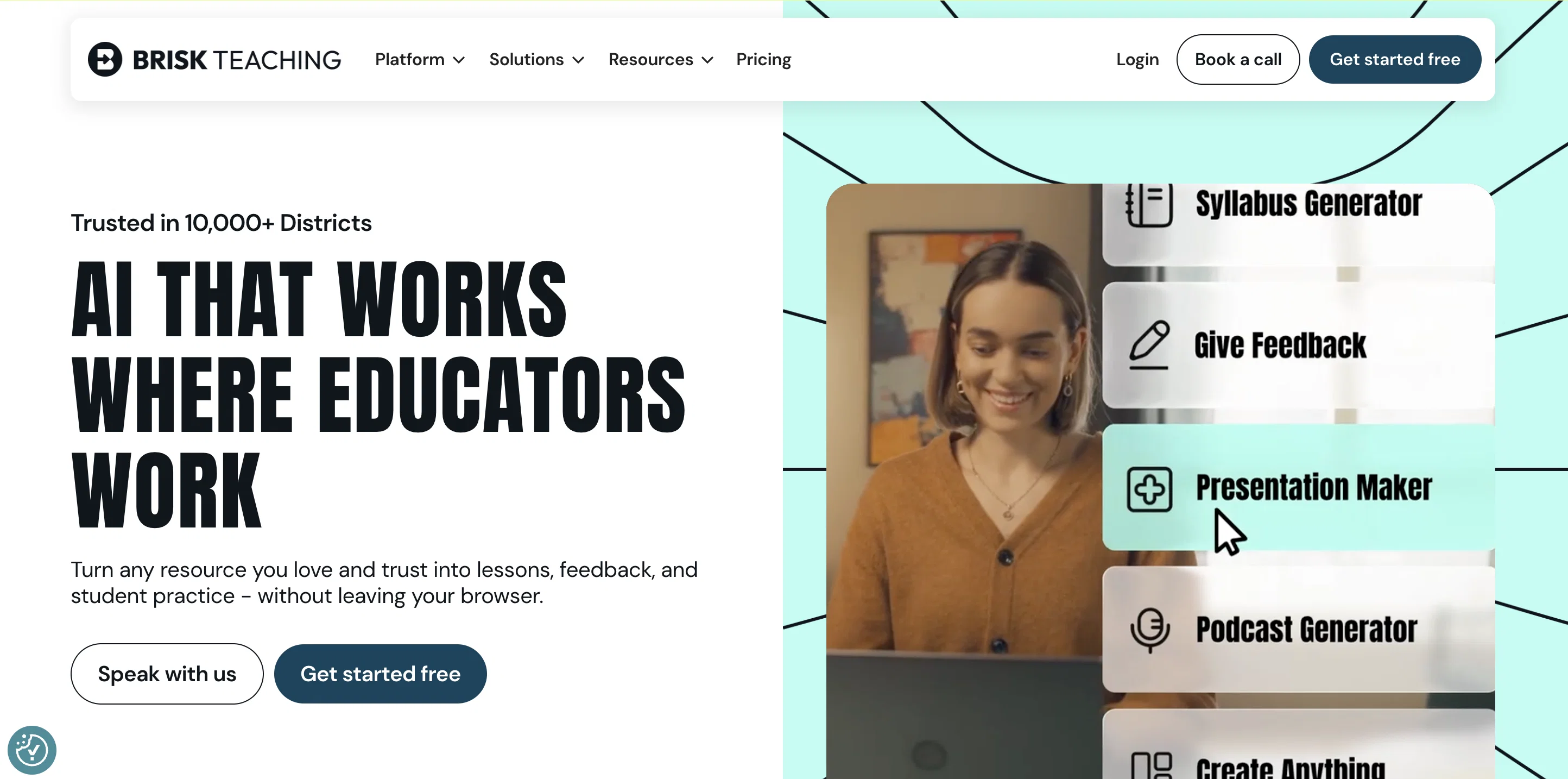
The Brisk AI Writing Detector is a Google Docs and Classroom extension that offers several benefits to teachers and educators. It is designed to detect AI-generated writing, check for plagiarism, and identify grammar errors to help improve the quality of student writing.
One of the key advantages of Brisk is its seamless integration with Google Docs and Google Classroom, eliminating the need for manual file uploads to external platforms like Turnitin.
The AI detection is built directly into the workflow, saving time and effort for teachers.Teachers can use Brisk to assess students' effort on assignments by analyzing the version history data.
This feature allows them to identify suspicious work and provide support to learners. The tool leverages a cutting-edge text-based AI-detection model trained on GPT4, making it one of the most accurate AI-detection models available today.
This ensures reliable and effective detection of AI-generated content.In addition to the writing detection capabilities, Brisk also offers features to assist in curriculum development.
Teachers can create and source tailored learning content, worksheets, resources, and exam questions. The tool can personalize curriculum based on teaching preferences, responding to feedback and ingesting curriculum used by the teacher.
Brisk can also generate feedback, saving time and offering students more opportunities for feedback. It can adapt to the teacher's style and even generate feedback that reflects their past feedback.Furthermore, Brisk provides a reading level assessment feature that allows teachers to assess the complexity of any text on the internet.
It can also change the reading level of news articles and conveniently populate converted articles into Google Docs.Overall, the Brisk AI Writing Detector is a user-friendly and efficient tool that supports teachers in detecting AI-generated writing, improving student writing quality, and assisting in curriculum development.
Best for
Short scenarios where Brisk Teaching tends to shine.
-
AI writing detector for Google Docs and Classroom
Example outputs 1
Sample generations and before/after results for Brisk Teaching.
Access & connections
Where you can use Brisk Teaching.
Platforms
Capabilities
What this tool accepts, produces, and is strongest at.
Input
- Tabular
- Text
Output
- API
- Text
Supported features
- Education
- Teaching Humans
Pros & cons
Pros
- Google Docs integration
- Google Classroom Integration
- No manual file uploads
- Plagiarism checking
- Grammar error detection
- Version history analysis
- Student effort assessment
- GPT4 trained model
Show 23 more
- Curriculum development features
- Personalized curriculum creation
- Generates feedback
- Adaptive to teacher's style
- Reading level assessment feature
- Changes reading level of articles
- Internet text complexity assessment
- Auto population of articles in Docs
- User-friendly interface
- Assists in teaching workflows
- Analyzes and monitors student data
- Creates engaging curriculum
- Sources tailored learning content
- Responds to teaching feedback
- Auto feedback generation
- Reflects teacher's past feedback
- Assesses student misconceptions
- Updates lesson plans based on feedback
- Differentiate curriculum for students
- Personalize curriculum for groups/classes
- Suggests feedback
- Populate converted articles in Docs
- Five-star review
Cons
- Google Docs required
- Limited to English
- Lacks integration with non-Google platforms
- No option for real-time feedback
- No explicit data privacy measures
- Limited sophistication in feedback customization
- Can't handle image-based texts
- Dependent on internet connection
Show 1 more
- Doesn't offer peer-review feature
Compare alternatives
Similar tools in the catalog.
People also view
Tools that often show up alongside Brisk Teaching in collections and comparisons.

Vertech Academy ✓
Free TrialPre-built AI study workflows that outperform raw ChatGPT prompts.

PhotoSolve ✓
FreemiumScan, solve, and learn from any question.

LearnGPT ✓
FreeLearn any topic with AI-powered guidance

Learn Earth ✓
FreemiumAI-First Adaptive Learning Platform

Justlearn ✓
UnknownAI-powered fluency at your fingertips.

Findsight ✓
FreeCompare non-fiction ideas from multiple sources.

Lingle ✓
Free TrialLanguage learning that listens, remembers, and adapts.

Knogra ✓
FreeChart the whole subject. One scene at a time.
Releases 1
FAQ 12
What is the Brisk AI Writing Detector?
How does the Brisk AI Writing Detector integrate with Google Docs and Classroom?
What key features does the Brisk AI Writing Detector offer to teachers?
How does the Brisk AI Writing Detector detect AI-generated writing?
Can the Brisk AI Writing Detector check for plagiarism and grammar errors?
How does Brisk utilize the version history data of documents?
How reliable is Brisk's AI detection?
How does the Brisk AI Writing Detector assist in curriculum development?
What customization options does Brisk offer for curriculum development?
How does the AI Writing Detector generate feedback?
Can I customize Brisk's feedback to reflect my teaching style?
How does Brisk personalize curriculum based on teacher's preferences?
Related tools
Recommended

Super Teacher ✓
FreemiumUnlimited tutoring, any subject, anytime.

LearningStudioAI ✓
Free TrialAI-powered authoring tool for effortless online course creation.

TutorAI ✓
FreemiumInstant knowledge on any topic

Scisummary ✓
Free TrialCutting-edge scientific articles summarization.

Mindko ✓
Free TrialAI that does homework across all subjects.

Learnt ✓
FreemiumAI-powered tools for education professionals.