

Agents vv2.0
BrainyBear ✓
No-code AI Agents Beyond Chatbots. From Conversations to Tasks.
Trial; then from $38/mo
Verdict
A quick read before you dig into the full page.
- Best if
- You are customer support teams and need: Automating customer support on websites
- Skip if
- Lacks a manual learning feature
- Pick this when
- Build chatbots in 3 steps
Considering Younet instead? Compare side by side
Overview

Brainybear started as a simple chatbot tool, helping businesses automate customer interactions. But as AI technology evolved, so did Brainybear.
Today, Brainybear has transformed into an AI agent platform, offering more than just chatbot capabilities. This shift allows businesses to leverage AI for deeper automation, decision-making, and multi-step workflows, making Brainybear a powerful assistant beyond simple Q&A interactions.
- Custom Tools For Ai Agents
- Integrate With Whatsapp, Facebook Messenger, Slack And Telegram
- Connect To Google Calendar
- Connect And Auto-sync With Google Drive
- Connect To Google Sheets
Best for
Short scenarios where BrainyBear tends to shine.
-
Automating customer support on websites
Best for Customer support teams
-
Providing instant answers to customer queries
Best for Marketing teams
-
Integrating AI agents with messaging platforms for broader reach
Best for Small businesses
-
Automating tasks through API connections
Best for Enterprises
Example outputs 1
Sample generations and before/after results for BrainyBear.
Access & connections
Where you can use BrainyBear, and what it plugs into.
Platforms
Integrations
Capabilities
What this tool accepts, produces, and is strongest at.
Input
- API
- Tabular
- Image
- Text
Output
- Tabular
- API
- Text
- Image
Highlights
- Agents
- API
Supported features
- Agents
- API
Pros & cons
Pros
- Build chatbots in 3 steps
- Train chatbots in 3 clicks
- Scans existing website content
- Scans uploaded files
- GPT-based model
- Handles unexpected questions
- Self-improves with interactions
- Supports 80+ languages
Show 17 more
- Integrates with Facebook Messenger
- Integrates with WhatsApp
- Integrates with Telegram
- Handles customer inquiries
- Less user supervision
- Efficient customer query resolution
- Enhances user engagement
- Multilingual support
- No complex setups
- Human-like chat responses
- Learns over time
- Seamlessly fits into toolkits
- Creates personalized chatbots
- Treats conversations naturally
- Improves user satisfaction
- Increases website UX
- Resolves up to 80% queries
Cons
- Limited platform integration
- Limited customization options
- Undefined response speed
- Dependent on user content
- Limited to text-based conversations
- No voice-support feature
- No specific mention of privacy
- No explicit training guidance
Show 2 more
- Doesnt specify multi-language efficiency
- Lacks a manual learning feature
Compare alternatives
Similar tools in the catalog — with a clear reason to open each one.

Younet ✓
Free TrialAI Agent Orchestration and Automation. Build your agentic business.
Why look Typically cheaper
Full comparison
Agents by Athena AI ✓
Free TrialCreate AI agents for any task
Why look Typically cheaper
Full comparison
Rumora ✓
PaidAI agents will find and mention your brand in viral videos comments
from $249/mo
Full comparisonPeople also view
Tools that often show up alongside BrainyBear in collections and comparisons.
Younet ✓
Free TrialAI Agent Orchestration and Automation. Build your agentic business.

Watermelon ✓
FreemiumHandle up to 96% of your support automatically
Rumora ✓
PaidAI agents will find and mention your brand in viral videos comments

Mixus ✓
FreemiumAI Agents Built For You

ChatNode ✓
Free TrialAI Agents for customer service that feel human
Agents by Athena AI ✓
Free TrialCreate AI agents for any task

Meev ✓
Free TrialYour AI SEO agent: gaps found, articles and social posted, traffic proven

Junie by JetBrains ✓
FreemiumStop switching tools. Start shipping.
Releases 3
-
Custom Tools – Create your own tools to fetch real-time data from external APIs and empower your AI agent with advanced capabilities.
-
Google Calendar Integration – Effortlessly schedule, reschedule, or cancel meetings and appointments.
-
Auto-Sync with Google Drive – Instantly update your assistant’s knowledge base whenever your Drive files change.
-
Google Sheets Integration – Capture information from conversations and automatically write it to your Sheets.
-
Embedded WhatsApp Sign-Up – Seamlessly connect your AI agent to WhatsApp with a user-friendly, guided onboarding flow.
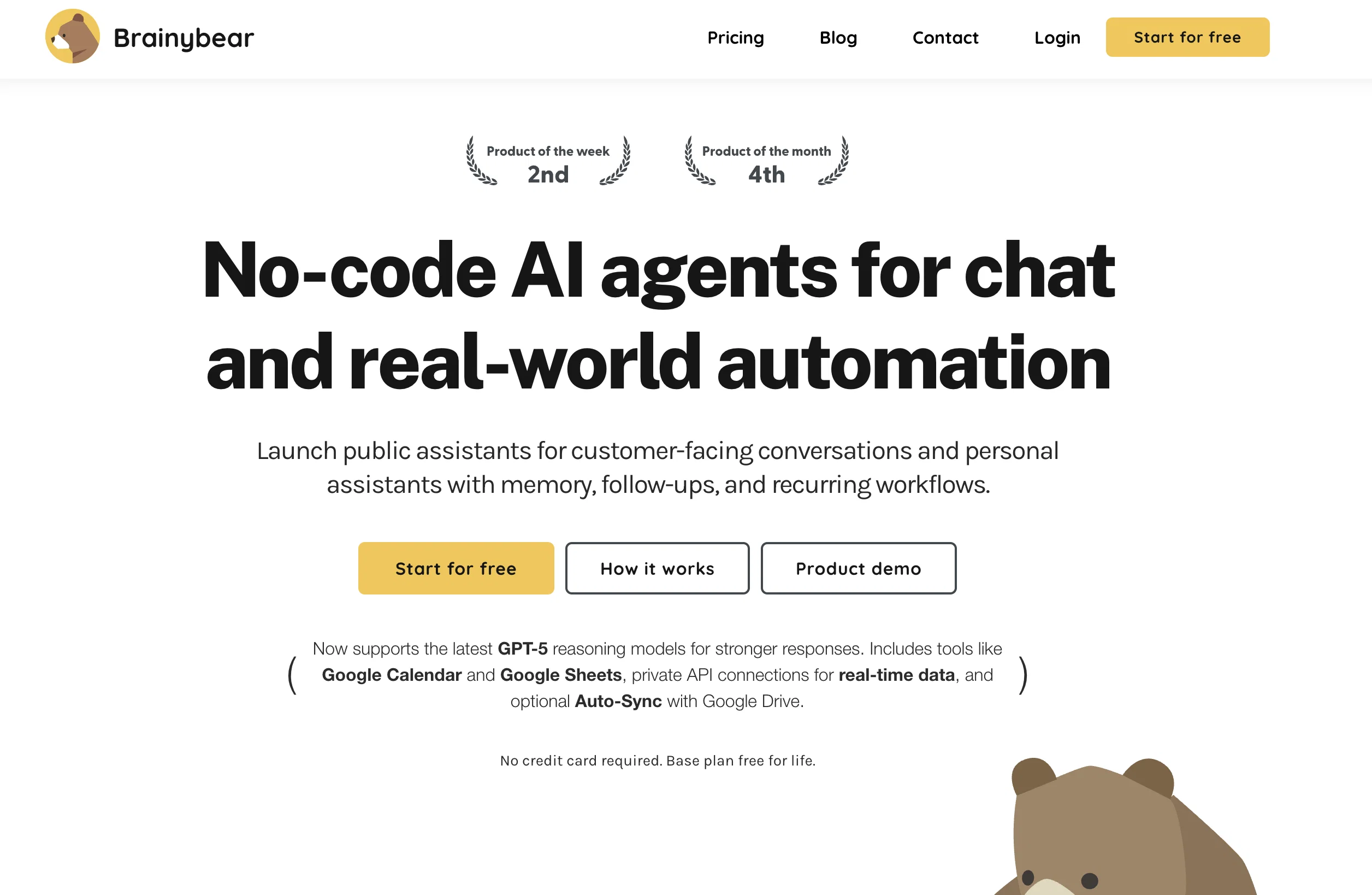
Brainybear Evolving from Chatbot to AI Agent Platform. Build AI agents that power chatbots across web, WhatsApp, and Slack. Train them with uploaded knowledge, real-time web browsing, and private API connections for smarter, task-driven conversations.
Brainybear started as a simple chatbot tool, helping businesses automate customer interactions. But as AI technology evolved, so did Brainybear.
Today, Brainybear has transformed into an AI agent platform, offering more than just chatbot capabilities. This shift allows businesses to leverage AI for deeper automation, decision-making, and multi-step workflows, making Brainybear a powerful assistant beyond simple Q&A interactions.
Imported reviews 5
Gay site I did payment but i didn't got premium.dont do payment guys
Awesome tool for website
Good for my work
Looks good. Would love to see how it compares to other big players like Intercom
Very goooood
FAQ 12
How does BrainyBear work?
🛠️ 2
tools
🙏 166
karma
wrote:
BrainyBear works by enabling users to create and customize an AI agent in three simple steps. The user next trains the AI agent by scanning or uploading knowledge, using internal tools or connecting to private APIs for task-driven activities. The final step is to embed the AI agent to their website or integrate with messaging apps such as WhatsApp or Slack.
What are the three steps to build a chatbot with BrainyBear?
🛠️ 2
tools
🙏 166
karma
wrote:
The three steps to build a chatbot with BrainyBear are: creating and customizing the AI agent; training the AI agent by scanning or uploading knowledge; and embedding the AI agent onto your site.
How does BrainyBear train its AI agents?
🛠️ 2
tools
🙏 166
karma
wrote:
BrainyBear trains its AI agents by scanning the user's website or the files that the user has uploaded. The AI agents also able to browse the web for latest information. This process informs the AI, allowing the agent to respond with quick and accurate answers to customer queries.
Which languages does BrainyBear support?
How can I integrate BrainyBear with Facebook Messenger, WhatsApp, or Telegram?
What content does BrainyBear scan from my website or uploaded files?
How does BrainyBear ensure the conversations are natural and human-like?
How does BrainyBear enhance user engagement experience?
How is BrainyBear different from traditional flow-based chatbots?
What are the benefits of using BrainyBear for customer support?
How can I start using BrainyBear for free?
How can BrainyBear resolve up to 80% of customer questions?
🛠️ 2
tools
🙏 166
karma
wrote:
BrainyBear is able to resolve up to 80% of customer questions by using AI to answer visitors' questions through a personalized AI agents trained on your content. This enables quick and accurate answers to a majority of queries.
Related tools
Recommended

Mindsmith ✓
FreemiumPlatform for building and sharing eLearning content

TurboScribe ✓
Freemium🎯 3 free transcripts every day. 🔥 Unlimited transcription starting at $10/mo.

Transcript LOL ✓
FreemiumUnlimited transcripts, summaries, 99.8% accuracy, speaker recognition, superfast

FounderPal ✓
Free TrialGenerate a perfect marketing strategy in 5 minutes

PrometAI ✓
FreemiumTurn ideas into viable reality with AI business plan generator.

B12 AI Website Builder ✓
FreemiumAI-powered website builder
