

Background removal 2026 Rank: #445
Bgbye ✓
Remove image backgrounds instantly, free, and automatic.
Verdict
A quick read before you dig into the full page.
- Best if
- Remove image backgrounds instantly, free, and automatic
- Skip if
- 5.0 MB upload size limit
- Pick this when
- Supports multiple image formats
Considering Remove Background by Picsart instead? Compare side by side
Overview
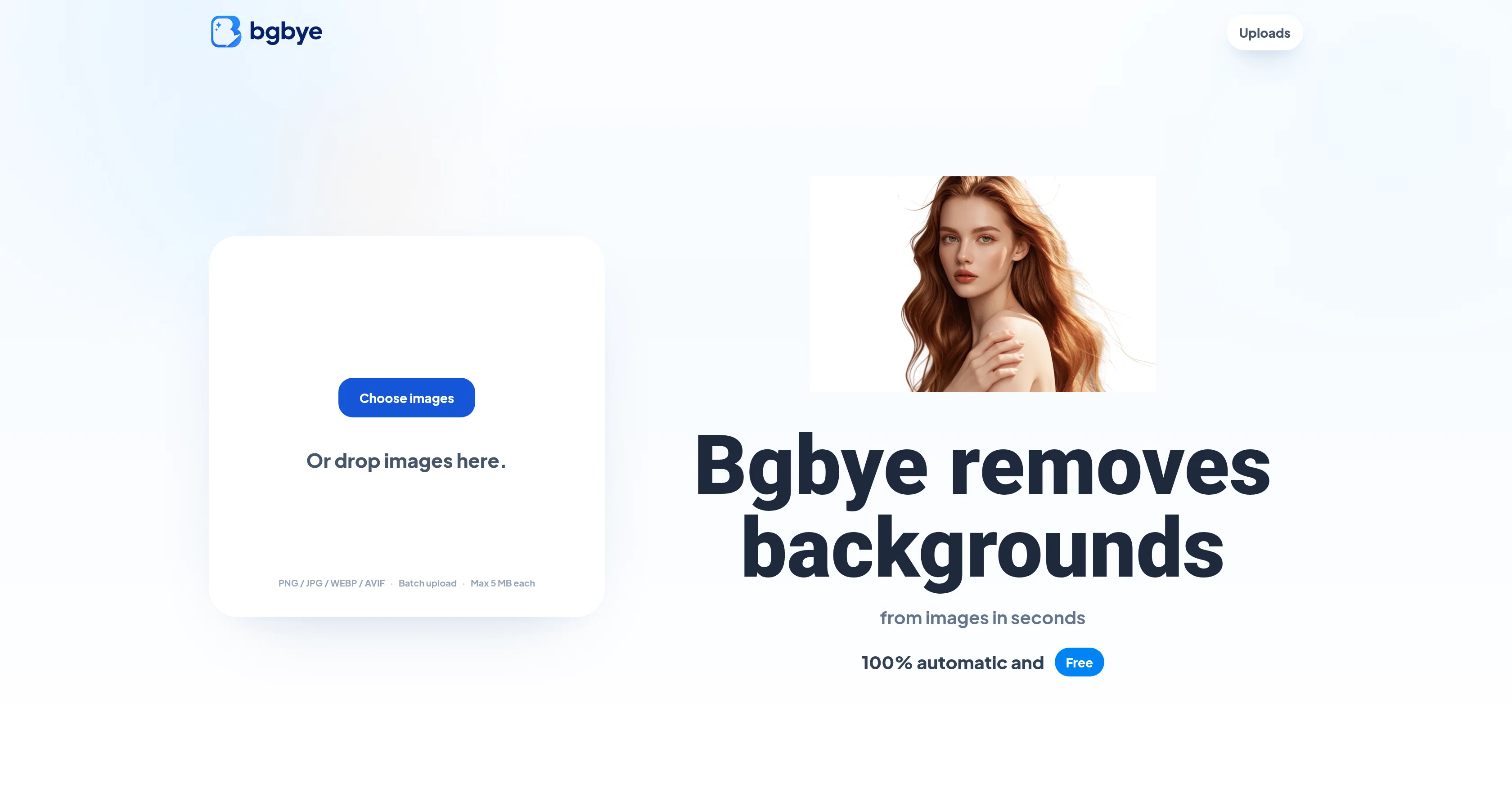
Bgbye Image Background Remover is an AI-powered tool designed to automatically remove backgrounds from images. It supports various image formats including PNG, JPG, WEBP, and AVIF with a maximum upload size of 5.0 MB for each image.
Built for speedy and meticulous image work, Bgbye does not just provide background removal, it also allows you to preview each background-removal result before deciding to downloadit gives you the ability to verify the edges, spot potential problems, and assures you download with confidence.
You can choose to upload one image or a batch of images simultaneously and track every uploaded image as Bgbye prepares the results. The finished image is presented in a clean, convenient view ready to be downloaded for different uses such as listings, profiles, posts, and designs.
Note that Bgbye only accepts image uploads, it does not support video content. The tool is practical for use by design studios, ecommerce sellers, and content creators who often need clear, inconsistency-free visual assets for their tasks.
Access & connections
Where you can use Bgbye.
Platforms
Capabilities
What this tool accepts, produces, and is strongest at.
Input
- Image
Output
- Image
Supported features
- Background Removal
Pros & cons
Pros
- Supports multiple image formats
- 5.0 MB maximum upload size
- Offers batch image processing
- Ability to preview results
- Ensures consistency in visuals
- Ease of tracking uploaded images
- Clean, convenient view
- Result compatible for different uses
Show 23 more
- Ideal for design studios
- Optimized for ecommerce sellers
- Conducive for content creators
- Offers automatic background removal
- Supports large file uploads
- Simple review process
- Can compare original and result
- Quick image upload
- Results ready to reuse
- Clear next step indications
- Upload and download in one place
- Image background removal focus
- Image edge preview before download
- Batch upload support
- Supports PNG, JPG, WEBP, AVIF
- No support for video
- Content-focused tool
- Provides cleaner image results
- Result appears in home upload area
- Supports visible subject images
- Improves edge quality
- No switching of tools needed
- Versatile usability for products, people, animals, graphics
Cons
- 5.0 MB upload size limit
- No video content support
- No API provided
- Requires manual verification
- No real-time result tracking
- No editing tools provided
- Limited image format support
- No mobile app version
Show 2 more
- Doesn't support additional services
- Preview before download only
Compare alternatives
Similar tools in the catalog — with a clear reason to open each one.

Remove Background by Picsart ✓
FreemiumInstantly remove backgrounds for clean, transparent images—perfect for products, designs, and creative
Why look Offers a public API
Full comparison
Merchant Floor | Background Remover ✓
FreemiumRemove the background & retouch your product photos
Free + from $20
Full comparison
remove.bg ✓
FreemiumRemove image backgrounds in 5 seconds with one click
Why look Offers a public API
Full comparison
AI Background Remover - Picsman ✓
Free TrialInstantly remove image backgrounds with AI
Why look Stronger for image work
Full comparison
Removal.AI
FreemiumAI tool for instant automated image background removal and editing.
Why look Stronger for image work
Full comparisonReleases 1
FAQ 12
What image formats does Bgbye Image Background Remover support?
What is the maximum image size I can upload to Bgbye?
Can I preview my image on Bgbye before I download it?
Does Bgbye support batch image upload?
Can Bgbye remove video backgrounds?
Why is Bgbye suitable for design studios, ecommerce sellers, and content creators?
How quickly can Bgbye remove an image background?
Can I track the progress of my uploaded images on Bgbye?
In what format can I download my finished images from Bgbye?
What should I do if my image exceeds the 5.0 MB size limit for Bgbye?
Can I compare the original image with the result on Bgbye?
How does Bgbye assure me of confident downloads?
Related tools
Recommended

Tat Ink ✓
Free TrialAI-powered custom tattoo designs in seconds.

freebeat AI ✓
FreemiumTurn Music & Ideas into Viral Videos In One Click

DeepSeek ✓
FreeUnravel the mystery of AGI with curiosity

Younet ✓
Free TrialAI Agent Orchestration and Automation. Build your agentic business.

SEOJuice ✓
FreemiumSEO Made Simple — AI-driven Optimizations

Kling ✓
FreemiumCreate high-fidelity videos from text with lifelike motion and real-world physics
