
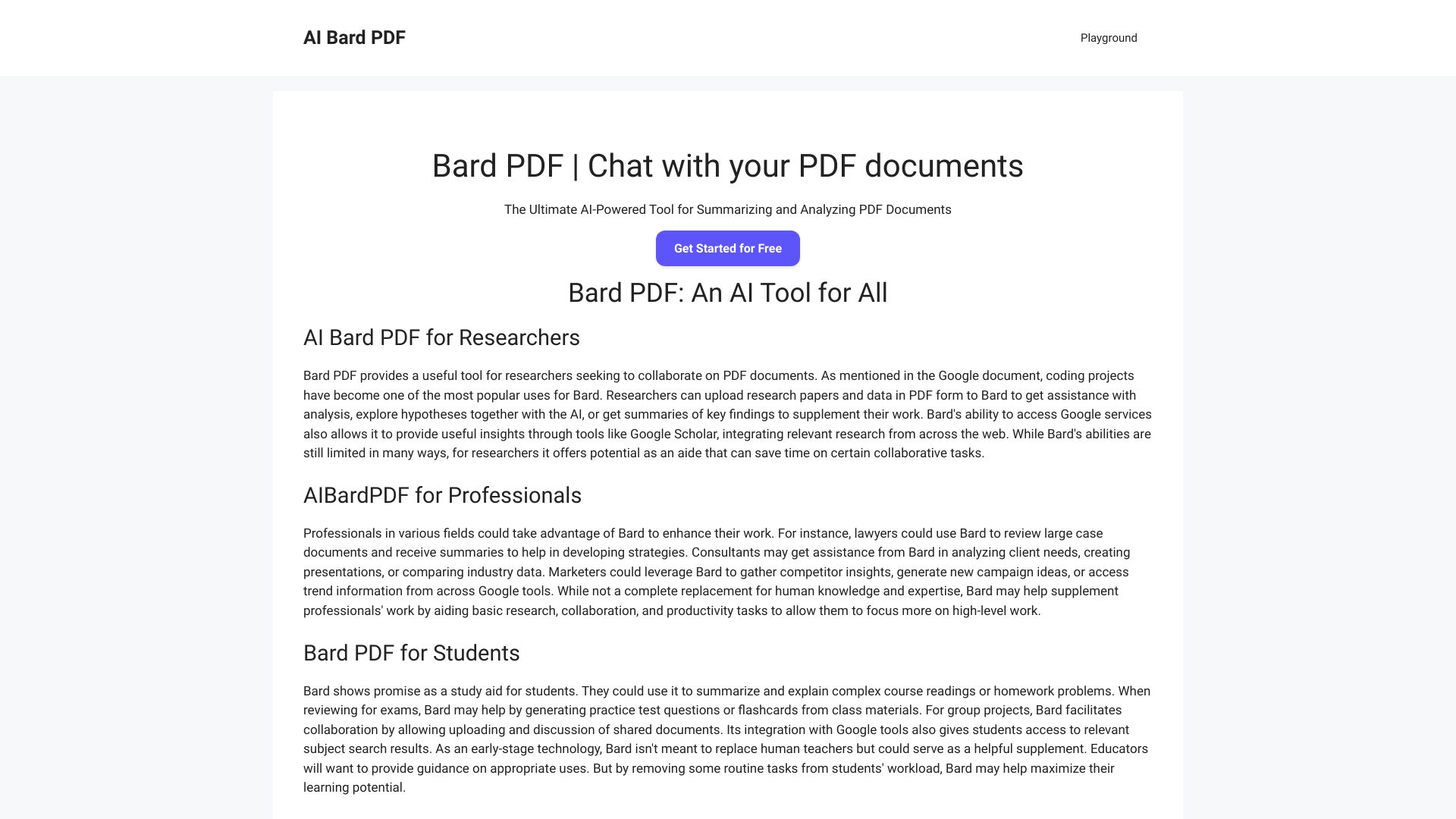
Bard PDF
Free AI-powered platform for summarizing, analyzing, and collaborating on PDF files.
Source rating 5.0
(98)
0 views
0 saves
Unknown
Verdict
A quick read before you dig into the full page.
- Best if
- Free AI-powered platform for summarizing, analyzing, and collaborating on PDF files
- Pick this when
- Free AI-powered platform for summarizing, analyzing, and collaborating on PDF files
Overview
Bard PDF is a FREE interactive platform that focuses on providing powerful features for handling and collaborating on PDF files. It is an innovative tool that harnesses the power of artificial intelligence to help you interact with and understand PDF documents in a whole new way. It allows users to have a conversation with their PDFs, asking questions, and receiving instant summaries.
Access & connections
Where you can use Bard PDF.
Platforms
Capabilities
What this tool accepts, produces, and is strongest at.
Highlights
- AI-Powered Summarization
- Natural Language Q&A
- Information Extraction
- Collaboration Potential
FAQ 5
What is Bard PDF?
Bard PDF is a FREE interactive platform that focuses on providing powerful features for handling and collaborating on PDF files. It is an innovative tool that harnesses the power of artificial intelligence to help you interact with and understand PDF documents in a whole new way. It allows users to have a conversation with their PDFs, asking questions, and receiving instant summaries.
How to use Bard PDF?
1. Access Bard PDF: Open your web browser and go to the Bard PDF website: https://aibardpdf.com/. 2. Provide the PDF URL: Locate the PDF document you want to work with online. Copy the URL link of the PDF. In the Bard PDF chat window, paste the URL link. 3. Start interacting: Bard will process the PDF content and be ready for your instructions. You can now ask questions, request a summary, or extract specific information. 4. Continue the conversation: Bard PDF is designed for interactive use. Feel free to ask follow-up questions, request additional summaries, or explore different aspects of the document through natural conversation.
Can Bard summarize a PDF?
Absolutely! Summarizing PDFs is one of Bard PDF's core strengths. It can efficiently analyze your document and provide a concise overview of the key points and essential information.
Can I upload a PDF to Bard?
Currently, Bard PDF doesn't support direct uploading of PDF files. However, you can still easily access its capabilities by providing the URL link of the PDF you want to work with.
How to get Bard to read a PDF?
1. Find the PDF URL: Locate the PDF document online and copy its URL link. 2. Open Bard PDF: Go to the Bard PDF website (https://aibardpdf.com/). 3. Paste the URL: In the chat window, paste the URL link of your PDF. 4. Start interacting: Bard will process the PDF content and be ready to answer your questions, generate summaries, or extract information.
Related tools
Recommended



Bard PDF