

Bank statement conversion 2026 Rank: #2347
BankConv ✓
Convert PDF bank statements to CSV instantly.
Verdict
A quick read before you dig into the full page.
- Best if
- Convert PDF bank statements to CSV instantly
- Skip if
- Limited output formats
- Pick this when
- Converts PDF to CSV
Considering Stmt: Bank Statement Converter instead? Compare side by side
Overview
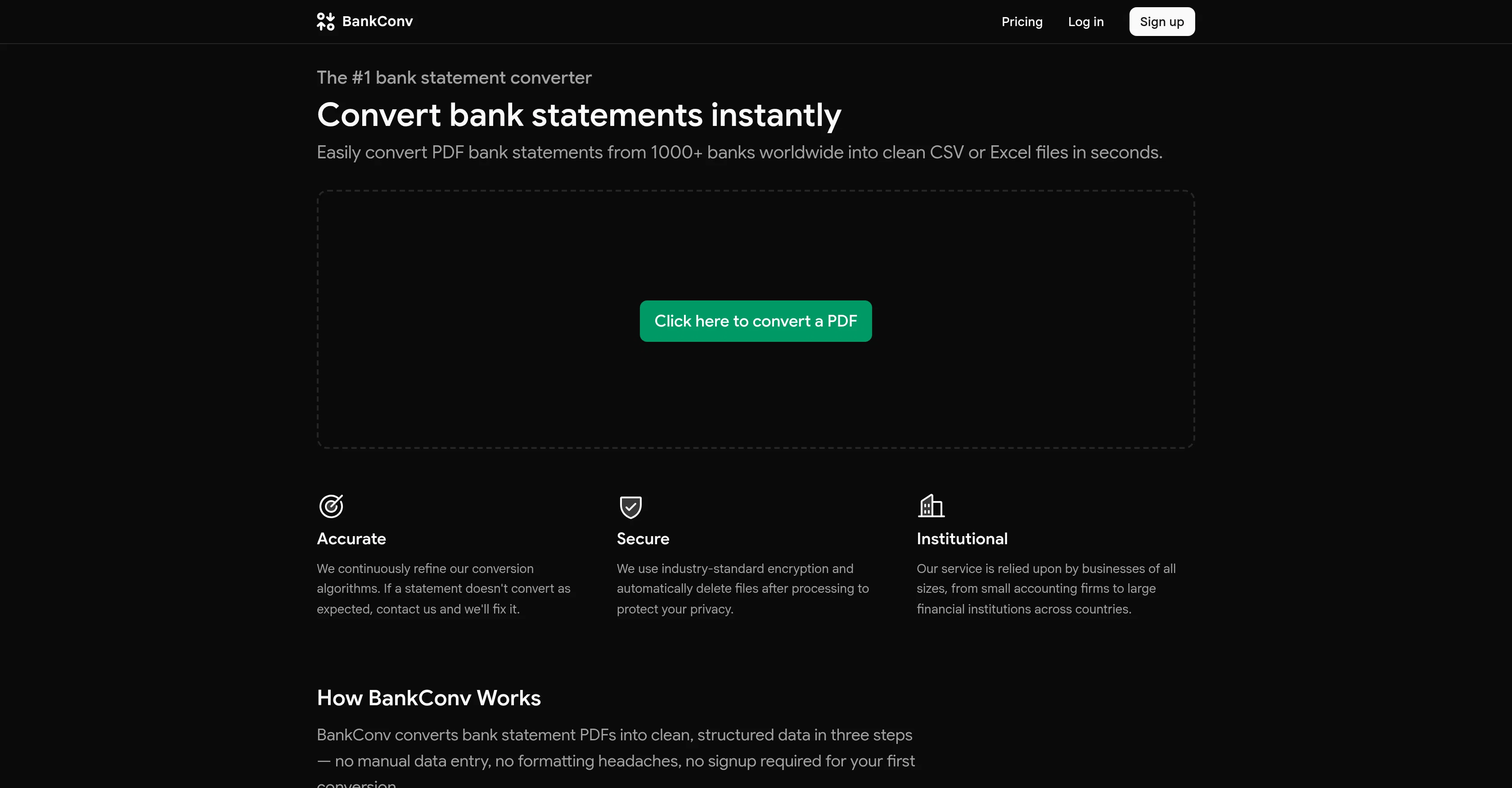
BankConv is a powerful tool designed to convert PDF bank statements into clean, structured data formats like CSV or Excel files. It supports statements from over a thousand banks globally, including password-protected PDFs, and it offers a quick and easy conversion process.
Users can upload a single file or batch multiple files for conversion. The tool pulls out every transactiondates, descriptions, amounts, and running balancesfrom the PDF and structures them appropriately for your selected file format.
The extraction process typically takes under thirty seconds. BankConv offers six output formats - CSV, Excel, Google Sheets, OFX, QFX, and PDF, ensuring compatibility with most accounting software and user workflows.
Its advanced features also include handling multi-page statements automatically and the ability to work with encrypted files. To ensure user privacy, BankConv uses industry-standard encryption and deletes files 24 hours after processing.
Moreover, the tool is trusted by businesses of all sizes, including accounting firms, small businesses, and large financial institutions. Importantly, BankConv greatly reduces the time spent on manual data extraction, making it especially useful for accountants, bookkeepers, and small business owners.
Access & connections
Where you can use BankConv, and what it plugs into.
Platforms
Integrations
Capabilities
What this tool accepts, produces, and is strongest at.
Input
- API
- Tabular
- Text
Output
- Tabular
- API
- Text
Highlights
- API
Supported features
- API
- Finance & Accounting
Pros & cons
Pros
- Converts PDF to CSV
- Converts to Excel
- Google Sheets supported
- Converts to OFX format
- Saves to QFX
- Also provides clean PDF
- Handles encrypted files
- Supports password-protected PDFs
Show 42 more
- Optimised for large files
- Handles multi-page statements
- Supports 1000+ global banks
- Batch processing
- Structured data output
- Automatically deletes files post-processing
- Industry-standard encryption
- Fast results
- Supports data privacy
- Compatible with various accounting software
- Handles transaction data
- Assists small businesses
- Facilitates financial institutions
- Efficient time saver
- Offers various output formats
- No password storage
- Pulls transaction dates
- Retrieves transaction descriptions
- Extracts transaction amounts
- Accesses running balances
- Reduces manual data entry
- Works with accounting firms
- Supports large financial institutions
- Direct export to Google Sheets
- Format suited for QuickBooks
- QFX format for Quicken
- Eliminated formatting headaches
- Instant conversion for bank statements
- Trusted by multiple businesses
- Single or batch file upload
- Multi-page statement automatic handling
- File deletion after 24 hours
- Automated systems process files
- No human access to files
- No analytics on user files
- Doesn't store user files
- Extracts data in seconds
- Structured data output in seconds
- Seamless handling of password-protected PDFs
- No signup needed for first conversion
- Removes need for reformatting
- Conversion suited for tax preparers
Cons
- No API access
- Limited output formats
- No data retention options
- Not open source
- Doesn't work with other files
- No MacOS or Linux app
- Encryption standard not specified
- No error handling description
Show 2 more
- No offline usage option
- Password handling not fully transparent
Compare alternatives
Similar tools in the catalog — with a clear reason to open each one.

Stmt: Bank Statement Converter ✓
FreemiumPDF Bank Statements to Spreadsheets with High Accuracy AI & Security
Free + from $14.99/mo
Full comparison

Beancount.io ✓
FreemiumWrite your finances like code with AI insights.
Why look Better fit for coding
Full comparison


Releases 1
FAQ 12
What is BankConv?
What file formats can BankConv convert PDF bank statements into?
How many banks does BankConv support?
Does BankConv support password-protected PDFs?
How does BankConv extract transaction data from uploaded bank statements?
How long does it take BankConv to convert a bank statement?
Does BankConv automatically delete files after processing?
How secure is the data conversion with BankConv?
Can BankConv handle multiple PDFs at once?
How many output formats does BankConv offer?
Can I choose my preferred output format with BankConv?
Who are the typical users of BankConv?
Related tools
Recommended

MagicSlides.app AI PPT Maker ✓
FreemiumCreate Stunning PPTs in Seconds with the AI PPT Maker

GetLogit ✓
FreemiumArtificial intelligence, available for everyone.

ChatGPT ✓
FreemiumAsk anything, create anything, and move from idea to action.

Automateed ✓
Free TrialCreate eBooks effortlessly with Automateed, the AI-powered writing tool.

Notis ✓
Free TrialThe first WhatsApp assistant that runs on your ChatGPT and Claude subscriptions

CodeRabbit ✓
Free TrialEnhanced code review for improved workflow and quality.