
Banana Pro
Advanced AI image generator and editor for professional visuals.
From $9.9 / month
Verdict
A quick read before you dig into the full page.
- Best if
- Advanced AI image generator and editor for professional visuals
- Skip if
- You need a free plan with no credit card
- Pick this when
- Paid · From $9.9 / month
Overview
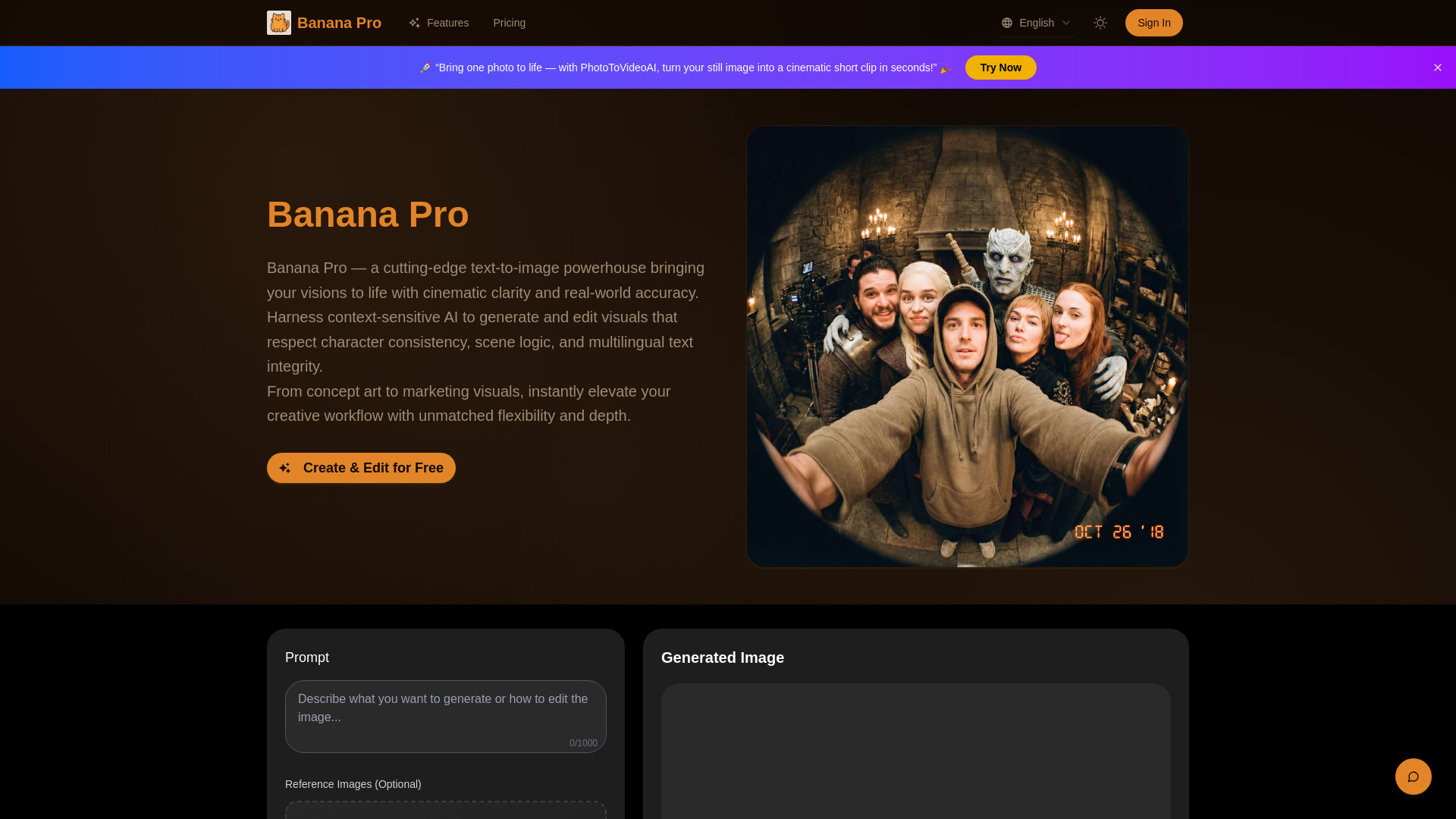
Banana Pro is a next-generation AI image model designed for professional-grade text-to-image creation, high-resolution rendering (up to 4K), and precise, context-aware editing. It's a cutting-edge text-to-image powerhouse that brings visual ideas to life with cinematic clarity and real-world accuracy. The platform harnesses context-sensitive AI to generate and edit visuals that maintain character consistency, scene logic, and multilingual text integrity. Banana Pro understands not just words, but also user intent, visual context, and design goals, merging creative freedom with professional-grade precision. It offers deep context and visual reasoning, consistent character and design identity, and realtime-ready generation and editing, producing visuals grounded in real-world semantics.
Access & connections
Where you can use Banana Pro.
Platforms
Capabilities
What this tool accepts, produces, and is strongest at.
Highlights
- Professional-grade text-to-image creation
- High-resolution (up to 4K) image generation
- Precise, context-aware and localized region editing
- Consistent character and design identity across images
- Accurate multilingual text rendering within images
- Multimodal prompt and image fusion
- Iterative refinement workflow
FAQ 8
What is Banana Pro?
How to use Banana Pro?
1. **Provide Prompt or Upload Reference**: Write your creative idea in plain language or upload an existing image to guide the style, scene, or content. Banana Pro interprets both text and image context.
2. **Generate or Edit Image**: Trigger the model to create a brand new image or refine an existing one. Use natural language prompts to tweak style, lighting, layout, or specific elements with precision and control.
3. **Iterate, Refine, Export**: Review the generated output, adjust your prompt or image as needed, and repeat the process until you are satisfied. Once finalized, export your image in high resolution, ready for various creative or professional projects.


