

BabyVideo AI ✓
Transform photos into adorable AI-generated baby videos instantly.
Trial; then from $10/mo
Verdict
A quick read before you dig into the full page.
- Best if
- Transform photos into adorable AI-generated baby videos instantly
- Skip if
- Limited template variety
- Pick this when
- Transforms photos into baby videos
Considering AI Baby Dance instead? Compare side by side
Overview
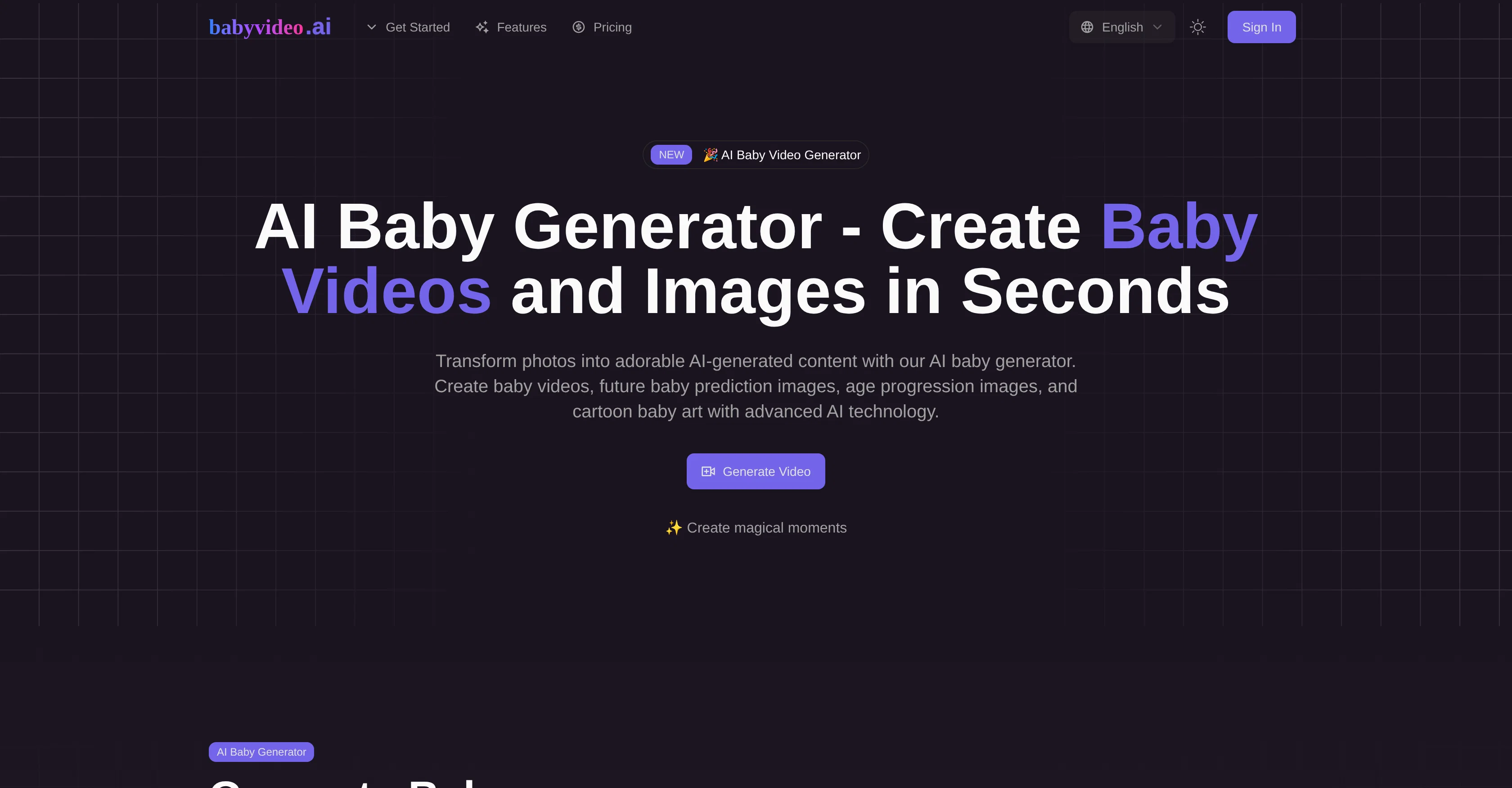
AI Baby Generator is a tool designed to generate content such as videos, images, and cartoon art from photos. It uses advanced AI technology to transform photos into multiple types of content.
The tool allows users to generate baby videos with different templates for various scenes such as sleeping, smiling, and crawling. It also offers future baby prediction images using photos of both parents, providing lifelike predictions with natural expressions.
The AI Baby generator can create age progression images from 1 to 100 years old, illustrating how individuals might change with age. Users can also transform photos into cartoon-style images, offering multiple art styles such as Studio Ghibli, Pixar, Disney, and Anime.
With the AI-powered text-to-speech, users can create talking baby videos by uploading a photo and adding a script or audio. The AI Baby Generator also extends to generating personalized baby name suggestions considering gender, style, meaning, and cultural backgrounds.
For putting ideas into visuals, the AI Baby Generator supports text to video conversion, allowing users to describe their vision and turn it into baby videos.
It also mobilizes image to video conversion, where a single photo is transformed into a dynamic video with natural movements and expressions. The Advanced AI Baby Generator technology buoys this tool, providing unique and creative concepts dependent on user preferences.
Access & connections
Where you can use BabyVideo AI.
Platforms
Capabilities
What this tool accepts, produces, and is strongest at.
Input
- Tabular
- Image
- Text
- Audio
Output
- Video
- Image
Supported features
- Video Generation
- Image Edit
- Image Generation
- Image Understanding
Pros & cons
Pros
- Transforms photos into baby videos
- Generates personalized videos
- Includes various video templates
- Allows duration and style adjustment
- Creates future baby predictions
- Generates age progression images
- Converts photos into cartoon-style images
- Offers multiple art styles
Show 14 more
- Inspired by Pixar, Disney, Anime
- Generates talking baby videos
- Includes personalized baby name generator
- Supports text to video conversion
- Supports image to video conversion
- Generates content from user descriptions
- Generates high-definition output
- Includes lifelike expressions in images
- Allows user-specified name parameters
- 100+ voice styles for text-to-speech
- 17+ languages for text-to-speech
- Transforms single clear photo into videos
- Accommodates age progression feature
- Offers creative design and facial animation
Cons
- Limited template variety
- No manual editing features
- Dependent on photo quality
- No multiple photo progression
- Lacks realistic voice dispersion
- Cannot modify generated names
- Cartoon styles may mismatch
- No multilingual interface
Show 2 more
- Inaccurate text-to-speech
- No offline functionality
Compare alternatives
Similar tools in the catalog — with a clear reason to open each one.

AI Baby Dance ✓
FreemiumTurn baby photos into viral dance videos.
Why look Typically cheaper
Full comparison
FluxProWeb | AI Talking Baby Generator ✓
FreemiumTurn baby photos into talking podcast videos.
Why look Typically cheaper
Full comparison

Storybook Studio ✓
FreemiumA book that looks like your child, from a real photo.
Why look Stronger for image work
Full comparisonReleases 1
FAQ 12
What is the AI Baby Generator?
How does the AI Baby Generator transform photos into baby videos?
What templates does AI Baby Generator offer for generating video content?
How can I adjust the duration and style of the videos on AI Baby Generator?
How does AI Baby Generator predict what my future baby might look like?
Can AI Baby Generator generate images of my baby at five years old?
What kind of art styles is AI Baby Generator able to transform my baby photos into?
How does the age progression feature on AI Baby Generator work?
Can AI Baby Generator convert text descriptions into baby videos?
What options does AI Baby Generator offer for generating talking baby videos?
How does the personalized baby name generator on AI Baby Generator work?
What kind of content can AI Baby Generator generate?
Related tools
Recommended

Tunesona AI Music Agent ✓
Free TrialGenerate personalized AI music through natural conversation.

LearningStudioAI ✓
Free TrialAI-powered authoring tool for effortless online course creation.

D-ID ✓
FreemiumCreate AI-generated videos with ease

Free Text-To-Speech ✓
FreeText transformed into customizable spoken output.

Thea ✓
FreemiumAI study tools to master material, not just memorize it.

Mindsmith ✓
FreemiumPlatform for building and sharing eLearning content