
Trial; then from $0.0083
Verdict
A quick read before you dig into the full page.
- Best if
- Your always-available AI operations teammate
- Skip if
- Complex setup for multicloud
- Pick this when
- Proactive incident resolution
Considering Zeabur instead? Compare side by side
Overview
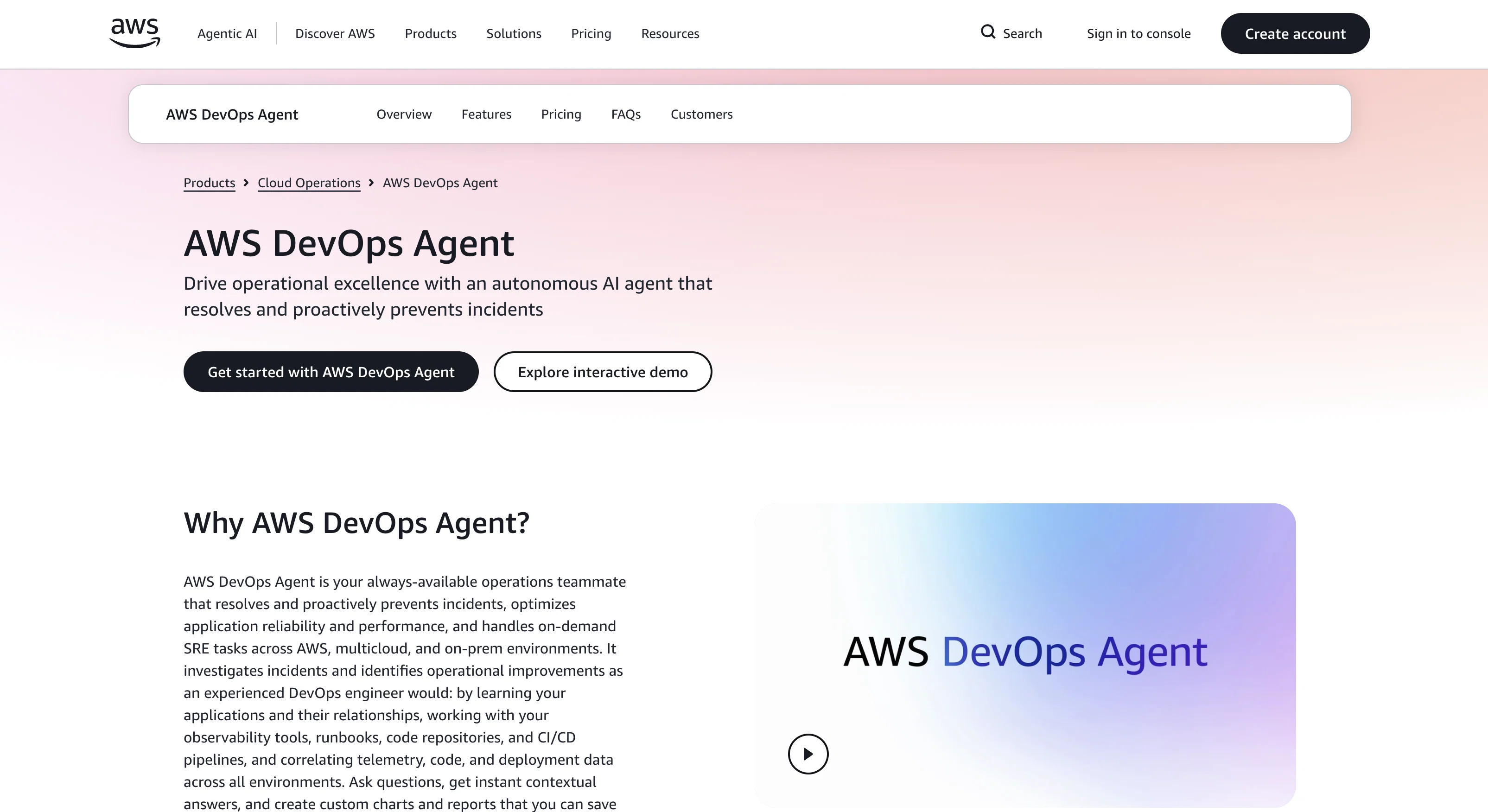
AWS DevOps Agent is an autonomous AI tool designed to aid in cloud operations. It is intended to serve as a reliable operational teammate, resolving and preventing incidents proactively.
The AI enables optimization of application reliability and performance while managing on-demand Site Reliability Engineering (SRE) tasks across AWS, multicloud, and on-prem environments.
AWS DevOps Agent investigates incidents, identifies operational improvements, and learns the specific applications and their relationships. This includes correlating telemetry, code, and deployment data across all environments, working with observability tools, runbooks, and code repositories, as well as Continuous Integration/Continuous Delivery (CI/CD) pipelines.
The AWS DevOps Agent offers built-in integrations with observability tools such as Amazon CloudWatch, Dynatrace, Datadog, Grafana, New Relic, and Splunk, and with code repositories and CI/CD pipelines like Azure DevOps, GitHub, and GitLab.
Users can interact with the agent for quick, contextual answers, and to create custom charts and reports. The agent can autonomously triage incidents 24/7, analyze historic incident patterns for prevention, and streamline incident response by routing observations and actions through preferred communication channels.
Moreover, the agent enables access to untapped insights in operational data and supports on-demand SRE tasks, providing deeper insights into the application environment.
Access & connections
Where you can use AWS DevOps Agent, and what it plugs into.
Platforms
Capabilities
What this tool accepts, produces, and is strongest at.
Input
- API
- Text
Output
- API
- Text
Highlights
- Agents
- API
- MCP
Supported features
- Agents
- API
- Automation
- Integrations
- MCP
- Text Generation
Pros & cons
Pros
- Proactive incident resolution
- Optimizes application reliability
- Supports on-demand SRE tasks
- Multicloud and on-prem support
- Investigates incidents thoroughly
- Identifies operational improvements
- Correlates telemetry, code, deployment data
- Supports observability tools
Show 30 more
- Works with CI/CD pipelines
- Integrates with Amazon CloudWatch
- Integrates with Dynatrace
- Integrates with Datadog
- Integrates with Grafana
- Integrates with New Relic
- Integrates with Splunk
- Supports Azure DevOps, GitHub, GitLab
- Custom reporting features
- 24/7 incident triage
- Analyzes past incident patterns
- Streamlines incident response
- Communicates through preferred channels
- Unlocks operational data insights
- Interactive user interface
- Autonomous on-call engineering
- Root cause analysis support
- Understanding application dependencies
- Observability enhancement recommendations
- Infrastructure optimization recommendations
- Deployment pipeline enhancement recommendations
- Resilience recommendations
- Access to untapped data
- Private or remote MCP servers support
- Queries resource health
- Tracks deployment activities
- Explores prevention recommendations
- Natural language interface
- Helps communicate operational metrics
- Customer approval and validation
Cons
- Limited to specific integrations
- Dependant on AWS ecosystem
- No standalone version
- Limited customization options
- Complex setup for multicloud
- No out-of-box multi-language support
- Unclear pricing structure
- Explicit learning curve
Show 2 more
- Limited to specific runbooks
- Difficult integration with proprietary systems
Compare alternatives
Similar tools in the catalog — with a clear reason to open each one.


CircleCI ✓
FreemiumDeliver production-ready software at AI speed.
Free + from $15/mo
Full comparison
Coder ✓
FreemiumSecure, governed AI development infrastructure for enterprises.
Why look Higher community rating
Full comparison
Dash0 ✓
Free TrialAI agents that transform how engineers work with observability.
Why look Higher community rating
Full comparison