

Audiostrip ✓
Remove or isolate vocals from any song instantly
Free + from $7.59/mo
Verdict
A quick read before you dig into the full page.
- Best if
- You are musicians and need: Creating karaoke tracks
- Skip if
- Poor handling of complex songs
- Pick this when
- Highest quality algorithms
Considering MixMaster Pro instead? Compare side by side
Overview
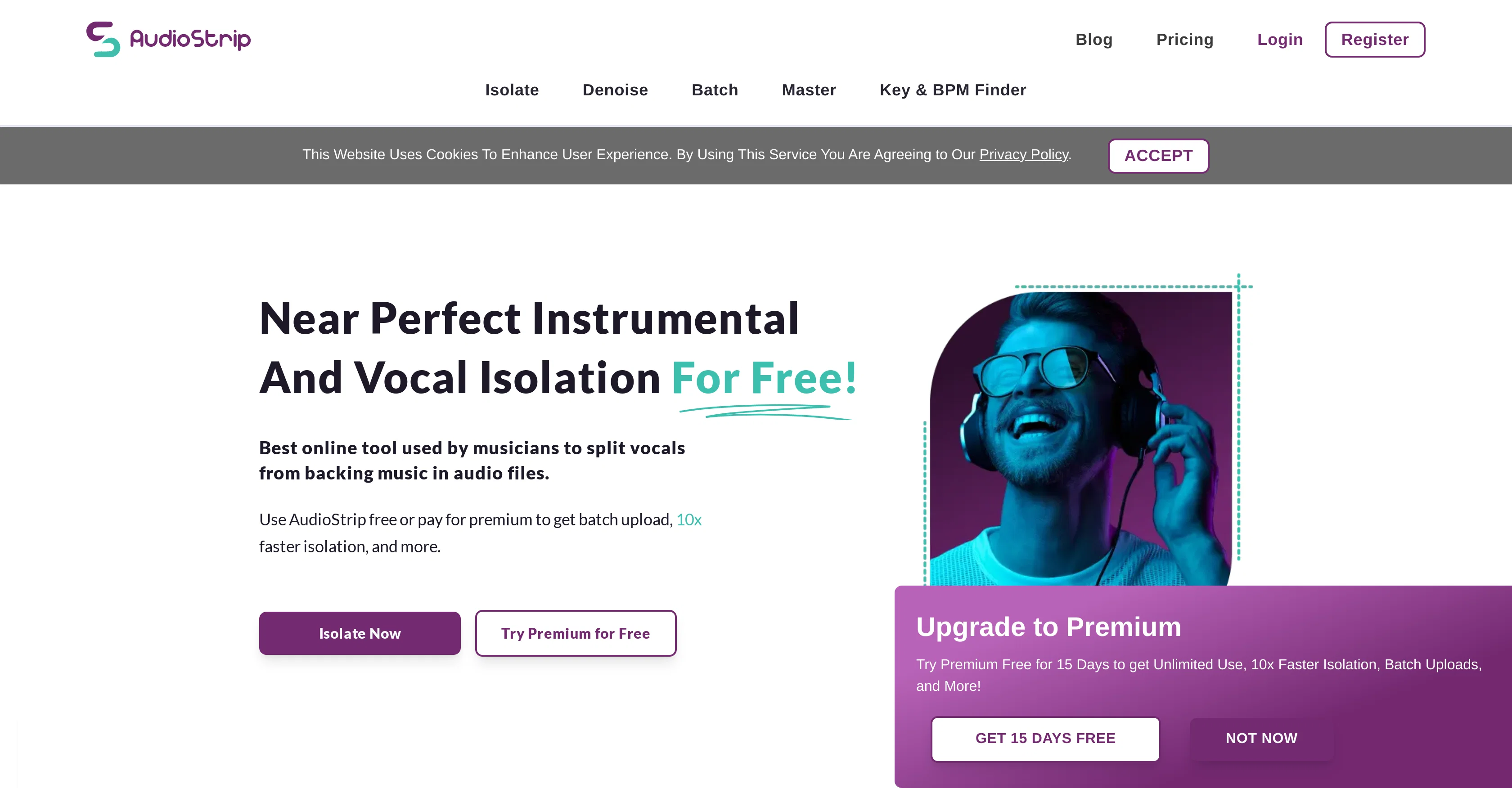
AudioStrip is a free online tool designed to isolate or remove vocals from any given song. Featuring user-friendly interface, the tool is ideal for music enthusiasts, karaoke lovers, DJs, and music producers.
By leveraging sophisticated digital signal processing algorithms, AudioStrip can separate the vocal component from the instrumental parts of a song with impressive precision and completeness.
Its primary function is to create vocal-free instrumental tracks, ideal for uses such as karaoke, backing tracks, or remixes. Conversely, it can also be used for extracting isolated vocal tracks for other creative purposes.
At the core of AudioStrip's technology is its ability to dissect complex auditory information into distinct elements, allowing users to manipulate the isolated vocals or instrumental parts as per their requirements.
Users can utilize this tool by simply uploading their chosen song into the platform, after which the software efficiently processes the audio and provides a track without the vocals.
While AudioStrip requires enabling JavaScript to perform, its functionalities are accessible via any commonly-used browser and do not need any additional software to be downloaded or installed.
Please note that while AudioStrip is available for free use, there may be limitations or premium features subject to change.
Best for
Short scenarios where Audiostrip tends to shine.
-
Creating karaoke tracks
Best for Musicians
-
Producing remixes
Best for Producers
-
Isolating vocals for sampling
Best for DJs
-
Removing vocals for instrumental covers
Best for Audio engineers
-
Noise reduction for speech
Best for Content creators
Example outputs 1
Sample generations and before/after results for Audiostrip.
Access & connections
Where you can use Audiostrip.
Platforms
Capabilities
What this tool accepts, produces, and is strongest at.
Input
- Audio
Output
- Audio
Supported features
- Denoise
Pros & cons
Pros
- Highest quality algorithms
- Free usage
- Simple and intuitive UI
- Batch isolation feature
- Transcription option
- Mastering feature
- Recommended by industry professionals
- Free premium subscription access
Show 12 more
- Various output formats support
- User-friendly website
- Error messages for better understanding
- Precision in isolation tasks
- Doesn't require downloads or installation
- Available on all browsers
- Music remixing features
- Supports karaoke uses
- Easy to upload songs
- Create vocal-free instrumental tracks
- Remove bass and drums features
- Processing pause function
Cons
- Lacks offline functionality
- Limited file output formats
- No direct integration with DAWs
- No noise reduction feature
- No mobile app available
- No collaboration features
- Requires JavaScript enabled
- Poor handling of complex songs
Show 2 more
- Pro features require subscription
- Unclear error messages
Compare alternatives
Similar tools in the catalog — with a clear reason to open each one.

MixMaster Pro ✓
FreemiumElevate your sound with AI-powered mix analysis.
Why look Offers a public API
Full comparison
LALAL.AI ✓
PaidHigh-quality stem splitting and voice cloning based on the world's #1 technology
Why look Offers a public API
Full comparisonPeople also view
Tools that often show up alongside Audiostrip in collections and comparisons.
MixMaster Pro ✓
FreemiumElevate your sound with AI-powered mix analysis.

Mix Check Studio ✓
FreemiumAI-driven insights to perfect your music mixes.
LALAL.AI ✓
PaidHigh-quality stem splitting and voice cloning based on the world's #1 technology

EaseUS Online Vocal Remover ✓
FreemiumRemove vocals from songs with AI-powered precision.

Auphonic ✓
FreemiumAutomatic audio post-production, simplified.

Neurohelper AI ✓
PaidEvery leading AI model. One workspace.

Nafy AI ✓
Free TrialTransform ideas into royalty-free, studio-quality tracks instantly.

HayNo AI Music Video Generator ✓
Free TrialUpload a song, describe the vibe, get a music video.
Releases 1
Imported reviews 1
AudioStrip did exactly what I wanted to do, to isolate and denoise an important video I had, there was a lady talking loudly close to the camera but we needed the background conversations to be heard and the noise taken out, this did the job, free and fast!
FAQ 12
What is AudioStrip?
How does AudioStrip work?
Is AudioStrip free to use?
How can I use AudioStrip to remove vocals from a song?
What does AudioStrip mean by 'batch isolation'?
What additional features does the premium subscription of AudioStrip offer?
How can I activate the premium subscription for free on AudioStrip?
Is it possible to pause while processing files on AudioStrip?
Why might I see error messages while using AudioStrip?
Can I use AudioStrip for instrumental track creation?
Who are the target users of AudioStrip?
Why do I need to enable JavaScript to use AudioStrip?
Related tools
Recommended

Riffusion ✓
FreemiumReal-time AI music generation from text prompts

RipX ✓
Free TrialAI-powered DAW for stem separation and remixing.

Free Music Demixer ✓
FreemiumMusic separation for audio remixing.

SOUNDRAW ✓
FreemiumAI-generated music in just a few clicks.

Boomy
UnknownBoomy: Create and share AI-generated music, get paid for listens.

Audioshake ✓
PaidOpen up your music with AI-powered stem separation.