

Verdict
A quick read before you dig into the full page.
- Best if
- Build AI that works for you
- Skip if
- Limited workflow support
- Pick this when
- Guided mode for beginners
Considering Whacka instead? Compare side by side
Overview
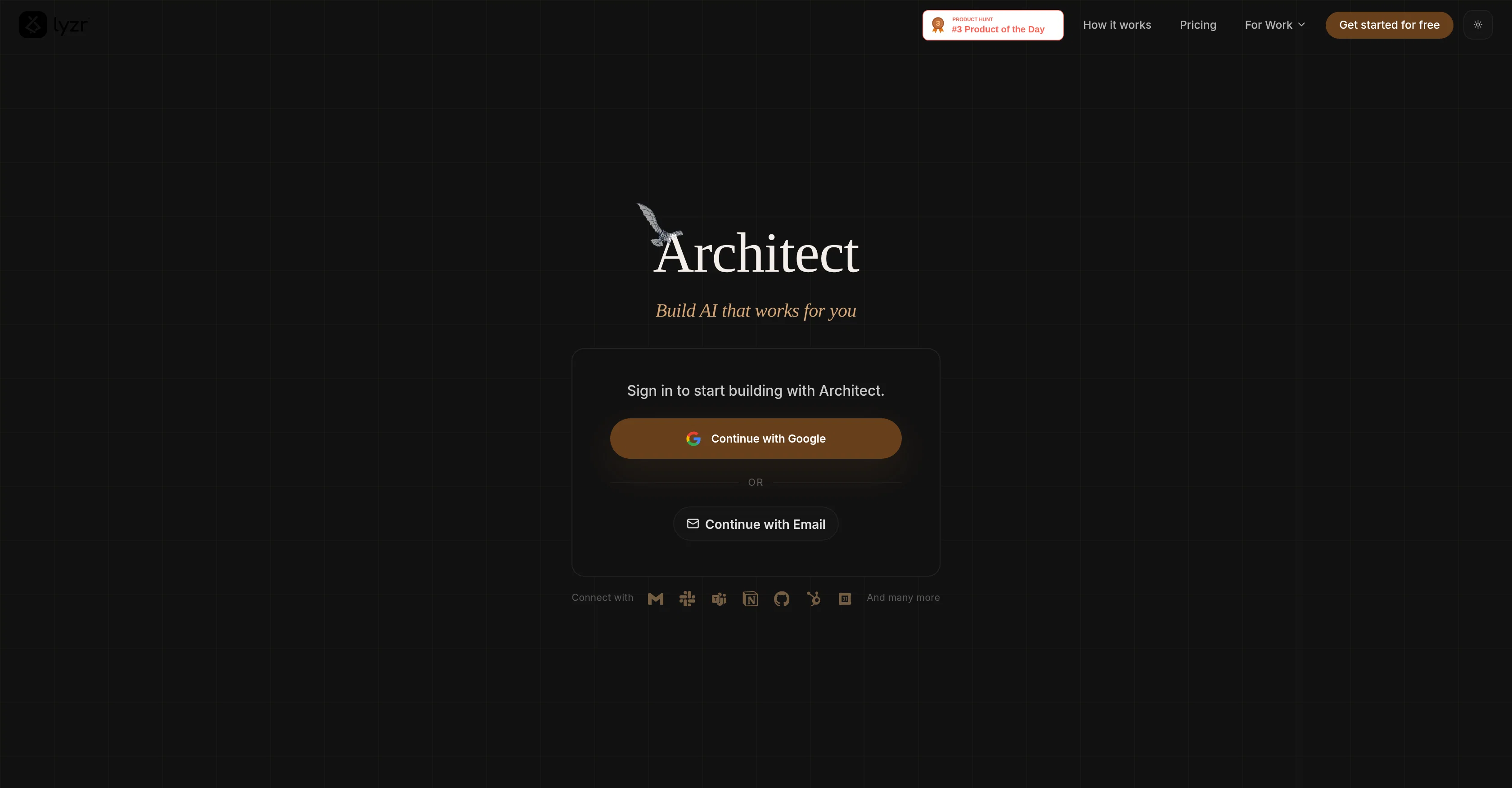
Architect is an AI-powered platform designed for the creation and development of intelligent agents. The platform offers a mode called 'Guided', which supports users in constructing their agent step-by-step.
Alternatively, the platform also contains a 'One Shot' mode for generating an agent instantly from a single prompt. Architect adopts a process-oriented approach.
First, in its 'Plan Mode', it analyses user requirements and, subsequently, generates a comprehensive plan complete with wireframes. The platform then goes onto orchestrate intelligent agents with workflows and data integration in its 'Agentic Layer'.
Finally, at the 'Production App' stage, Architect manages the construction of complete, production-ready applications with user interfaces and real-time features.
This platform is suitable for those seeking an efficient way to create AI agents, from planning to production, with a particular focus on user requirements.
Access & connections
Where you can use Architect.new.
Platforms
Capabilities
What this tool accepts, produces, and is strongest at.
Input
- Text
Output
- Code
- Text
Highlights
- Agents
Supported features
- App Builder
- Agents
- Automation
- Arhitecture & Interior design
Pros & cons
Pros
- Guided mode for beginners
- One Shot mode for speed
- Comprehensive agent development process
- Wireframe generation in planning
- Workflow orchestration capabilities
- Data integration features
- Agentic layer for orchestration
- Production-ready application building
Show 12 more
- User interface development embedded
- Real-time feature integration
- Detailed plan creation
- Step-by-step walkthrough available
- Expedited agent creation option
- Inherent process-oriented approach
- Requirement analysis capabilities
- Focus on user requirements
- Free start option
- Google and Email login
- Designed for intelligent agent creation
- PRD generation feature
Cons
- No collaborative features
- No API access
- No scaling capabilities
- No integrations offered
- Lacks advanced customization
- No offline functionality
- No multi-platform support
- Limited workflow support
Show 2 more
- No version control
- Lacks detailed debugging
Compare alternatives
Similar tools in the catalog — with a clear reason to open each one.

Whacka ✓
Free TrialTurn ideas into real apps from your phone.
Why look Typically cheaper
Full comparison
AppDeploy ✓
FreeDeploy real apps directly from ChatGPT or Claude
Why look Fully free option
Full comparison
Anything - AI App Builder ✓
FreemiumTurn your words into apps, sites, and products.
Why look Typically cheaper
Full comparison
LaunchLemonade ✓
Free TrialBuild AI assistants effortlessly for your business.
Why look Typically cheaper
Full comparison

Releases 1
FAQ 12
What is Architect Beta?
How does Architect Beta assist in creating intelligent agents?
What is the difference between the Guided mode and One Shot mode in Architect Beta?
Who should use the Guided mode in Architect Beta?
What kind of setup is best for the One Shot mode in Architect Beta?
Can you explain how Architect Beta's 'Plan Mode' works?
What is an 'agentic layer' in Architect Beta?
What does the 'agentic layer' in Architect Beta do?
How can Architect Beta help in the development of user-interface and real-time features?
How does Architect Beta facilitate workflow orchestration?
What features does Architect Beta provide for application development?
How does Architect Beta analyze the requirements for agent development?
Related tools
Recommended

Midjourney ✓
PaidExpand human imagination through AI-powered visuals.

Cursor ✓
FreemiumAI-powered IDE for faster coding

Mentor: Get things done ✓
FreemiumAchieve your goals and get things done with Mentor and AI

VenturusAI ✓
FreemiumBusiness idea analysis and reporting.

Hyperis ✓
FreemiumOrganized task prioritization.

D-ID ✓
FreemiumCreate AI-generated videos with ease