Arc Max ✓
Power up your browsing with AI
Verdict
A quick read before you dig into the full page.
- Best if
- Power up your browsing with AI
- Skip if
- Absence of tailored learning
- Pick this when
- Optimizes web browsing experiences
Considering Chrome Sidekick instead? Compare side by side
Overview
Arc Max is an advanced intelligent tool aimed at optimizing web browsing experiences. Its core features revolve around interactive assistance and smart automation for tasks related to Internet navigation.
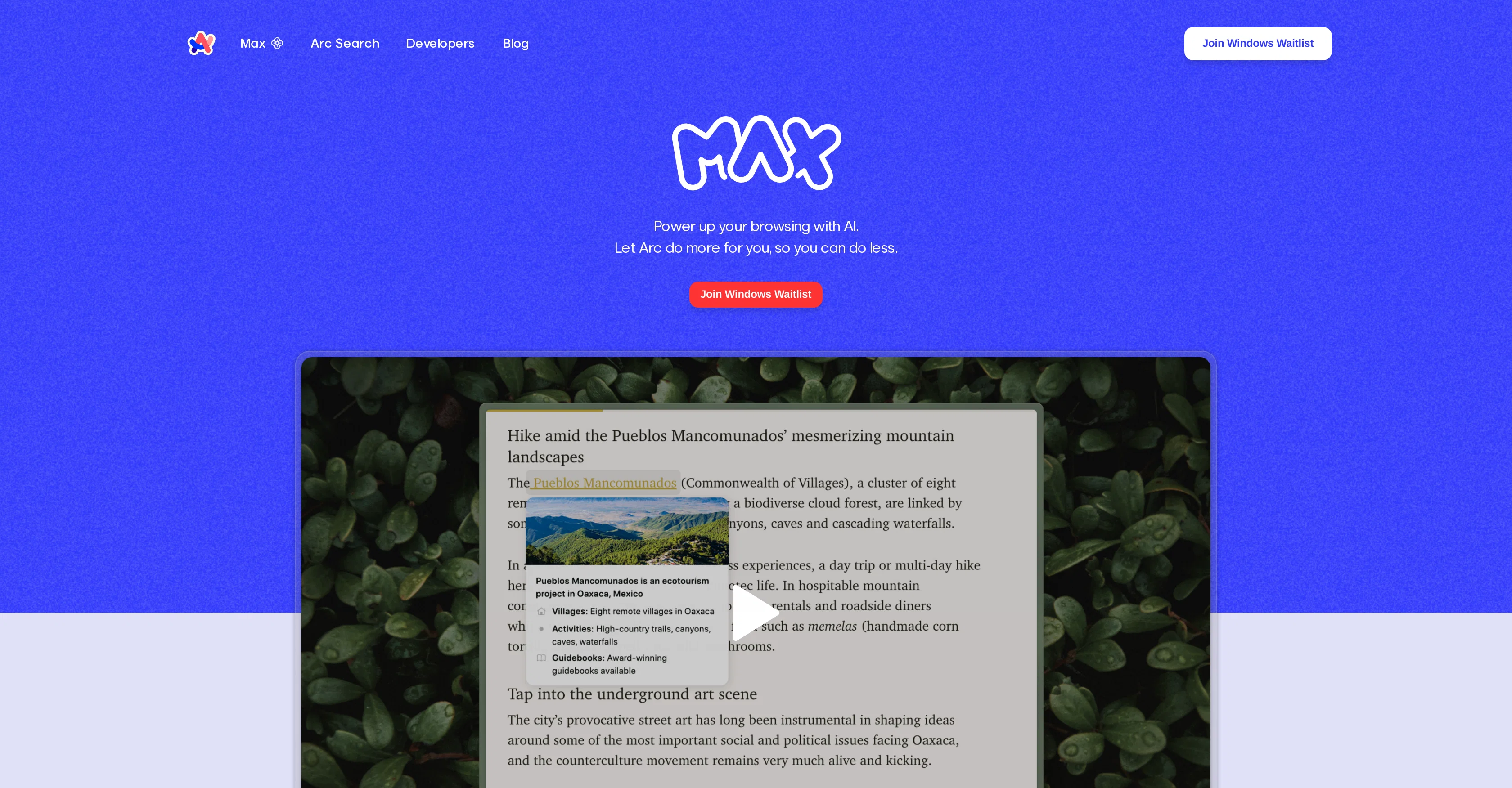
Arc Max is integrated with ChatGPT, allowing users to ask questions and receive answers in fewer steps. Users can interact with any page by using the 'Ask on Page' feature.
By simply holding down Command + F, users can ask a question and await Maxs response. This tool also offers a '5 Second Previews' feature that enables users to generate a preview of any webpage by hovering over the link and pressing shift, thereby eliminating the need for a click.
The 'Tidy Tab Titles' and 'Tidy Downloads' features provide automation for navigational convenience, where tab titles are automatically renamed to shorter versions when pinned, and download files are intelligently renamed for easier location later on.
Arc Max can be easily activated by typing 'Arc Max' in the command bar, enhancing the users browsing experience without hefty onboarding.
Access & connections
Where you can use Arc Max.
Capabilities
What this tool accepts, produces, and is strongest at.
Input
- Text
Output
- Text
Pros & cons
Pros
- Optimizes web browsing experiences
- Interactive assistance feature
- Smart automation for tasks
- Integrated with ChatGPT
- Ask on Page feature
- Command + F interaction
- 5 Second Previews feature
- Hover Link Preview
Show 12 more
- Tab title auto-renaming
- Download file intelligent renaming
- Easily activated with 'Arc Max'
- Saves users time
- Enhances browsing without hefty onboarding
- ChatGPT integration for on-page questions
- Eases Internet navigation
- Quick website previews on hover
- Automatic shorter versions of pinned tabs
- Smart organization of downloaded files
- Quick activation from command bar
- Dismisses need for additional clicks
Cons
- Limited to Command + F
- Limited tab title customization
- Renaming downloads can confuse
- ChatGPT account requirement
- Lacks broad compatibility
- Absence of tailored learning
- No multi-browser support
- Limited Link Preview Control
Show 1 more
- Lack of API integration
Compare alternatives
Similar tools in the catalog — with a clear reason to open each one.

Chrome Sidekick ✓
FreemiumYour AI browser assistant for Chrome superpowers.
Free + from $4/mo
Full comparison
Norton Neo Browser ✓
FreeThe first safe AI-native browser.
Why look Higher community rating
Full comparison

Hyperbrowser ✓
FreemiumCloud browsers for AI agents and apps.
Why look Higher community rating
Full comparison
SurfMind ✓
FreemiumAI browser extension that understands any webpage's context.
Why look Offers a public API
Full comparison
Releases 1
FAQ 12
What is Arc Max?
How does Arc Max enhance web browsing experiences?
How does the 'Ask on Page' feature work in Arc Max?
What is the function of ChatGPT integration in Arc Max?
How can I activate the 5 Second Previews feature in Arc Max?
How does the 'Tidy Tab Titles' feature work in Arc Max?
What is the purpose of 'Tidy Downloads' feature in Arc Max?
How can I activate Arc Max using the command bar?
How can Arc Max save me time while browsing the web?
What do I need for the Ask ChatGPT feature to work in Arc Max?
How does the tab renaming work with the Tidy Tab Titles feature?
How are the files renamed by the Tidy Downloads feature in Arc Max?
Related tools
Recommended

IllumiChat ✓
FreemiumFrom Ticket Backlog to Instant Answers Powered by AI

Limecube ✓
FreemiumTransforming the way websites are created with AI.

VenturusAI ✓
FreemiumBusiness idea analysis and reporting.

MagicSlides.app AI PPT Maker ✓
FreemiumCreate Stunning PPTs in Seconds with the AI PPT Maker

TutorAI ✓
FreemiumInstant knowledge on any topic

Eightify
UnknownAI-powered YouTube video summarizer extracting key ideas for quick content assessment.