

AmyMind ✓
AI-powered mind mapping: From idea to visual in one click.
Free + from $4.99/mo
Verdict
A quick read before you dig into the full page.
- Best if
- AI-powered mind mapping: From idea to visual in one click
- Skip if
- Limited diagrams for free users
- Pick this when
- Uncomplicated creation of diagrams
Considering Mind Map Wizard instead? Compare side by side
Overview
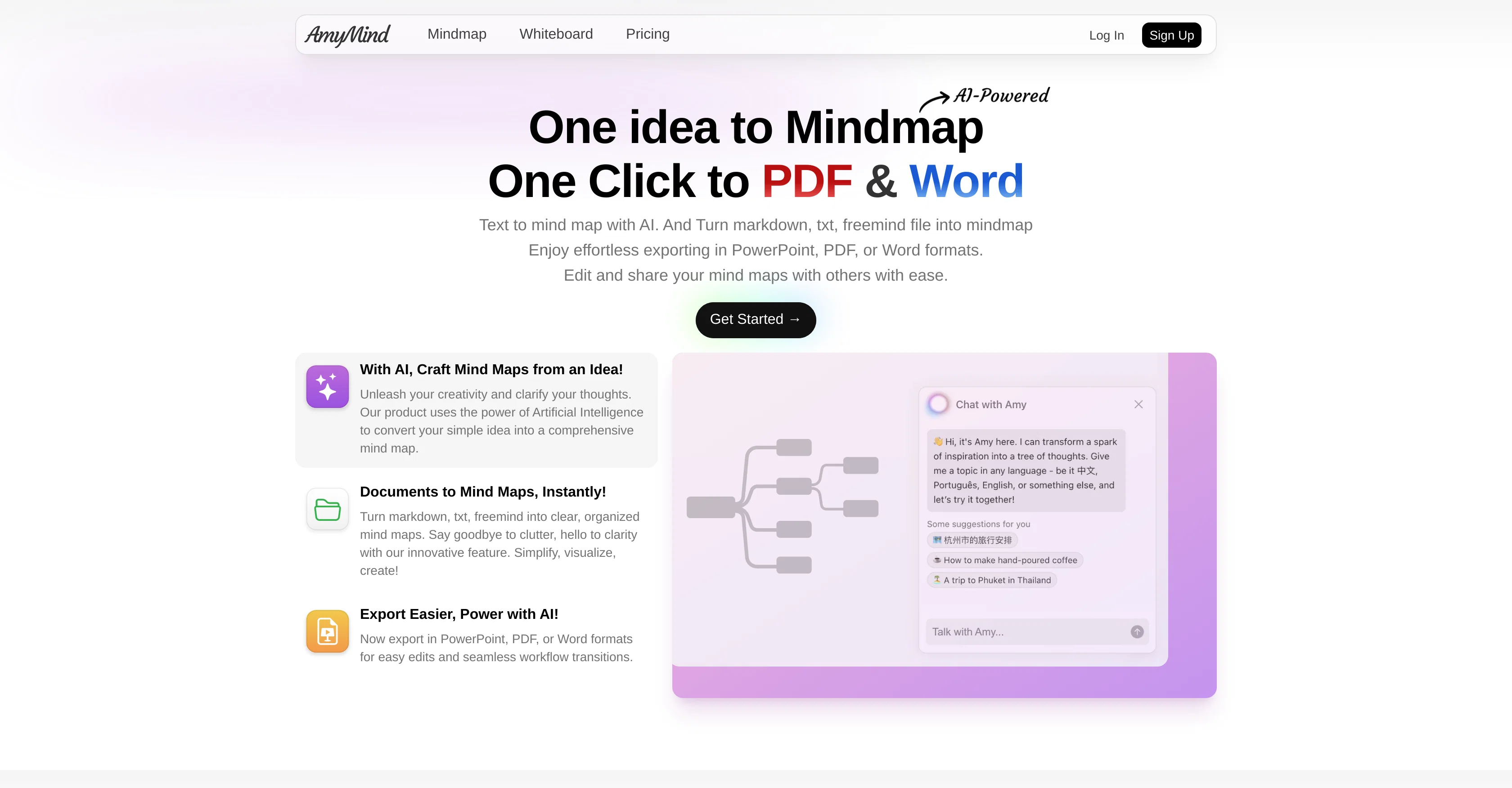
AmyMind is an AI-integrated application designed for the uncomplicated creation and sharing of mindmaps, flowcharts, and UML diagrams. The tool takes input in the form of text or a freemind file, which it then processes to generate a clear, organized mind map, facilitating in breaking down cluttered ideas or complex concepts.
AmyMind also supports markdown text, enabling simplified document-to-mind-map conversions. In addition to offering creation capabilities, AmyMind makes it easy to export these mind maps into various formats like PowerPoint, PDF, or Word.
This feature allows seamless transitions into different workflows facilitating easy edits. Another primary aspect of AmyMind is its modern whiteboard tool which provides a simple yet efficient interface for creating diagrams.
The tool negates the need for any software downloads as it supports online editing of charts, and is designed to draw flowcharts, UML diagrams, and other work-related diagrams.
AmyMind has plans to become compatible with various other platforms, solidifying its versatility. Its usage is offered free for occasional users with limited requirements, with a professional version being available for users with more extensive needs.
Access & connections
Where you can use AmyMind.
Platforms
Capabilities
What this tool accepts, produces, and is strongest at.
Input
- Tabular
- Text
Output
- Tabular
- Text
- Image
Pros & cons
Pros
- Uncomplicated creation of diagrams
- Supports markdown text
- Exports to PowerPoint, PDF, Word
- No software downloads necessary
- Free version available
- Professional version available
- Input from text or freemind
- Document-to-mind-map conversion
Show 21 more
- Cross-platform compatibility plans
- Online editing support
- Efficient whiteboard tool
- Export into various workflows
- Seamless integration with workflows
- Supports UML and flowcharts
- Cloud-Based for easy access
- Supports frequent diagram organization
- Planned compatibility with popular platforms
- Easy exporting and sharing
- Limited budget options available
- Support for faster edits
- High-efficiency interface
- Allows quick editing of styles
- Supports diagram scene creation
- Effortless text to mindmap
- Planned for mobile compatibility
- Upgradable membership plan
- Folder Manager for professionals
- Unlimited diagrams for professionals
- Higher storage for professionals
Cons
- Insufficient storage space
- Requires frequent upgrades
- Pricing for premium features
- Not yet compatible with all platforms
- Only supports certain file formats
- Limited text-to-diagram conversion
- Only supports online editing
- Limited diagrams for free users
Compare alternatives
Similar tools in the catalog — with a clear reason to open each one.

Mind Map Wizard ✓
FreemiumGenerate mind maps with AI: free, no sign-up, no ads
Why look Offers a public API
Full comparison
InstantMind ✓
Free TrialAI-powered mind maps from any content, instantly.
Why look Better for writing
Full comparison

MindMap AI ✓
FreemiumTurn ideas and files into AI powered mind maps
Free + from $4.99/mo
Full comparison
Mindmap ✓
FreemiumVisualize ideas effortlessly with free mindmaps.
Free + from $12/mo
Full comparison
Mapify ✓
PaidTransform anything to mind maps by AI
Why look Higher community rating
Full comparisonReleases 1
FAQ 12
What does AmyMind do?
How does AmyMind work?
Can AmyMind convert text into diagrams?
Does AmyMind support markdown text?
Can I share my mind maps made with AmyMind?
Does AmyMind allow me to export my mind maps?
What file formats does AmyMind support for exporting?
What is AmyMind's pricing?
Is there a free version of AmyMind?
Can I edit my charts online with AmyMind?
Do I need to download any software to use AmyMind?
What types of diagrams can I create with AmyMind?
Related tools
Recommended

WiseMap ✓
FreemiumMap your vision, amplify ideas with AI.

AI Mind Mapper ✓
FreeTransform PDFs into easy-to-digest mind maps.

Nodeland ✓
FreemiumTransform notes into interactive mind maps using AI

CoWriter AI ✓
FreemiumAI-powered writing assistant for smarter, faster content

Life Note ✓
FreemiumJournal with the greatest minds in human history

MindmapAI ✓
UnknownEasily create mind maps with AI-powered simplicity.