

Prototyping 2026 Rank: #2276
Alloy ✓
Prototype AI features inside your real product.
Verdict
A quick read before you dig into the full page.
- Best if
- Prototype AI features inside your real product
- Skip if
- Limited to web apps
- Pick this when
- Real product prototyping
Considering Prototyper instead? Compare side by side
Overview
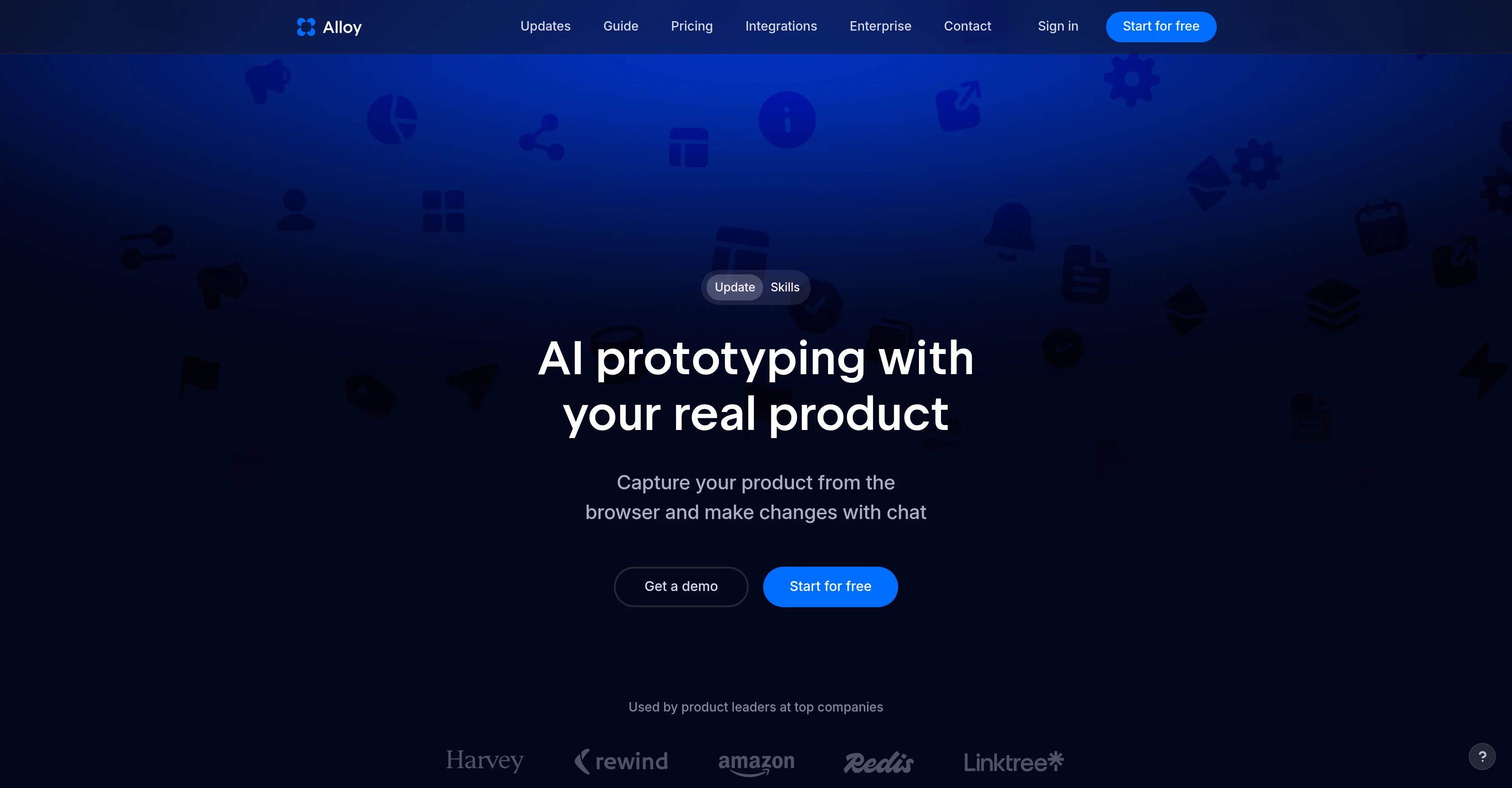
Alloy is an AI-based tool designed for prototyping real products. It allows users to generate AI prototypes, capturing any page and building interactive demos for sharing within their teams.
It facilitates product leaders in using their existing codebase, components, and pages to explore and experiment with product ideas. With Alloy, pages are easily captured either using the extension or by connecting directly to the users' codebase.Alloy makes it simple to prompt new ideas, share them with your team or customers, and push production-ready code.
It is an ideal tool for product development as it allows real-time changes to your product directly from a browser or connected codebase, facilitating the process of idea development and application.The tool also enables Alloy sessions to be shared instantly with your team or customers, providing an efficient platform for obtaining feedback and accelerating product delivery.
It integrates with several other tools, allowing the usage of ideas, insights, and customer requests in the product building process.Alloy emphasizes data security, maintaining high standards of engineering security to ensure that your data remains safe.
It supports features such as the creation of reusable skills for an Alloy agent, Alloy MCP for secure reading of Alloy session context, and conversational voice mode for audio communication during sessions.In sum, Alloy is a powerful, efficient, and secure AI prototype tool that caters to the complexities and demands of real product development, improving the overall efficiency, communication, and deployment of product ideas.
Access & connections
Where you can use Alloy, and what it plugs into.
Platforms
Integrations
Capabilities
What this tool accepts, produces, and is strongest at.
Input
- Code
- Tabular
Output
- Code
Pros & cons
Pros
- Real product prototyping
- Interactive demos creation
- Facilitates idea generation
- Allows real-time changes
- Direct browser or codebase changes
- Promotes team collaboration
- Enables instant session sharing
- Use of existing codebase
Show 22 more
- Improves product deployment
- Accelerates product delivery
- Integrates with other tools
- Maintains data security
- Creation of reusable skills
- Alloy MCP for session reading
- Voice mode for sessions
- Secure engineering standards
- Page capture using extension
- Feedback collection tools
- Codebase integration capabilities
- Record of all sessions
- Production-ready code push
- Enterprise-ready and built to scale
- Built on user's codebase
- Skip developer handoff
- Facilitates customer interaction
- 20+ tools integration
- Invite by email feature
- Preview live changes
- Public session sharing option
- Slack integration for prototyping
Cons
- Requires admin permissions
- Limited tool integration list
- No Figma import
- 15-minute setup time
- Extension or codebase required
- Limited to web apps
- Dependent on cloud sessions
- No standalone functionality
Show 2 more
- Session handling not optimal
- No details about platform compatibility
Compare alternatives
Similar tools in the catalog — with a clear reason to open each one.


Magic Patterns ✓
Free TrialGenerate perfect components for your design system.
Why look Stronger for image work
Full comparison
DOMSY.IO ✓
FreeEmpower your creativity with the ultimate prototyping tool.
Why look Fully free option
Full comparison
Dessn ✓
FreemiumBuild custom sales demos without derailing your day.
Free + from $39/mo
Full comparison
AI Builder | Hostinger Horizons ✓
Free TrialBuild web apps and websites without writing any code.
Why look Typically cheaper
Full comparison
Fleck AI ✓
FreemiumTurn ideas into validated, build-ready products, from research to portfolio.
Why look Typically cheaper
Full comparisonReleases 1
FAQ 12
What is Alloy?
How can Alloy help in prototyping real products?
How does Alloy's page capture feature work?
Can Alloy integrate with my existing codebase?
What collaboration features does Alloy offer?
How secure is Alloy, and what measures does it take to protect my data?
What is the Alloy MCP feature and how does it work?
Can Alloy sessions be shared with my team or customers?
How does Alloy assist in the idea generation and product development processes?
In what ways can Alloy facilitate real-time changes to products?
Can Alloy reuse skills for an Alloy agent, and how does this process work?
Does Alloy offer a voice mode for audio communication during sessions?
Related tools
Recommended

Hedy AI ✓
FreemiumDominate every meeting with Hedy as your brilliant AI ally

LumaResume ✓
FreemiumTailor your resume to any job in minutes.

MagicSlides.app AI PPT Maker ✓
FreemiumCreate Stunning PPTs in Seconds with the AI PPT Maker

GetLogit ✓
FreemiumArtificial intelligence, available for everyone.

ChatGPT ✓
FreemiumAsk anything, create anything, and move from idea to action.

Automateed ✓
Free TrialCreate eBooks effortlessly with Automateed, the AI-powered writing tool.